5-5
Using Convenient Fax Functions > Forward Settings
Changing and Deleting Registration Contents
Use the procedure below to change or delete registration contents.
1
Display the screen.
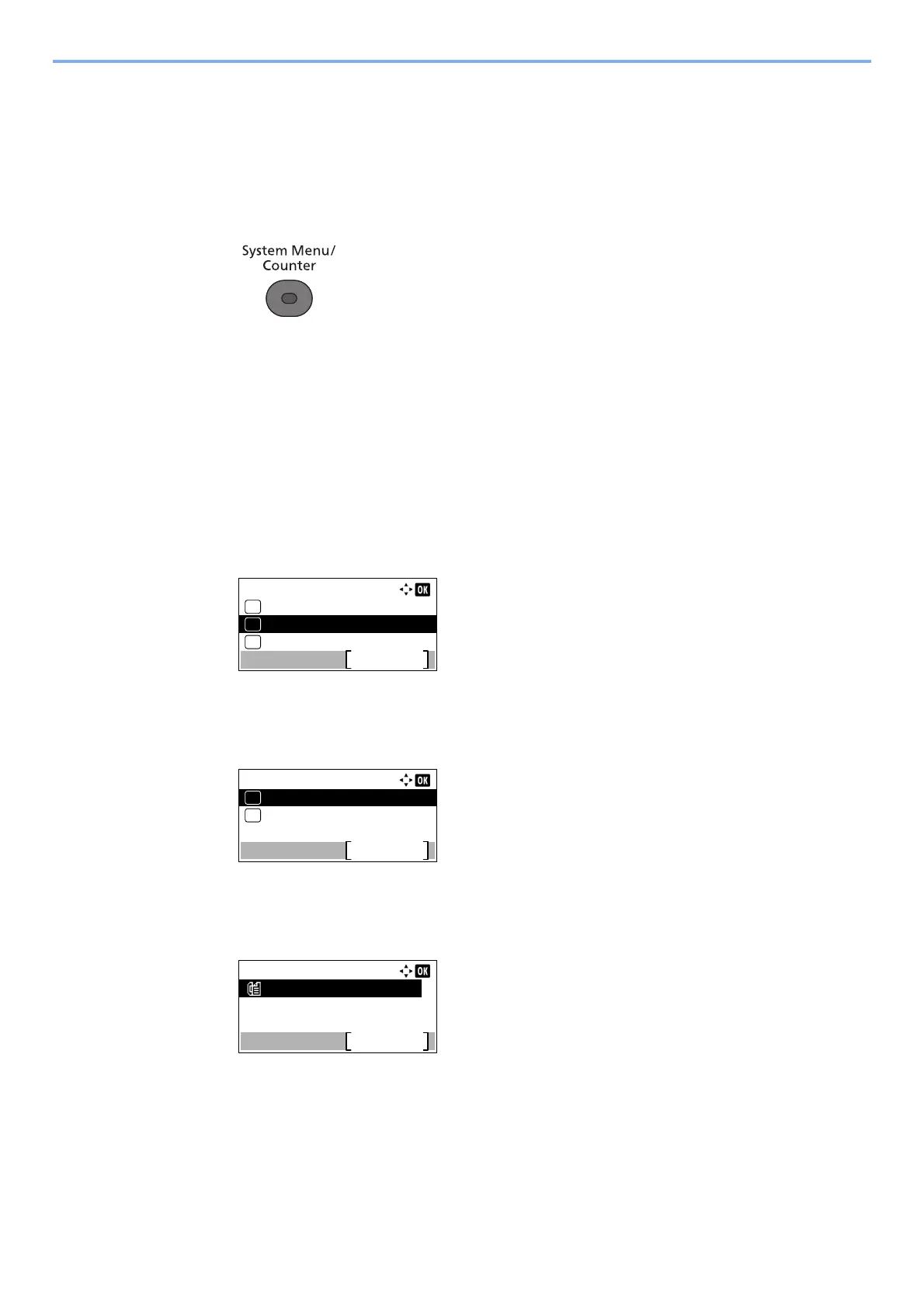
1 Press the [System Menu/Counter] key.
2 Press the [▲] or [▼] key to select [FAX].
3 Press the [OK] key.
4 Press the [▲] or [▼] key to select [Reception].
5 Press the [OK] key.
6 Press the [▲] or [▼] key to select [Forward Settings].
7 Press the [OK] key.
8 Press the [▲] or [▼] key to select [Forward Dest.].
9 Press the [OK] key.
10Press the [▲] or [▼] key to select [Confirmation].
11Press the [OK] key.
12Check the destination you want to change.
13Press the [OK] key.
2
Changing Forwarding Destination
To edit the destination
1 Press the [▲] or [▼] key to select [Edit].
02
Forward Settings:
Forwarding
Exit
Forward Dest.
File Format
03
01
Forward Dest.:
Confirmation
Exit
01
Register
02
Dest. Confirm.:
Exit
0123456789 ...



 To Next Page