5-7
Using Convenient Fax Functions > Forward Settings
2
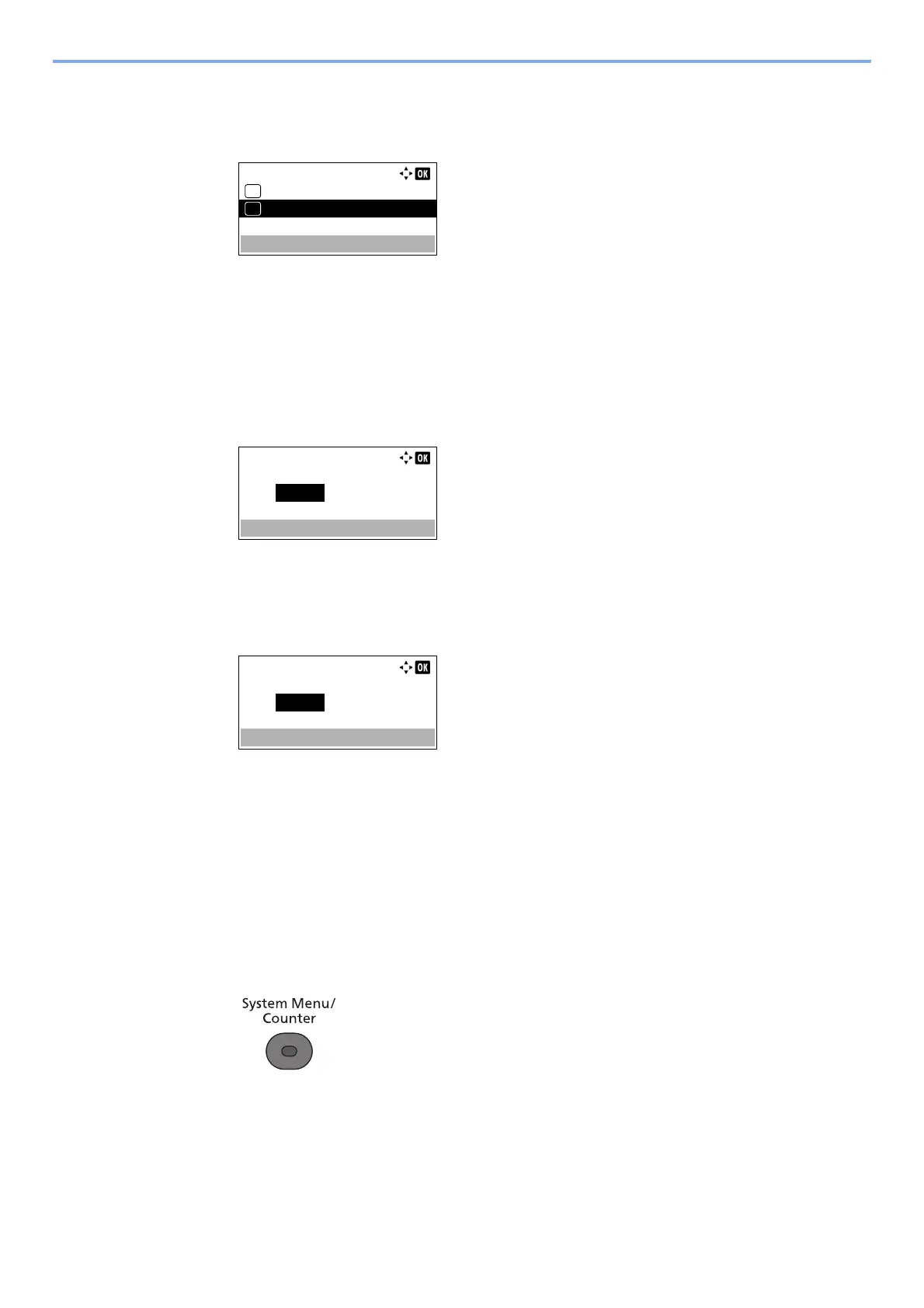
Configure the function.
1 Press the [▲] or [▼] key to select [All day] or [Preset Time].
To forward all day, select [All day] and press the [OK] key.
To set a forwarding start time and end time, select [Preset Time] and press the [OK] key, and
then set the start time and end time.
Forwarding start time and end time settings
1 Press the [▲] or [▼] key to set the hours and minutes of the start time. Press the [◄] and
[►] key to move the cursor right and left.
2 Press the [OK] key.
3 Press the [▲] or [▼] key to set the hours and minutes of the end time. Press the [◄] and
[►] key to move the cursor right and left.
4 Press the [OK] key.
File Format Setting
If you are sending the file as an E-mail attachment or transferring it to a folder (SMB or FTP), select PDF, TIFF, or XPS
as the file format.
1
Display the screen.
1 Press the [System Menu/Counter] key.
2 Press the [▲] or [▼] key to select [FAX].
3 Press the [OK] key.
4 Press the [▲] or [▼] key to select [Reception].
5 Press the [OK] key.
Forward Time:
All day
01
Preset Time
02
*
Start Time:
Hour
00
Current Time
Min.
00
( 11:45)
:
End Time:
Hour
00
Current Time
Min.
00
( 11:45)
:



 To Next Page