3-7
Sending Faxes > Basic transmission procedure
Checking the Send Status
1
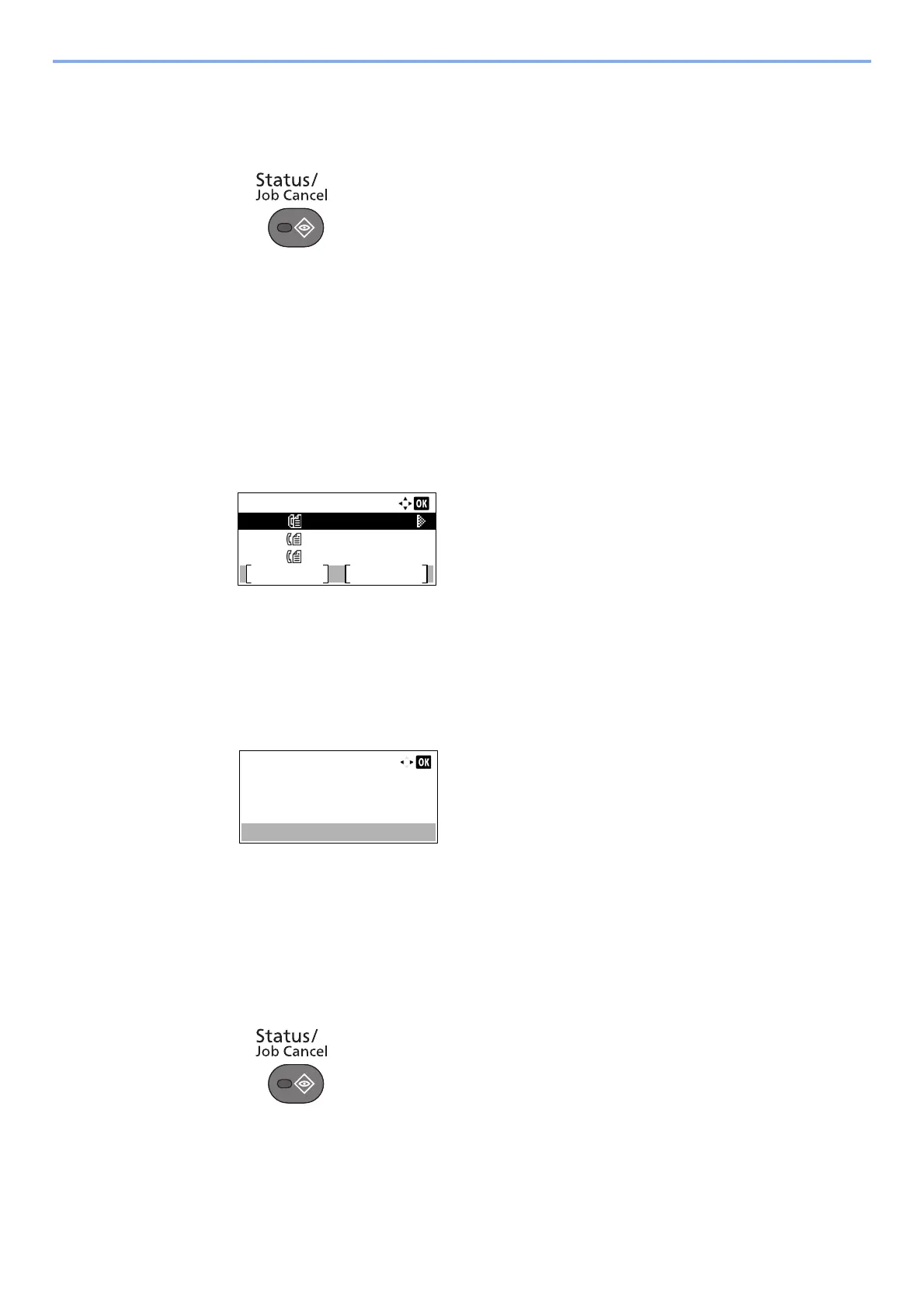
Press the [Status/Job Cancel] key.
2
Display the send job status screen.
1 Press the [▲] or [▼] key to select [Send Job Status].
2 Press the [OK] key.
Display the send job status screen.
3
Check the details of the transmission job.
1 Press the [▲] or [▼] key to select the job you want to check.
2 Press [Menu].
3 Press the [▲] or [▼] key to select [Detail].
4 Press the [OK] key.
5 Press the [] or [] key to check the details of the job.
6 Press the [OK] key when checking of the job is complete.
Priority Override Send
A fax job waiting to be sent can be sent by priority override.
1
Press the [Status/Job Cancel] key.
2
Select the job to be sent by priority override.
1 Press the [▲] or [▼] key to select [Send Job Status].
Send Job Status:
Cancel
Menu
0010
0011
0012
0123456789
1234567890 ...
2345678901 ...
Detail:
Status:
0010
1/8
Processing



 To Next Page