5-18
Using Convenient Fax Functions > Sub Address Box Function
2
Selecting the Originals.
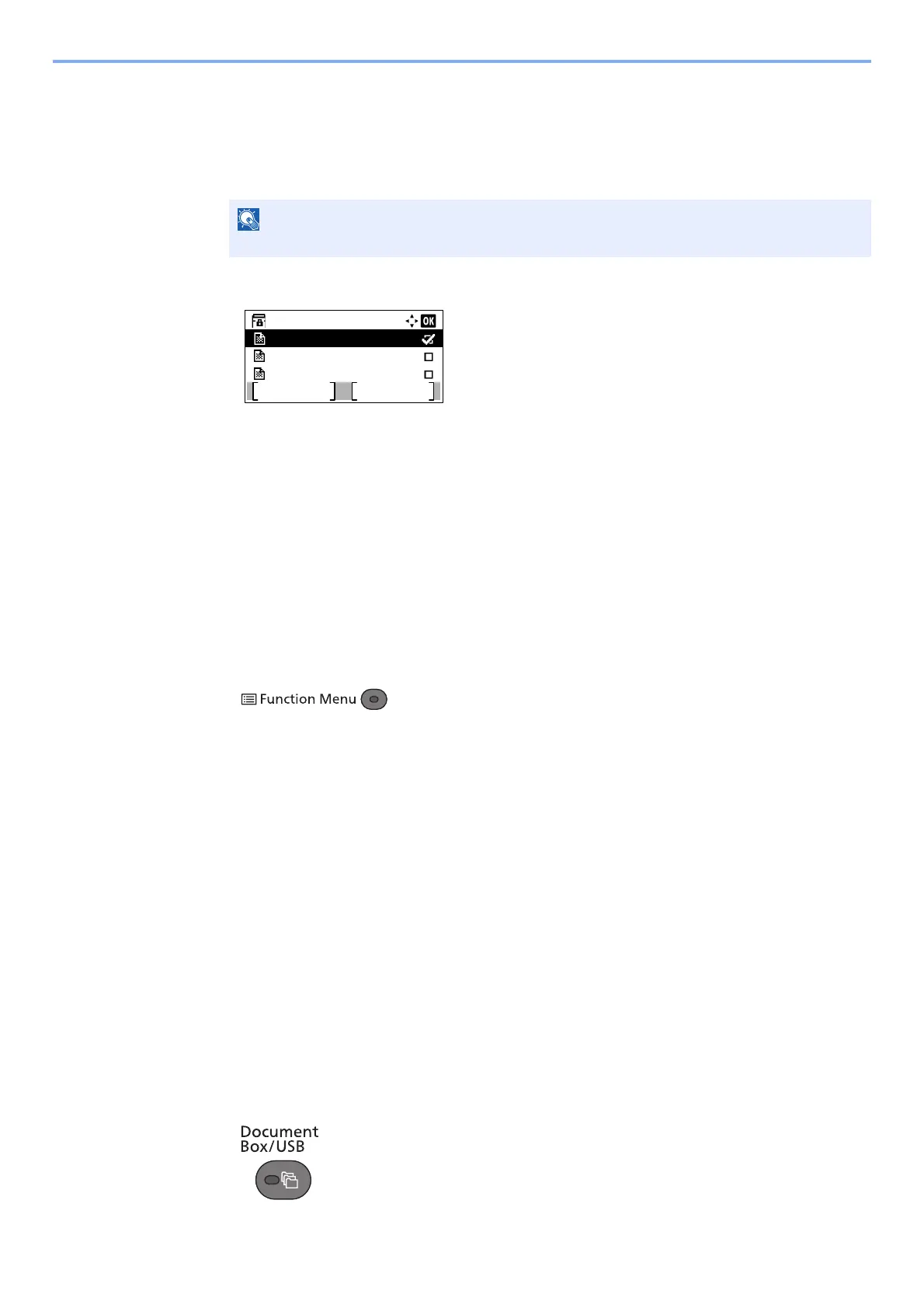
1 Press the [▲] or [▼] key to select the box containing the document you want to print.
2 Press the [OK] key.
3 Press the [▲] or [▼] key to select the document you want to print.
4 Press [Select].
A checkmark will be placed on the right of the selected file.
Select the checkmarked file and press [Select] again to cancel the selection.
5 Press the [OK] key.
3
Configure the function.
1 Press the [▲] or [▼] key to select [Print].
2 Press the [OK] key.
3 Press the [Function Menu] key.
4 Press the [▲] or [▼] key to select [Del. after Print].
5 Press the [OK] key.
6 Press the [▲] or [▼] key to select [On].
7 Press the [OK] key.
4
Print
1 Press the [Start] key. The original is deleted after printing.
Deleting Originals from a Sub Address Box
Use the procedure below to delete an original that you have forwarded to a Sub Address Box.
1
Display the screen.
1 Press the [Document Box/USB] key.
If a Sub Address Box is protected by a password, enter the correct password.
Box 1:
Document 1
Document 2
Document 3
Menu Select



 To Next Page