5-4
Using Convenient Fax Functions > Forward Settings
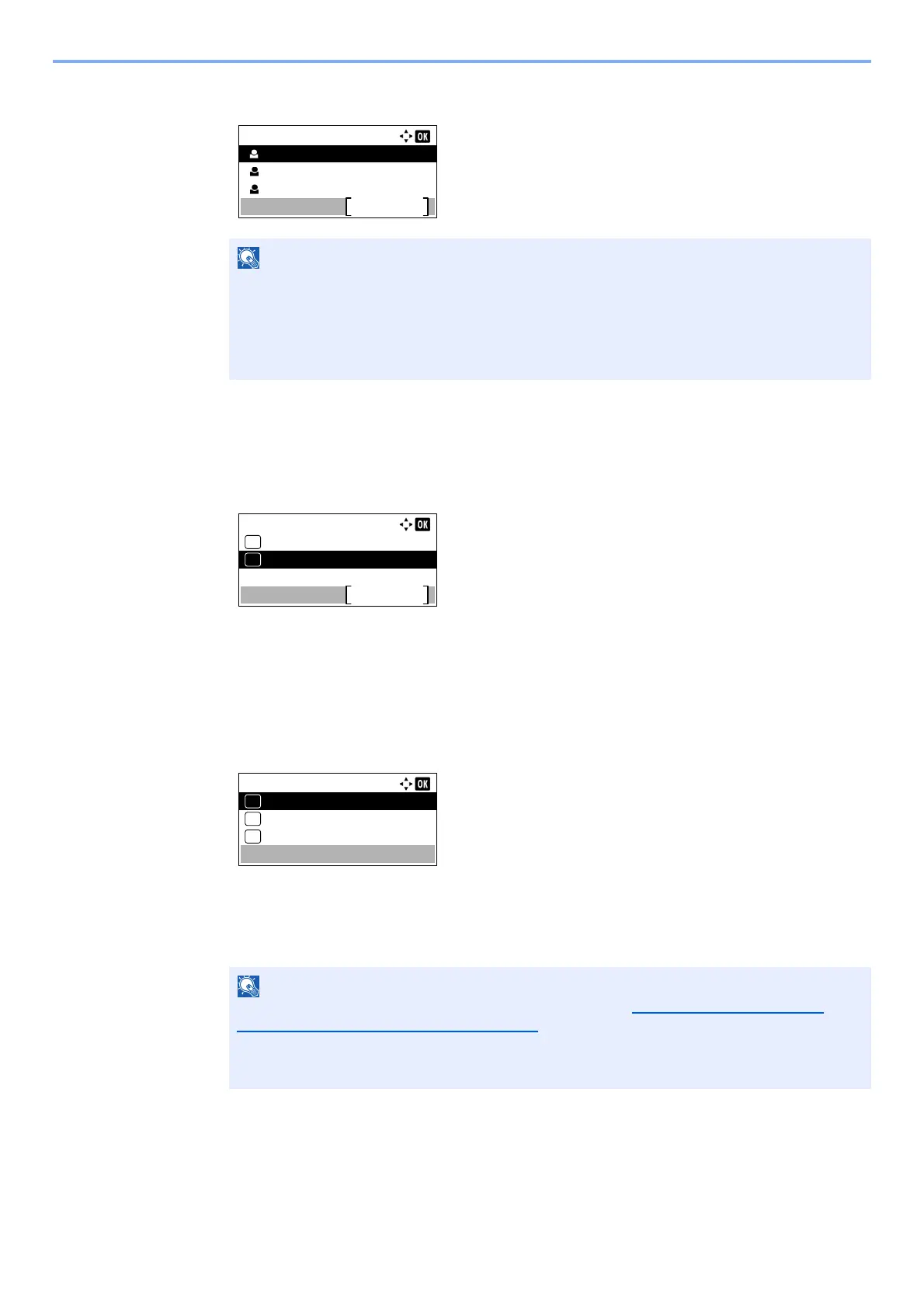
5 Press the [▲] or [▼] key to select the destination.
6 Press the [OK] key.
Entering Forwarding Destination Directly
1 Press the [▲] or [▼] key to select [Register].
2 Press the [OK] key.
3 Press the [▲] or [▼] key to select [Address Entry].
4 Press the [OK] key.
5 Press the [▲] or [▼] key to select [FAX], [E-mail], [Folder(SMB)] or [Folder(FTP)].
6 Press the [OK] key.
7 Enter the address to be registered as a forwarding destination.
8 Press the [OK] key.
When selecting the destination, press [Menu] and then [▲] or [▼] key, select
[Search(Name)], and then press the [OK] key. The Search screen is displayed.
When checking details of the destination, press the [▲] or [▼] key to select the destination
to check details, press [Menu] and then [▲] or [▼] key, select [Details], and then press the
[OK] key. Detailed information is displayed.
If [FAX] is selected for the forwarding destination, refer to Entering the destination fax
number with the numeric keys on page 3-12 to enter the destination.
If [E-mail], [Folder(SMB)] or [Folder(FTP)] is selected for the forwarding destination, refer to
the Operation Guide for the machine to enter the address.
Contacts:
Sales Department 1
Menu
Sales Department 2
Sales Department 3
Forward Dest.:
Confirmation
Exit
01
Register
02
Address Entry:
FAX
01
Folder(SMB)
03
E-mail
02
*



 To Next Page