2-7
Before Using the Fax Machine > Setting Date and Time
4 Press the [OK] key.
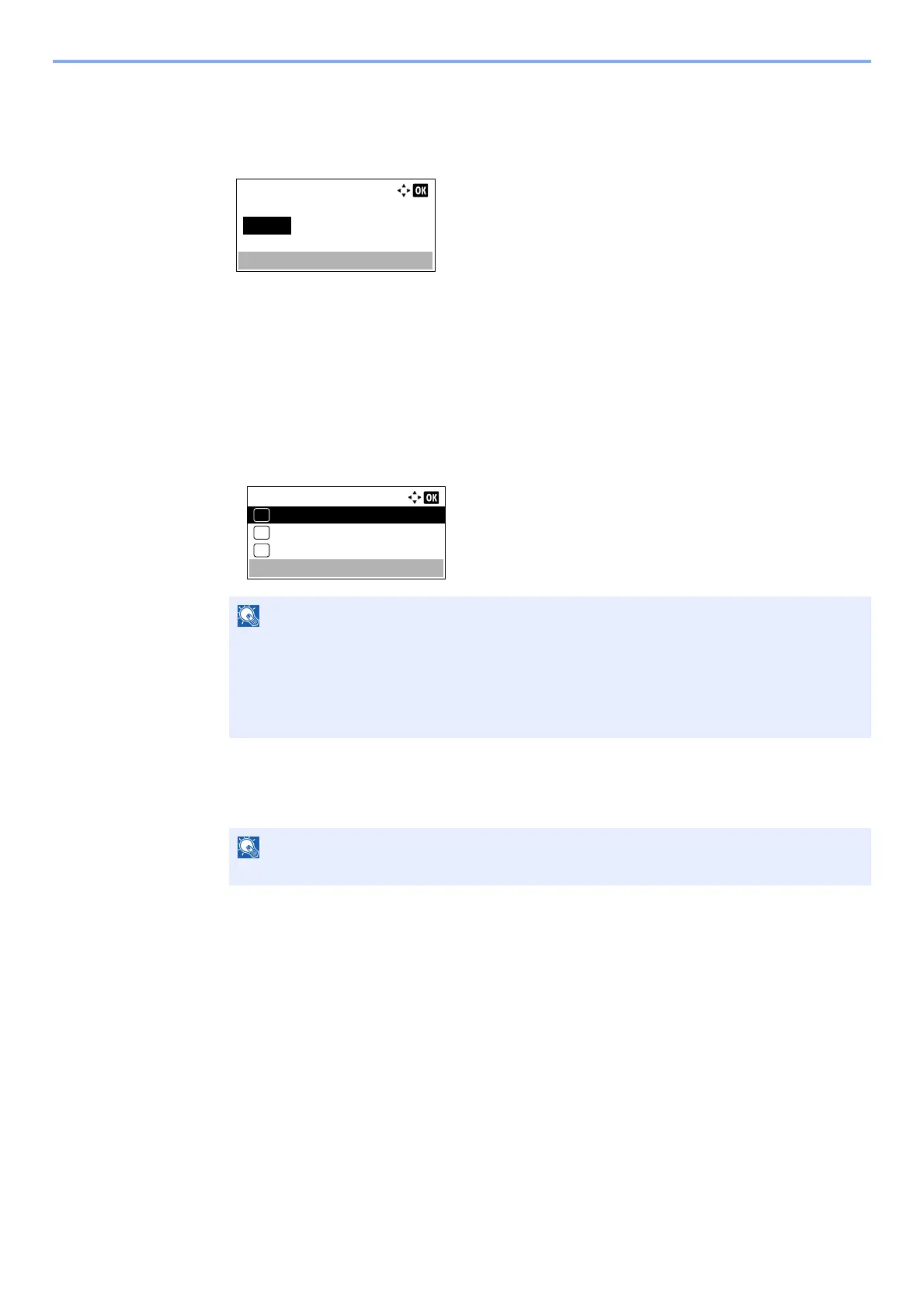
5 Press the [▲] or [▼] key to set the hour, minute, and second. Press the [◄] and [►] key to
move the cursor right and left.
6 Press the [OK] key.
4
Set the Date Format.
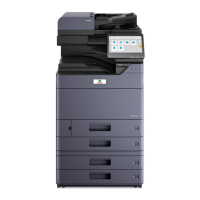
1 Press the [▲] or [▼] key to select [Date Format].
2 Press the [OK] key.
3 Press the [▲] or [▼] key to select the display format of year, month, and date.
4 Press the [OK] key.
5
Set the Summer Time.
1 Press the [▲] or [▼] key to select [Summer Time].
2 Press the [OK] key.
3 Press the [▲] or [▼] key to select [On] or [Off].
4 Press the [OK] key.
The following date formats are available.
• [Month/Day/Year]
• [Day/Month/Year]
• [Year/Month/Day]
Summer Time can be set according to the region set in Time Zone.
Date/Time:
Hour
10
Time Zone:
Min. Second
10 50
( Pfic Time
::
)
Date Format:
Month/Day/Year
01
Day/Month/Year
02
Year/Month/Day
03
*


 To Next Page