3-27
Sending Faxes > Using Chain Dial
5
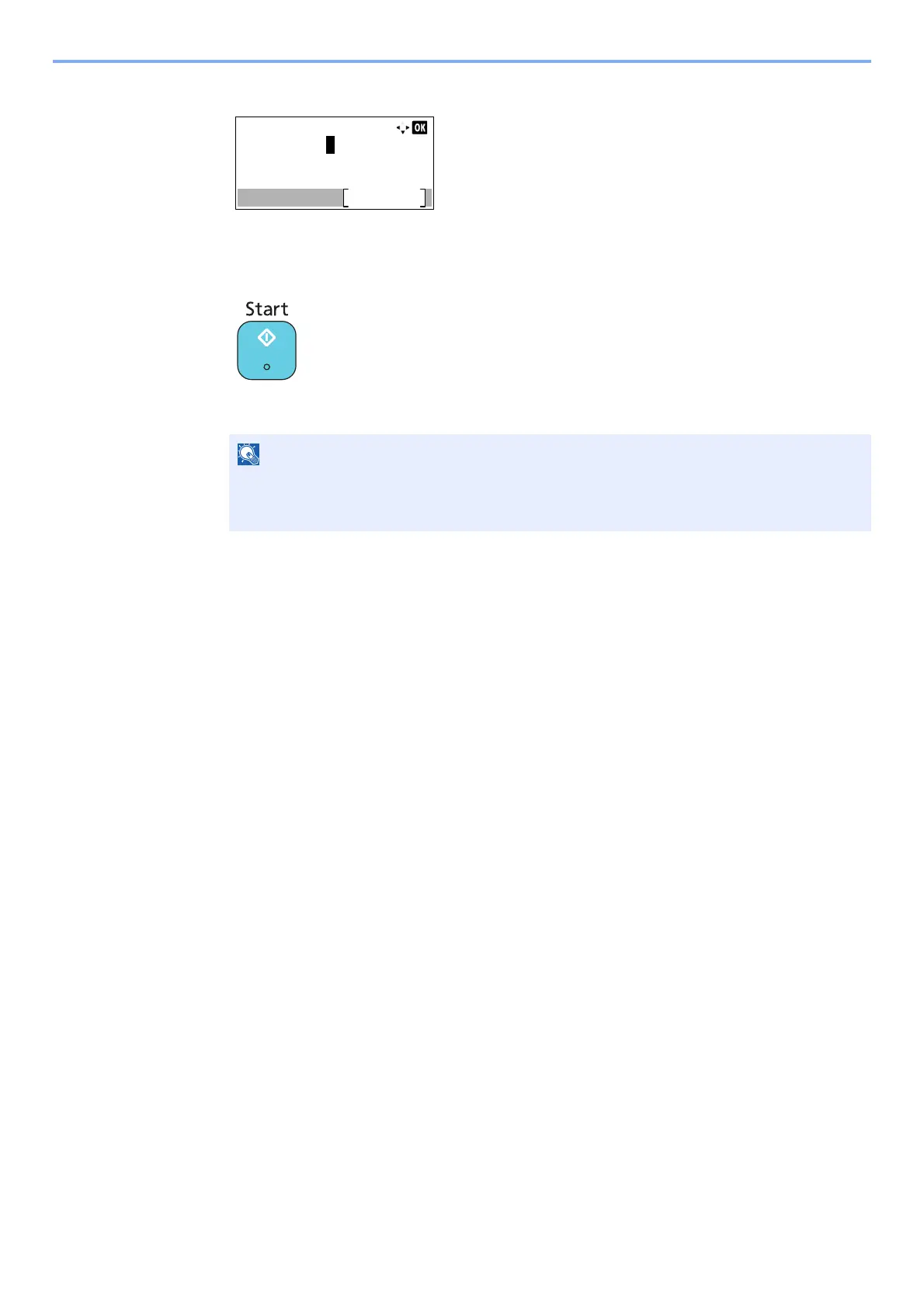
Press the [OK] key.
To select the next fax number, repeat steps from step 2.
6
Press the [Start] key.
The transmission will start.
When On is selected in Check New Dest., a confirmation screen is displayed for the entered
FAX number. Re-enter the same FAX number and press [OK]. For details, refer to Check
New Dest. in the Operation Guide for the machine.



 To Next Page