Setup and Registration
OPERATION GUIDE 6-7
6
Volume Adjustment
Adjust the volume of the speaker and monitor.
Speaker Volume: Volume of the built-in speaker when the line is connected by pressing [On Hook].
Monitor Volume: Volume of the built-in speaker when the line is connected without pressing [On Hook] such
as in memory transmission.
1 Press the System Menu key.
2 Press [Common Settings], [Next] of Sound and
then [Change] of FAX Speaker Volume or FAX
Monitor Volume.
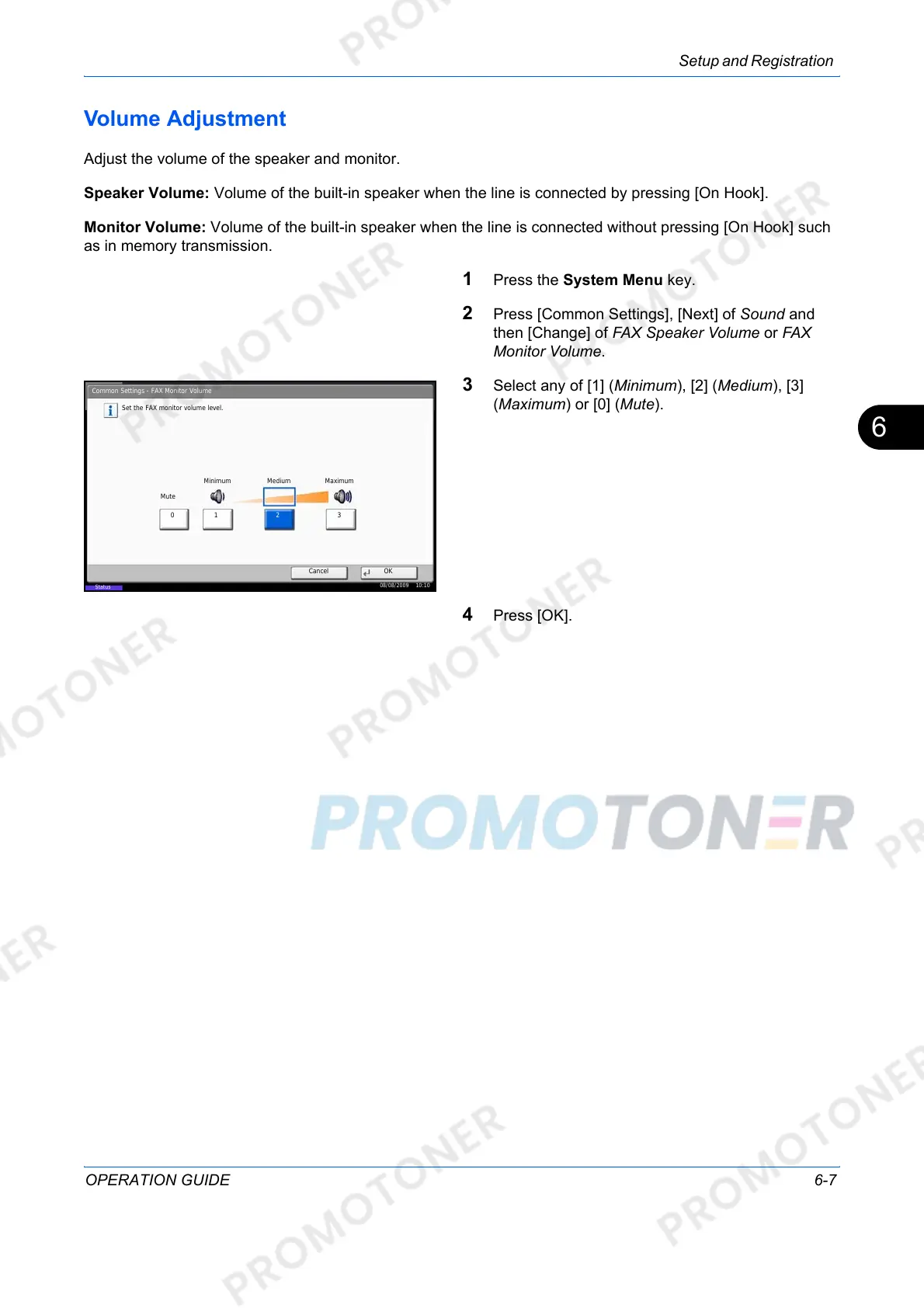
3 Select any of [1] (Minimum), [2] (Medium), [3]
(Maximum) or [0] (Mute).
4 Press [OK].
Status
Common Settings - FAX Monitor Volume
Set the FAX monitor volume level.
Cancel OK
Mute
08/08/2009 10:10
Minimum Medium Maximum
01 2 3













 To Next Page