FAX Operation (Advanced)
OPERATION GUIDE 4-13
4
Manual Reception
This method allows you to receive faxes by pressing [Manual RX] after confirming that the telephone line has
connected to the sending system. Connecting a telephone set (commercially available product) to this machine
enables you to receive originals after talking to the person at the sending system.
NOTE: FAX Automatic Reception has been preset for the receiving mode of this machine. To use Manual
Reception, you need to change the receiving mode to Manual Reception. To change to manual mode, refer to
Receiving Mode on page 6-9.
When 2 optional FAX Kits (Dual FAX option) are installed, the only receiving mode available on port 2 is FAX
Automatic reception.
Receiving after Confirming Connection to the Sending System
You can receive originals after confirming by sound that the telephone line has connected to the sending system.
1 When there is an incoming call, the machine makes
a ringing tone.
2 Press the Send/FAX key.
3 Press [On Hook], and then [Manual RX].
4 After the sending side has started transmission, the
machine starts receiving the originals.
Using the Telephone to Receive
Use this method when you want to receive originals after talking to the person at the sending system.
1 When there is an incoming call, the telephone
connected to the machine makes a ringing tone.
2 Lift the handset of the telephone.
3 Check if the telephone line has connected to the
fax of the sending system.
When you hear the fax tone
The sending system is on fax.
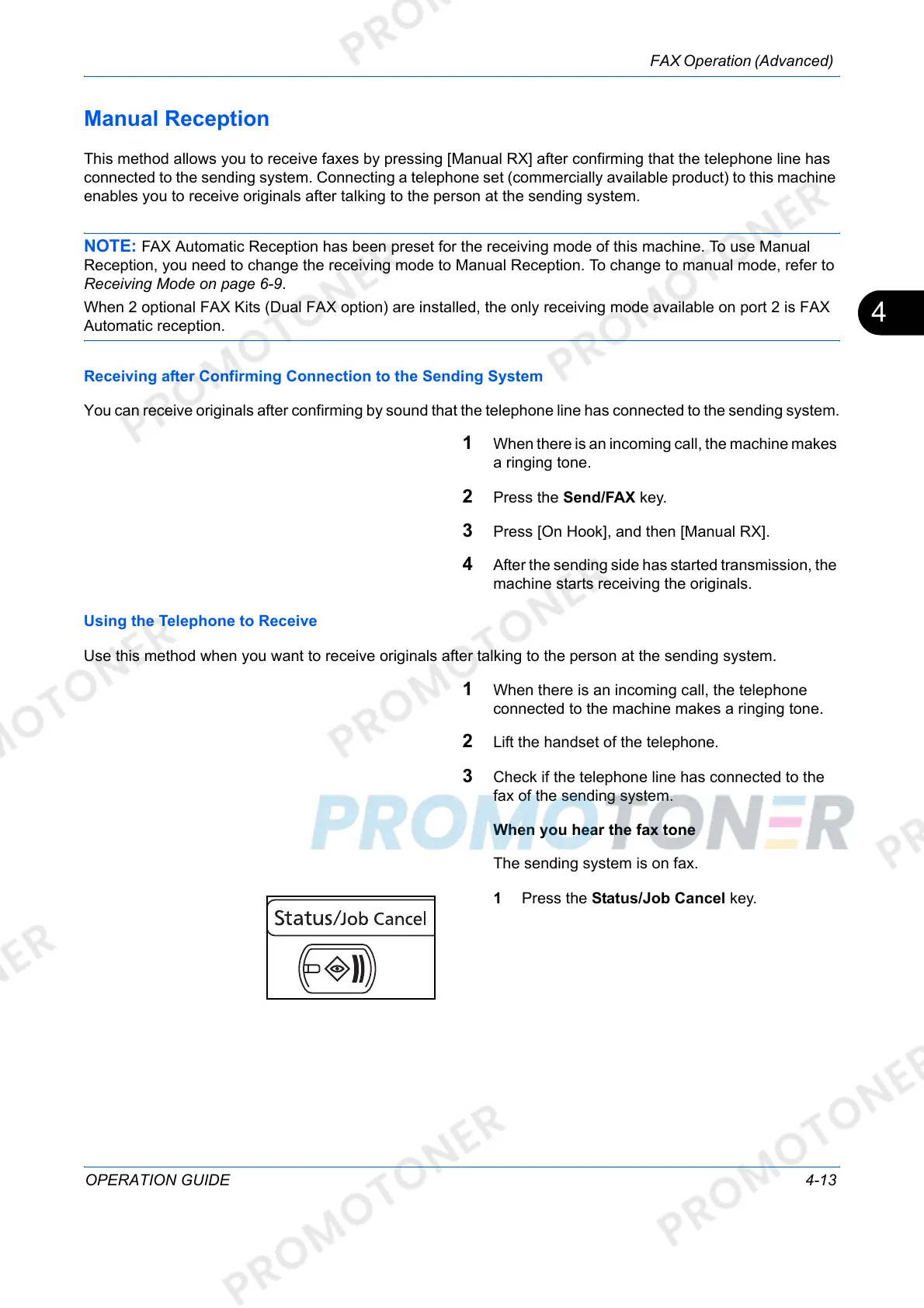
1 Press the Status/Job Cancel key.













 To Next Page