FAX Operation (Basic)
OPERATION GUIDE 3-29
3
Using One-touch Keys
With One-touch keys on the [Destination] screen, you can access destinations in the Address Book.
Registering a New One-touch Key
You can register the destination (contact or group) in the Address Book to a One-touch key. Up to 1,000
destinations can be registered.
1 Press the System Menu key.
2 Press [Edit Destination] and then [Register/Edit] of
One-touch Key.
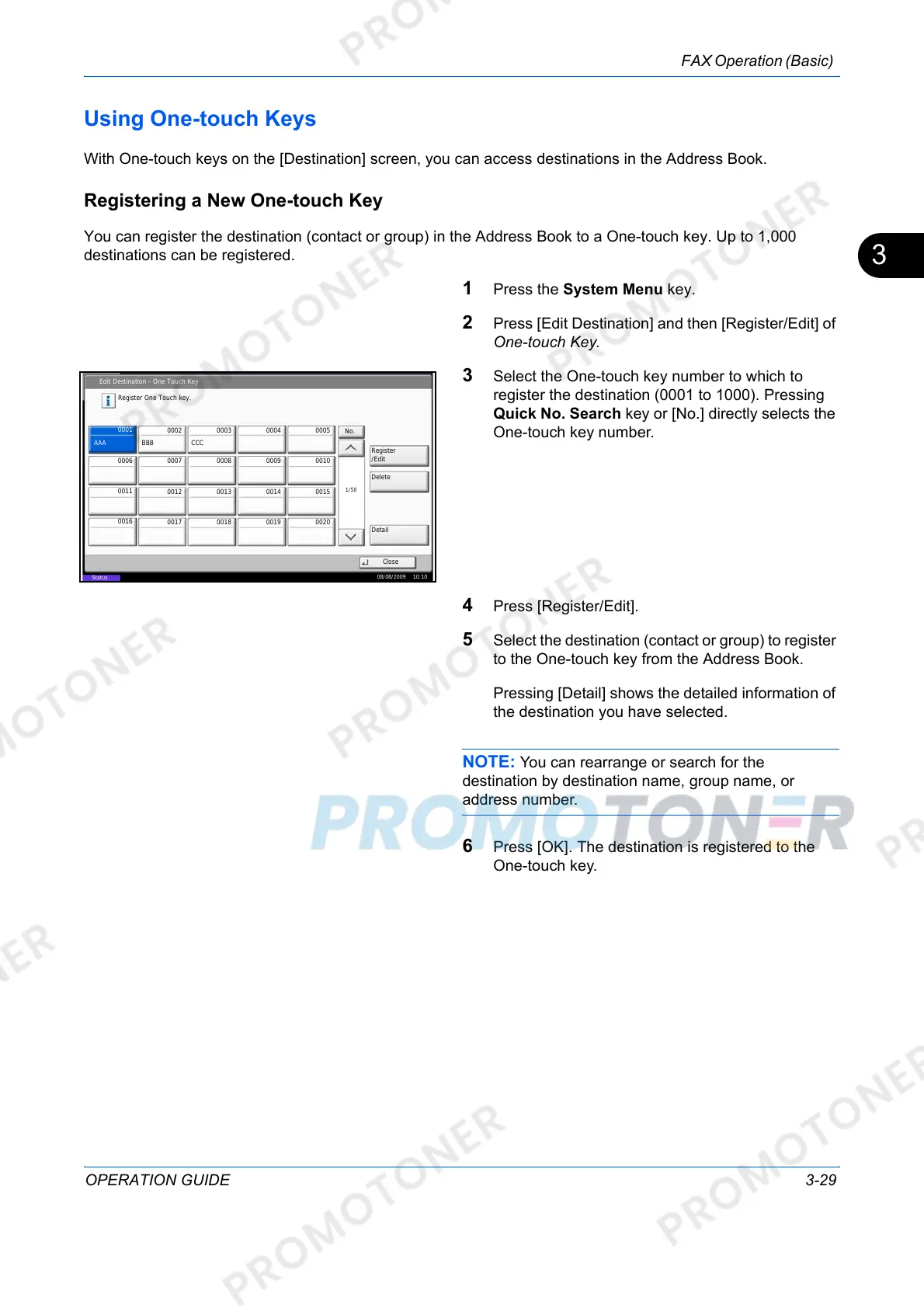
3 Select the One-touch key number to which to
register the destination (0001 to 1000). Pressing
Quick No. Search key or [No.] directly selects the
One-touch key number.
4 Press [Register/Edit].
5 Select the destination (contact or group) to register
to the One-touch key from the Address Book.
Pressing [Detail] shows the detailed information of
the destination you have selected.
NOTE: You can rearrange or search for the
destination by destination name, group name, or
address number.
6 Press [OK]. The destination is registered to the
One-touch key.
Edit Destination - One Touch Key
Register One Touch key.
Register
/Edit
No.
Delete
Detail
1/50
Close
0001
0002 0003 0004 0005
0006 0007 0008 0009 0010
0011
0012 0013 0014 0015
0016
0017
0018
0019
0020
AAA BBB CCC
08/08/2009 10:10
Status













 To Next Page