FAX Operation (Basic)
3-30 OPERATION GUIDE
Selecting a Destination by One-touch Key
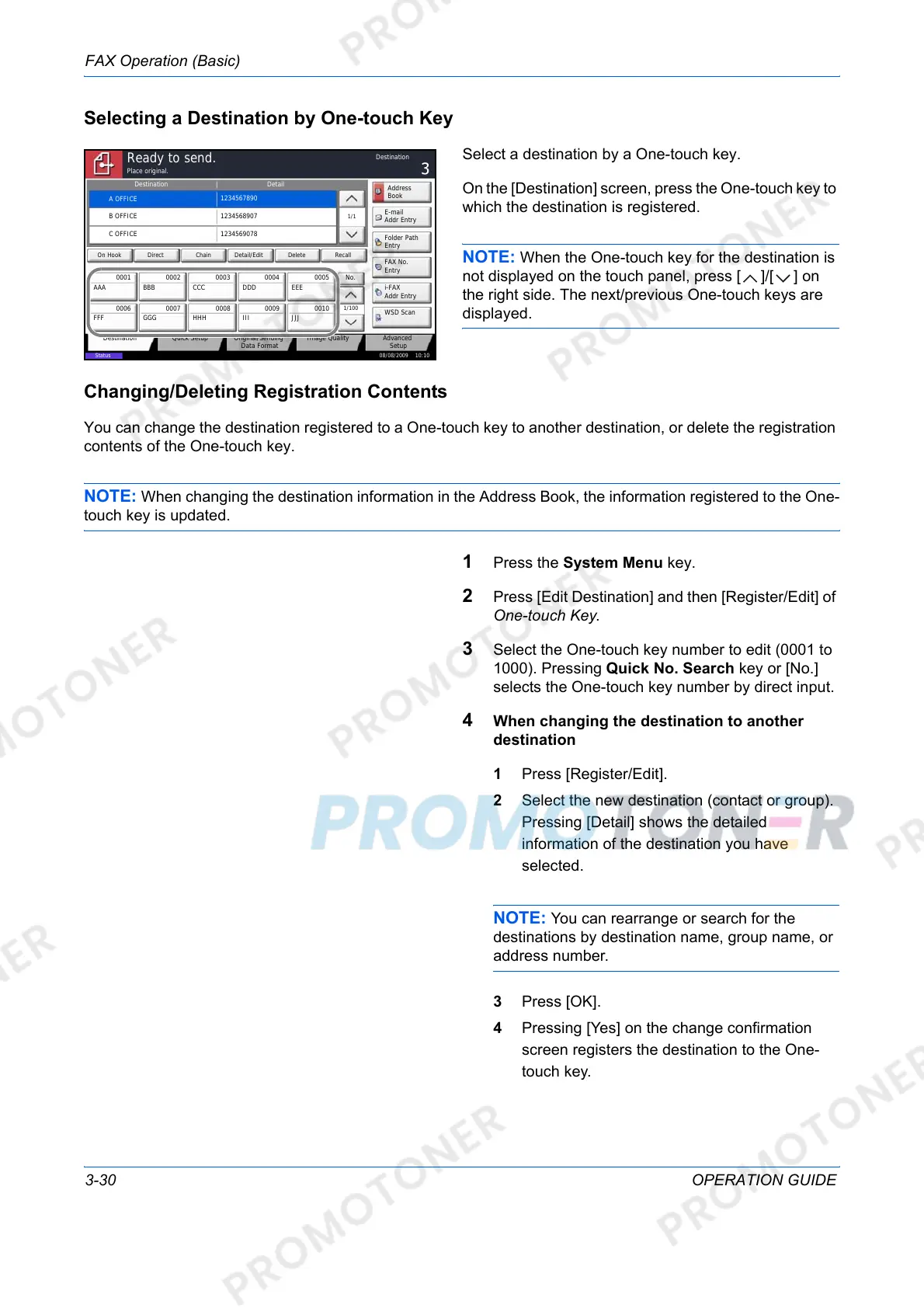
Select a destination by a One-touch key.
On the [Destination] screen, press the One-touch key to
which the destination is registered.
NOTE: When the One-touch key for the destination is
not displayed on the touch panel, press [ ]/[ ] on
the right side. The next/previous One-touch keys are
displayed.
Changing/Deleting Registration Contents
You can change the destination registered to a One-touch key to another destination, or delete the registration
contents of the One-touch key.
NOTE: When changing the destination information in the Address Book, the information registered to the One-
touch key is updated.
1 Press the System Menu key.
2 Press [Edit Destination] and then [Register/Edit] of
One-touch Key.
3 Select the One-touch key number to edit (0001 to
1000). Pressing Quick No. Search key or [No.]
selects the One-touch key number by direct input.
4 When changing the destination to another
destination
1 Press [Register/Edit].
2 Select the new destination (contact or group).
Pressing [Detail] shows the detailed
information of the destination you have
selected.
NOTE: You can rearrange or search for the
destinations by destination name, group name, or
address number.
3 Press [OK].
4 Pressing [Yes] on the change confirmation
screen registers the destination to the One-
touch key.
Status
08/08/2009 10:10
Original/Sending
Data Format
Quick SetupDestination Image Quality Advanced
Setup
Destination Detail
A OFFICE
1234567890
Address
Book
Folder Path
Entry
E-mail
Addr Entry
No.
1/100
AAA BBB CCC DDD EEE
FFF GGG HHH III JJJ
00040003 00050001 0002
0006 0007 0008 0009 0010
1/1
i-FAX
Addr Entry
FAX No.
Entry
WSD Scan
Place original.
Ready to send.
Destination
B OFFICE
1234568907
C OFFICE
1234569078
Direct Delete RecallOn Hook Chain Detail/Edit













 To Next Page