FAX Operation (Basic)
3-12 OPERATION GUIDE
FAX Automatic Reception
When using this machine as a FAX-dedicated machine that does not receive telephone calls, set the machine
to FAX-dedicated reception. No special operation is required when receiving faxes.
NOTE: When you are receiving DRD service from a telephone company, change the reception method to
[Auto (DRD)]. For details, refer to DRD Reception (Available for inch versions only) on page 6-14.
Reception Method
This machine allows the following five reception methods.
• Auto (Normal)
• Auto (FAX/TEL) (Refer to page 6-2.)
•Auto (TAD) (Refer to page 6-4.)
• Auto (DRD) (Refer to page 6-14.)
• Manual (Refer to page 4-13.)
Checking and Changing the Reception Method
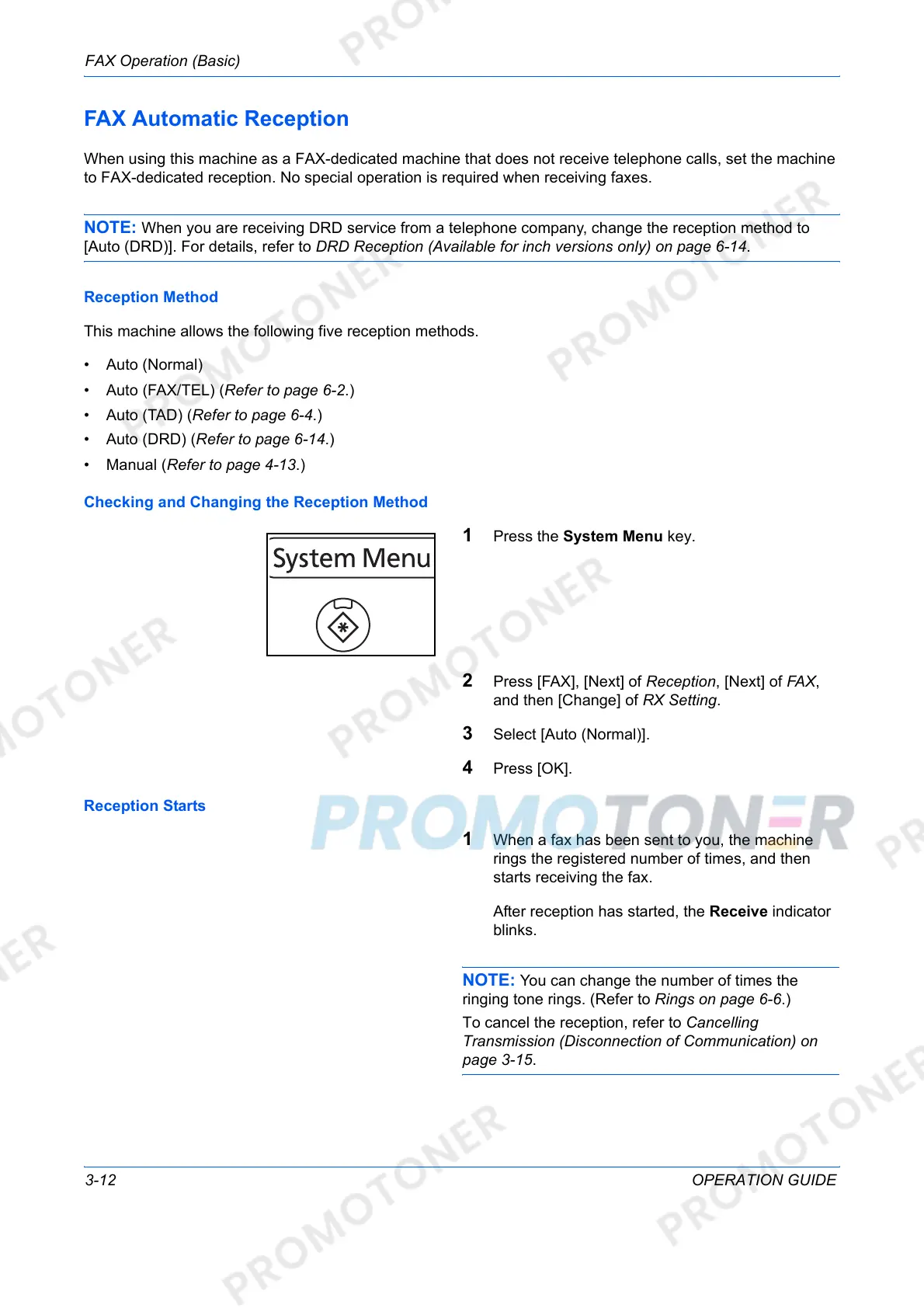
1 Press the System Menu key.
2 Press [FAX], [Next] of Reception, [Next] of FAX,
and then [Change] of RX Setting.
3 Select [Auto (Normal)].
4 Press [OK].
Reception Starts
1 When a fax has been sent to you, the machine
rings the registered number of times, and then
starts receiving the fax.
After reception has started, the Receive indicator
blinks.
NOTE: You can change the number of times the
ringing tone rings. (Refer to Rings on page 6-6.)
To cancel the reception, refer to Cancelling
Transmission (Disconnection of Communication) on
page 3-15.













 To Next Page