FAX Operation (Basic)
3-28 OPERATION GUIDE
Printing Address List
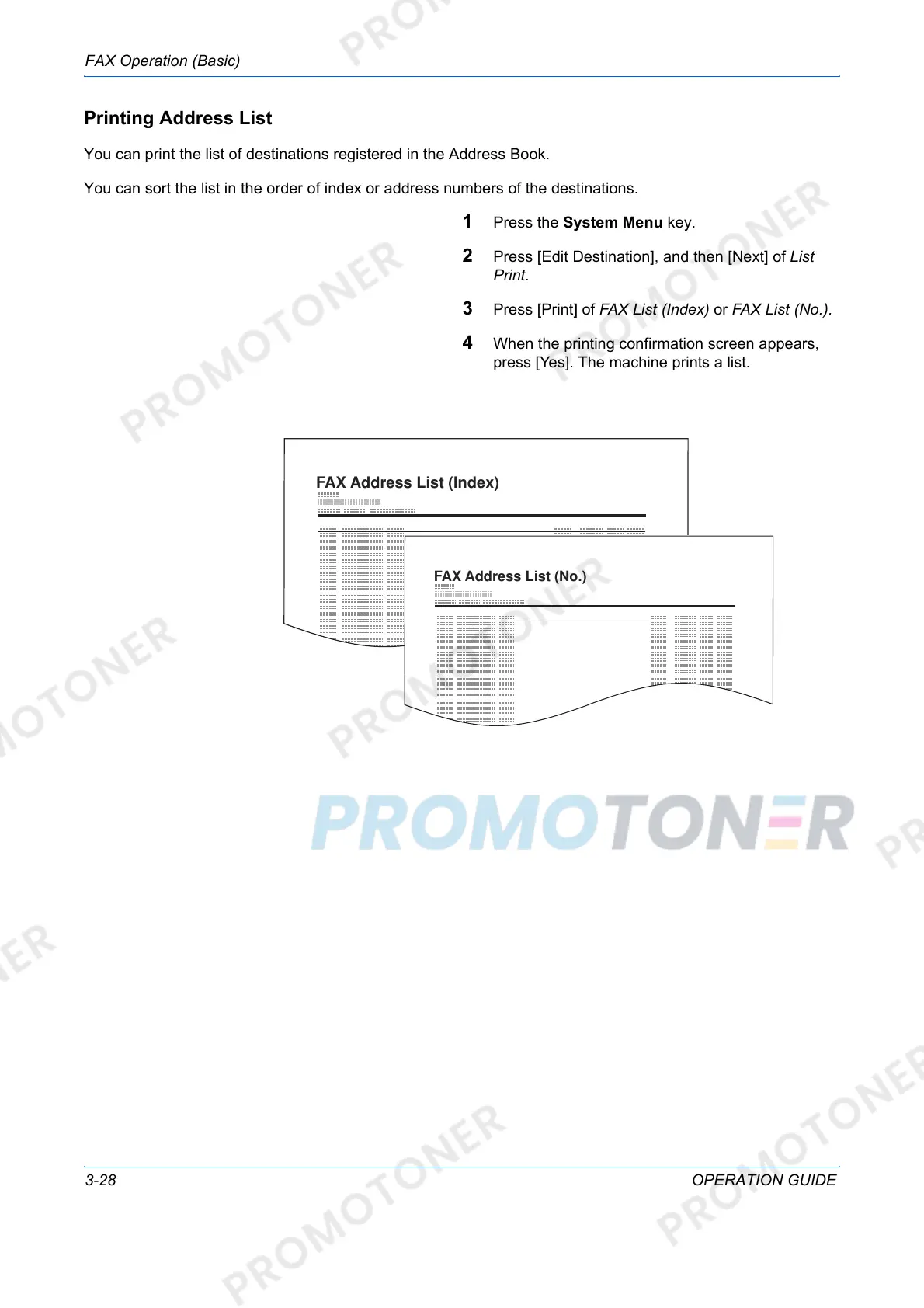
You can print the list of destinations registered in the Address Book.
You can sort the list in the order of index or address numbers of the destinations.
1 Press the System Menu key.
2 Press [Edit Destination], and then [Next] of List
Print.
3 Press [Print] of FAX List (Index) or FAX List (No.).
4 When the printing confirmation screen appears,
press [Yes]. The machine prints a list.













 To Next Page