Preparation Before Use
2-4 OPERATION GUIDE
Local FAX Number Entry
3 Press [Change] of Local FAX Number 1 or Local
FAX Number 2.
If you have already registered a number, the
current registered number is displayed.
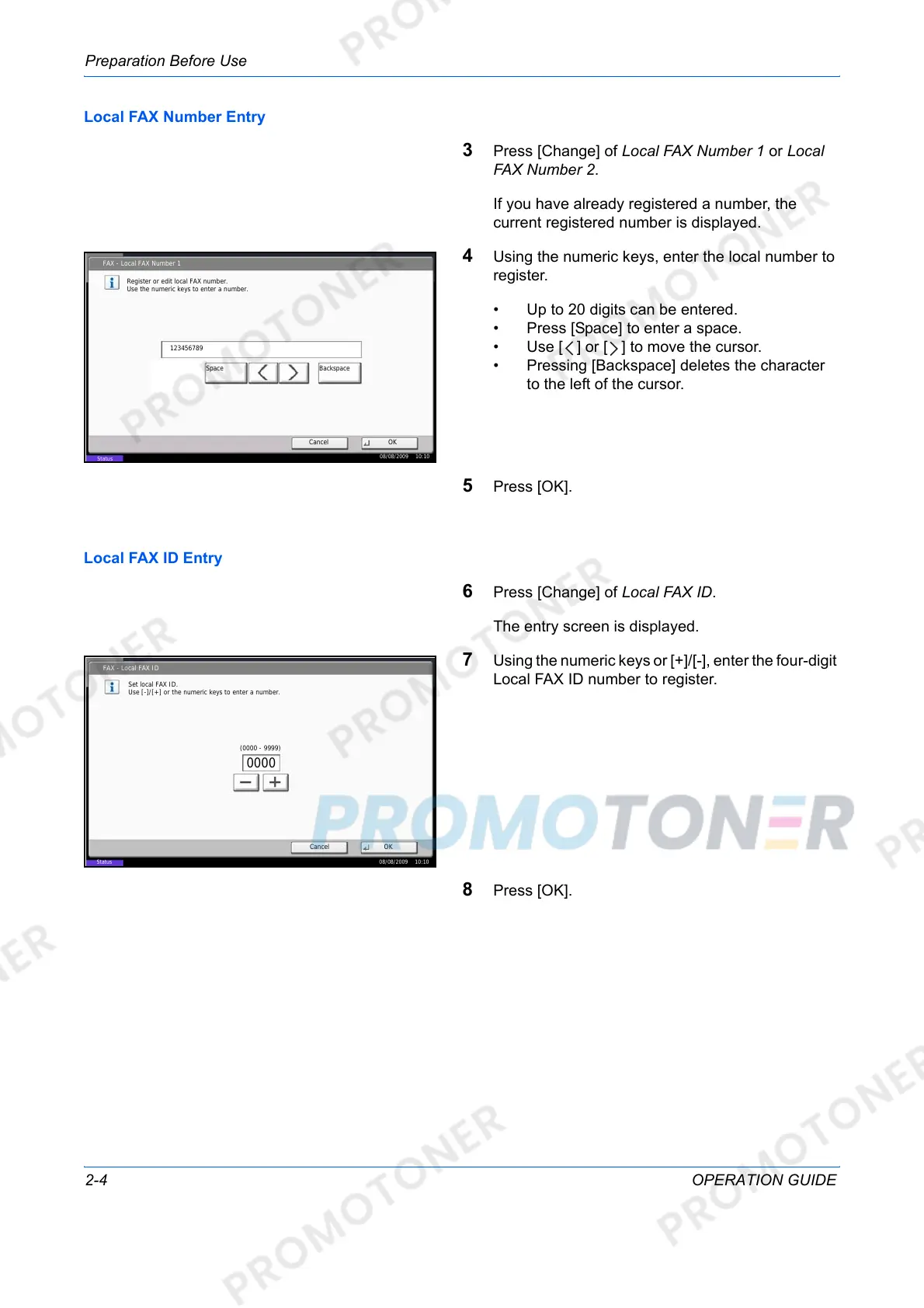
4 Using the numeric keys, enter the local number to
register.
• Up to 20 digits can be entered.
• Press [Space] to enter a space.
• Use [ ] or [ ] to move the cursor.
•
Pressing [Backspace] deletes the
character
to the left of the cursor.
5 Press [OK].
Local FAX ID Entry
6 Press [Change] of Local FAX ID.
The entry screen is displayed.
7 Using the numeric keys or [+]/[-], enter the four-digit
Local FAX ID number to register.
8 Press [OK].
FAX - Local FAX Number 1
Register or edit local FAX number.
Use the numeric keys to enter a number.
Cancel OK
123456789
BackspaceSpace
08/08/2009 10:10
Status
Status
FAX - Local FAX ID
Set local FAX ID.
Use [-]/[+] or the numeric keys to enter a number.
Cancel OK
08/08/2009 10:10
(0000 - 9999)
0000













 To Next Page