FAX Operation (Advanced)
OPERATION GUIDE 4-29
4
Settings for Forwarding from Embedded Web Server (RX/Forward Requirements)
You can use Embedded Web Server on a computer connected to the network to specify the forwarding settings
on this machine.
Refer to the machine’s Operation Guide for information on the network settings.
Accessing Embedded Web Server
1 Open the web browser.
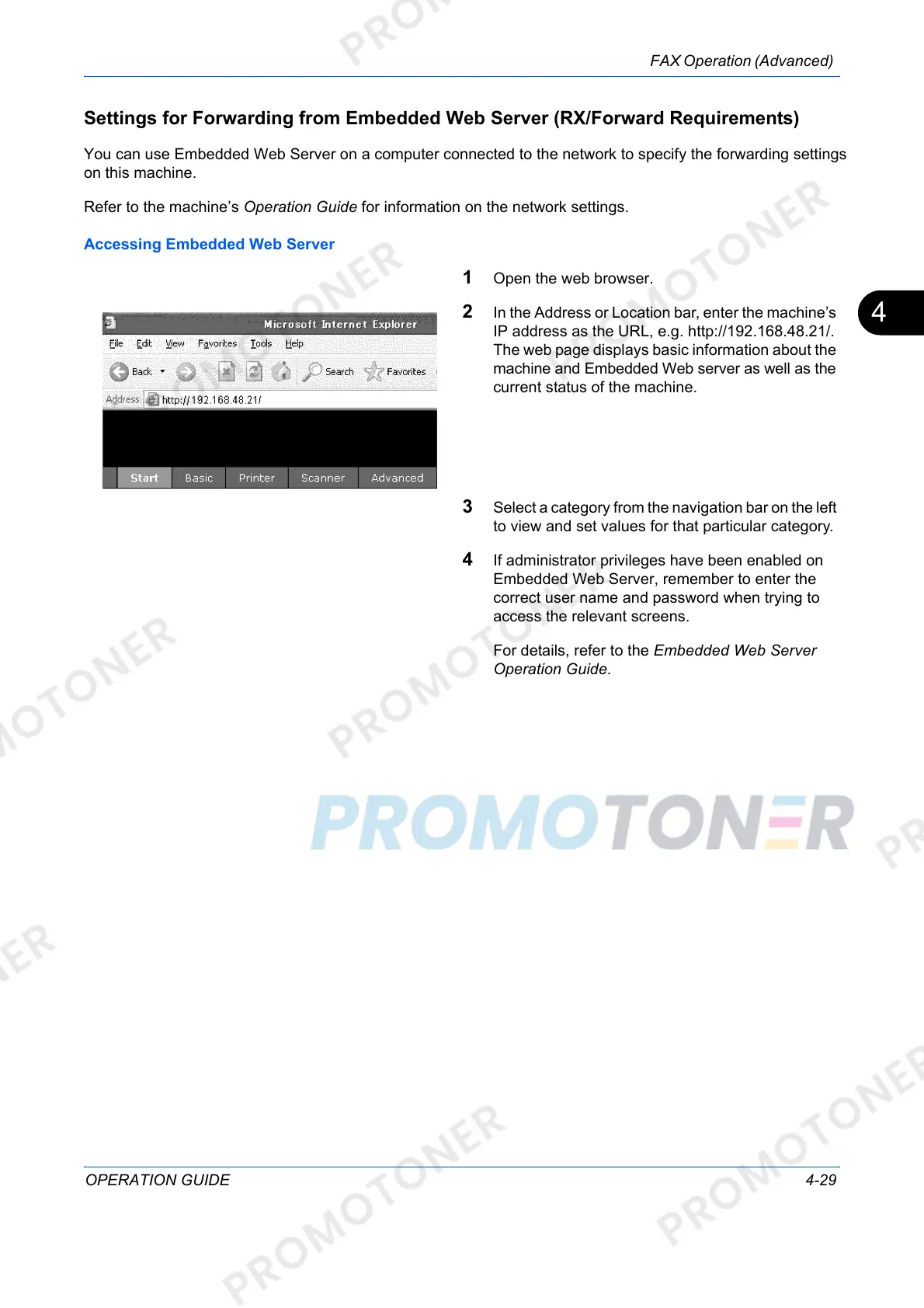
2 In the Address or Location bar, enter the machine’s
IP address as the URL, e.g. http://192.168.48.21/.
The web page displays basic information about the
machine and Embedded Web server as well as the
current status of the machine.
3 Select a category from the navigation bar on the left
to view and set values for that particular category.
4 If administrator privileges have been enabled on
Embedded Web Server, remember to enter the
correct user name and password when trying to
access the relevant screens.
For details, refer to the Embedded Web Server
Operation Guide.













 To Next Page