5. Sensor check Field Service Ver. 2.0 Jan. 2008
26
SD-505
Adjustment / Setting
5. Sensor check
5.1 Check procedure
A. Procedure
1. Display the Service Mode screen.
See P.338 of the main body service manual.
2. Touch [State Confirmation].
3. Touch [Sensor Check].
4. Touch three times [z].
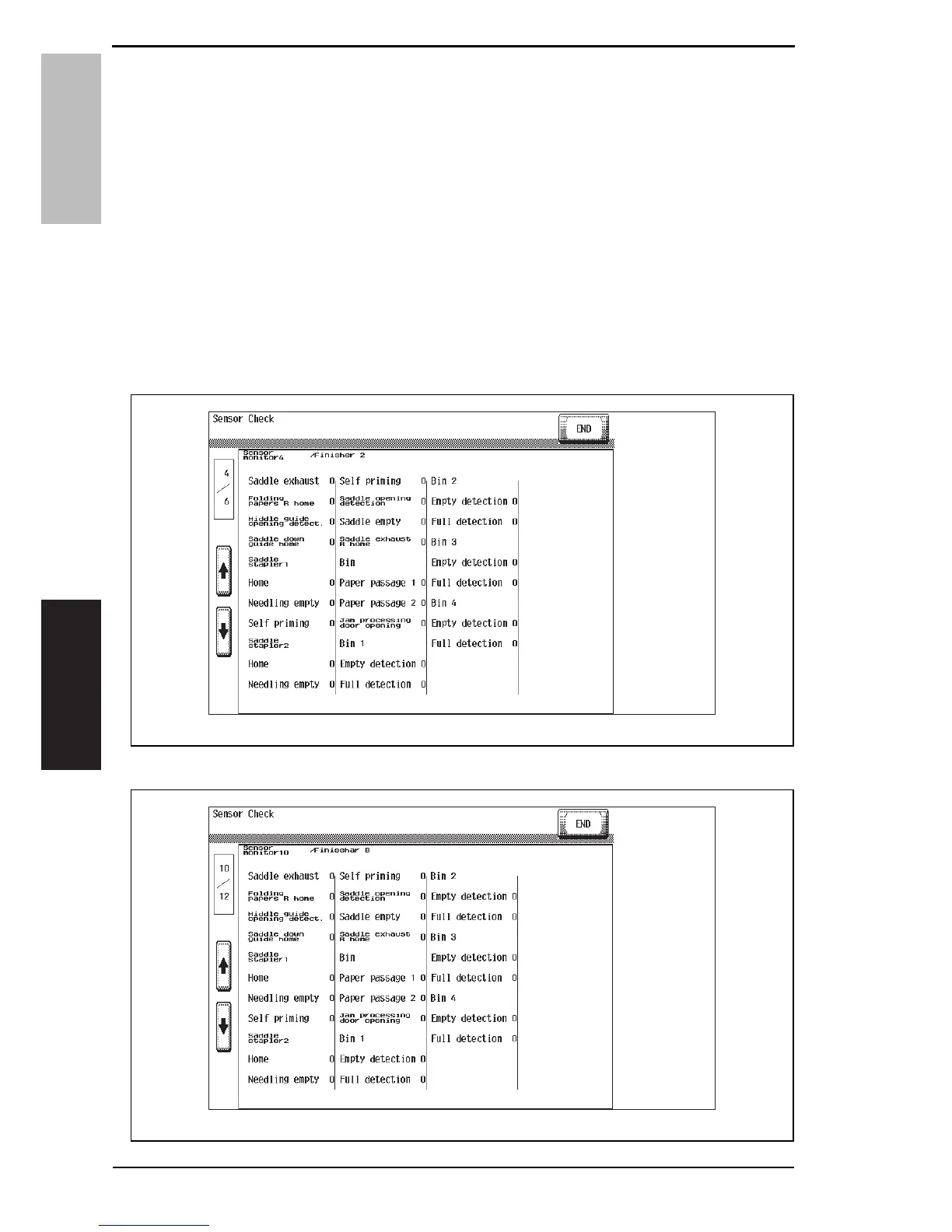
5.1.1 Sensor check screen
•This is only typical screen which may be different from what are shown on each individ-
ual main body.
4511F3E541DA
Service Manual Y108482-2
d-Color MF350 / d-Color MF250 / d-Color MF201Plus
d-Color MF450
4510F3E515DA













 To Next Page