109
7
Settings
Setting camera sounds (Beep sound/BEEP/SHUTTER SOUND/VOLUME)
Setting camera sounds (8/BEEP/
SHUTTER SOUND/VOLUME)
8 Select [OFF], [LOW] or [HIGH] for the camera warning sound.
BEEP Select [OFF], [1] or [2] for the sound of the button operations,
for example when making menu selections. You can also set
the volume of the sound to [LOW] or [HIGH].
SHUTTER SOUND Select [OFF], [1] or [2] for the sound of the shutter button. You
can also set the volume of the sound to [LOW] or [HIGH].
VOLUME Set the volume for playback of still pictures and movies with
sound. There are 5 levels to choose from.
(8
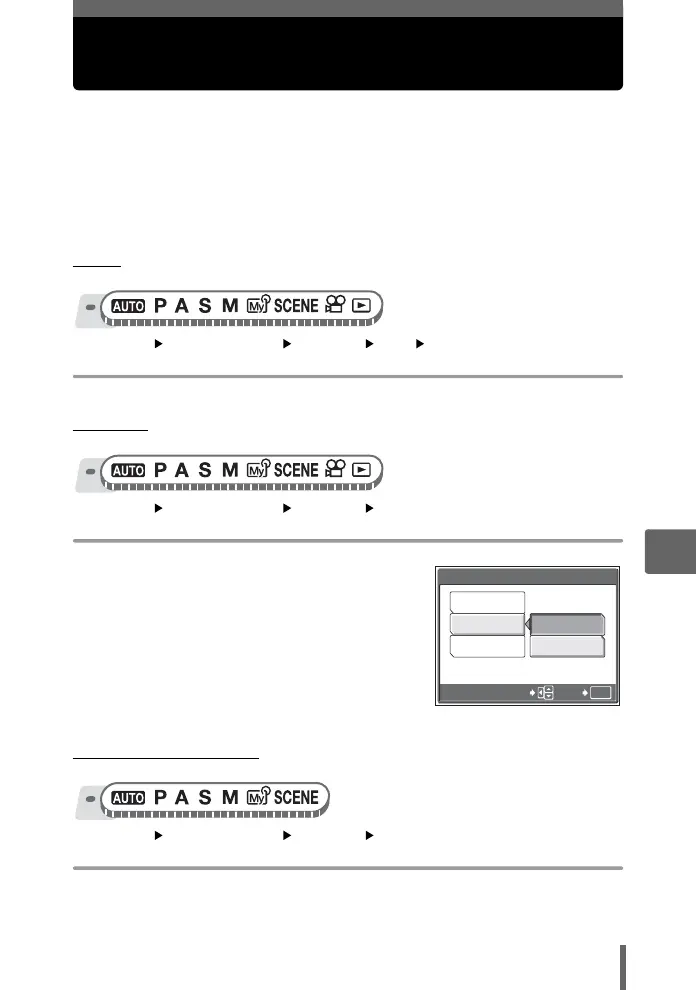
Top menu [MODE MENU] [SETUP] [8] [OFF] / [LOW] / [HIGH]
g“Using the menus” (P. 17)
(BEEP
Top menu [MODE MENU] [SETUP] [BEEP]
g“Using the menus” (P. 17)
1 Select [OFF], [1] or [2]. If you
selected [1] or [2], select [LOW]
or [HIGH], and press Z.
(SHUTTER SOUND
Top menu [MODE MENU] [SETUP] [SHUTTER SOUND]
g“Using the menus” (P. 17)
OK
2
1
GO
SELECT
LOW
HIGH
BEEP
OFF






 To Next Page