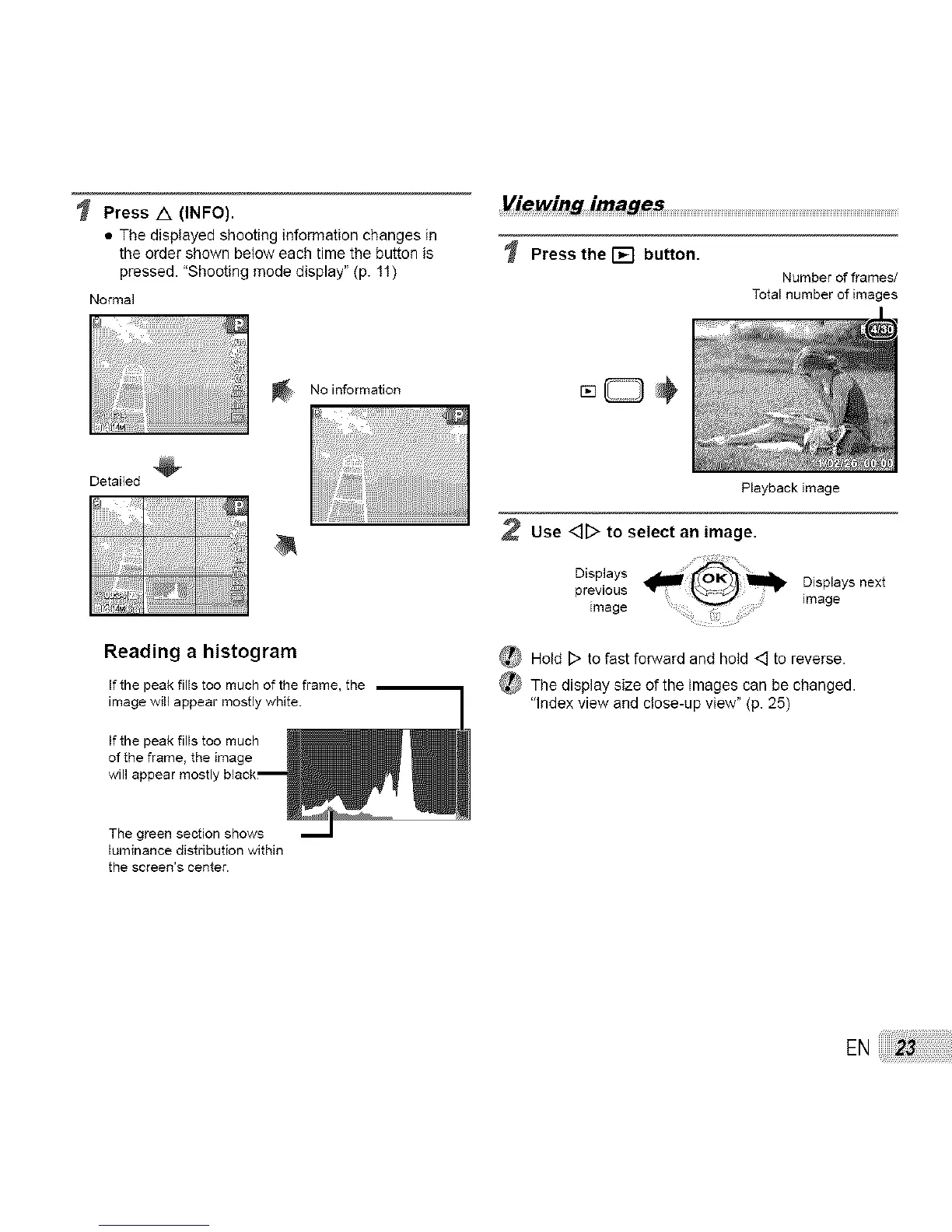
Press /X (INFO).
• The displayed shooting information changes in
the order shown below each time the button is
pressed. "Shooting mode display" (p. 11)
Normal
Viewing irnages
Press the [] button.
Number of frames/
Total number of images
No information
Detailed
Reading a histogram
Ifthe peak fills too much of the frame, tile
image will appear mostlywhite.
If the peak fills too much
of the frame, the image
will appear mostly black_
The green section shows
bminance distribution within
the screen's center.
Playback image
2 Use <]D to select an image.
Disp,ays _previous Displays next
image
image
_ Hold D to fast forward and hold <_ to reverse.
_ The display size of the images can be changed.
"Index view and close-up view" (p. 25)
EN



 To Next Page