Using the ib (PC software) and
importing data back to the camera
_ Refer to the ib (PC software) help guide for details on
how to use the ib (PC software).
_ The ib (PC software) may not work properly on the
pictures edited by other application software.
The following [Photo Surfing] functions can be
performed when data created with the ib (PC
software) is imported back to the camera.
[Photo Surfing]
Information of persons or shooting locations and new
Collections can be added in the related items.
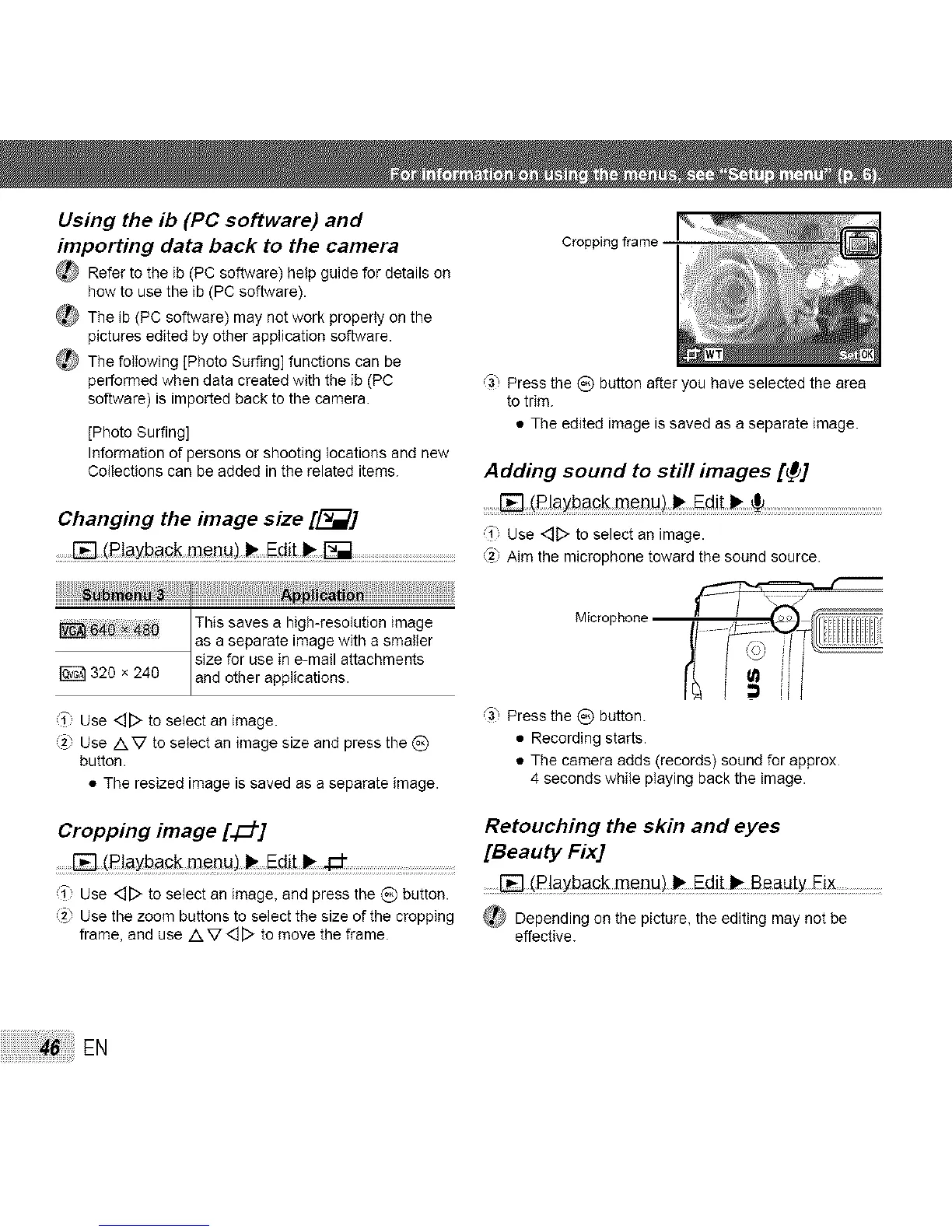
_3, Press the (_) button after you have selected the area
to trim.
• The edited image is saved as a separate image.
Changing the image size [_]
,_1"Use<_D toselectan image.
.......[] (Piaybagk menu)_ Ed!! _ _ _ Rim themicrophonetowardthesoundsource.
Adding sound to still images [_]
........[]: !Rlayback men u) ..........................................................
This saves a high-resolution image
as e separate image with a smalter
size for use in e-mail attachments
320 x 240 and other applications.
Microphone
T Use <_[::>to select an image.
(2} Use AV to select an image size and press the _)
button.
• The resized image is saved as a separate image.
_3 Press the (_) button.
• Recording starts.
• The camera adds (records) sound for approx.
4 seconds while playing back the image.
Cropping image [4_]
.......[] (R]aybac k meBu) _ Edith _ ...........................
T:, Use <_[::>to select an image, and press the _) button.
2} Use the zoom buttons to select the size of the cropping
frame, and use /k V <_[::>to move the frame.
Retouching the skin and eyes
[Beauty Fix]
[] (P!ayback menu) _ Edit _ Beauty Eix......................
_ Dependingon thepicture,theeditingmaynotbe
effective.
EN



 To Next Page