iiiliili_!li_iliiiilii,.iiiiil,l,illiiiiiiiiiiiiiiiiiiii!,_ _l!illiililililililililillil
Information about the vertical/
horizontal orientation of the camera
Off during shooting is not recorded with
images. Images shot with the camera
in a vertical position are not rotated
during playback.
Information about the vertical/
horizontal orientation of the camera
during shooting is recorded with
images. Images are automatically
rotated during playback.
Displaying icon guides [Icon Guide]
Off No icon guide is displayed.
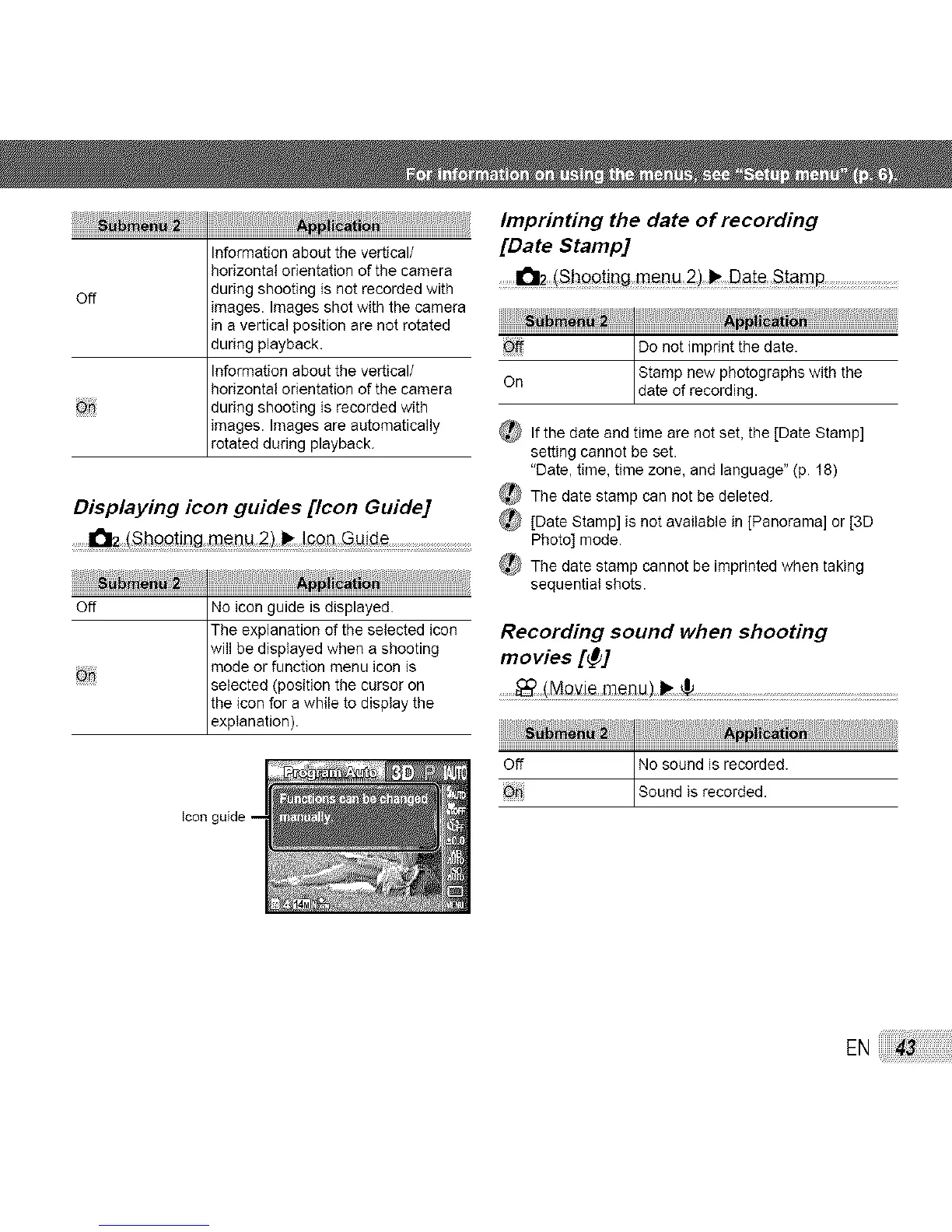
The explanation of the selected icon
will be displayed when a shooting
mode or function menu icon is
selected (position the cursor on
the icon for a while to display the
exp anat on.
Imprinting the date of recording
[Date Stamp]
ii ii
Off Do not imprint the date.
Stamp new photographs with the
On date of record ng.
_ If the date and time are not set, the [Date Stamp]
setting cannot be set.
"Date, time, time zone, and language" (p. 18)
_The date stamp can not be deleted.
_ [Date Stamp] is not avalable in [Panorama] or [3D
Photo] mode.
_ The date stamp cannot be imprinted when taking
sequential shots.
Recording sound when shooting
movies [_]
off No sound is recorded.
Sound is recorded.
EN



 To Next Page