Using a new card
• Cards must be formatted with this camera before
first use or after being used with other cameras or
computers.
[Memory Format]/[Format] (p. 49)
• When using the Eye-Fi card, read the instruction
manual of the Eye-Fi card carefully, and comply
with the instructions.
Checking the image saving location
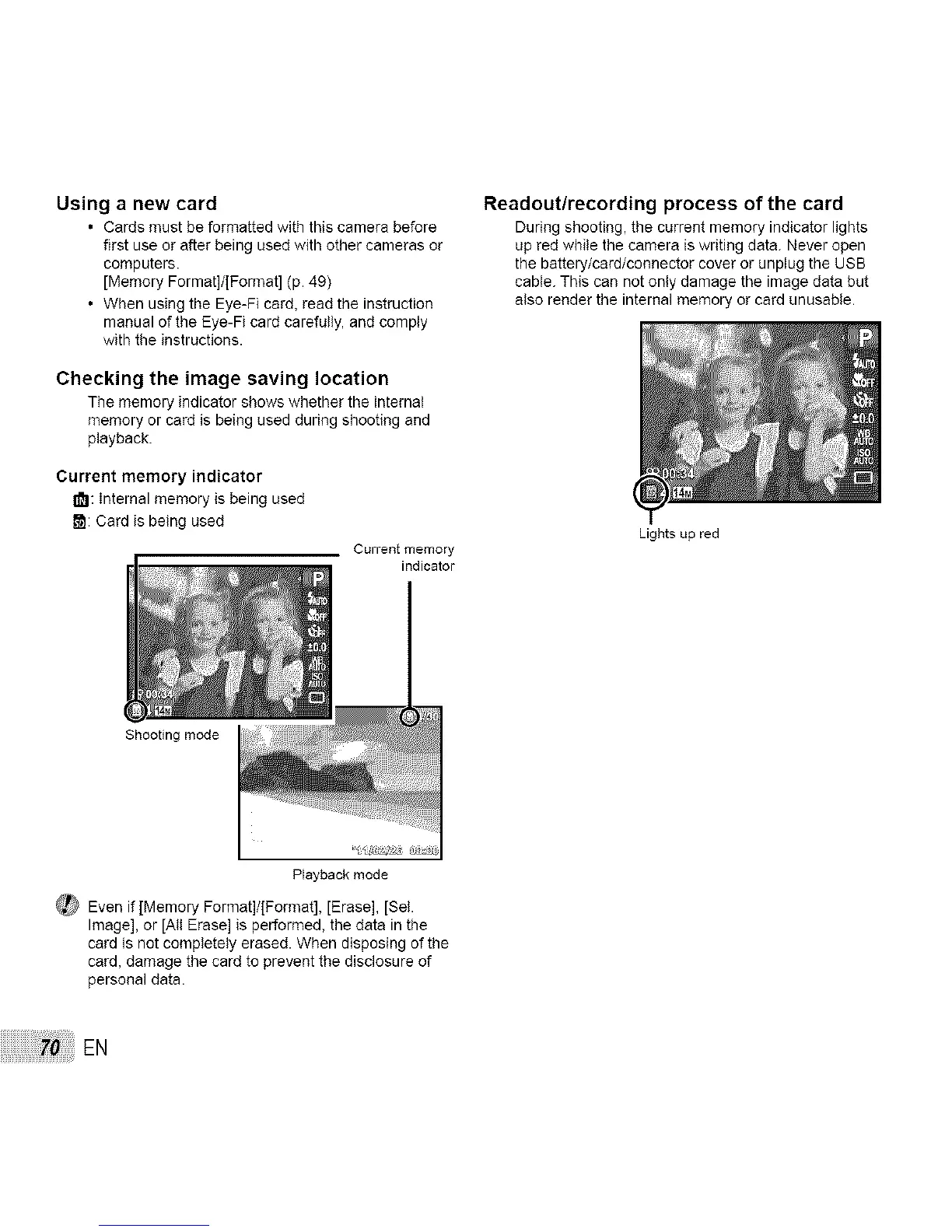
The memory indicator shows whether the internal
memory or card is being used during shooting and
playback.
Current memory indicator
181:Internal memory is being used
_: Card is being used
Current memory
Readout/recording process of the card
During shooting, the current memory indicator lights
up red while the camera is writing data. Never open
the battery/card/connector cover or unplug the USB
cable. This can not only damage the image data but
also render the internal memory or card unusable.
Shooting mode
Playback mode
_ Even if [Memory Format]/[Format], [Erase], [Sel.
Image], or [All Erase] is performed, the data in the
card is not completely erased. When disposing of the
card, damage the card to prevent the disclosure of
personal data.
EN
Lights up red



 To Next Page