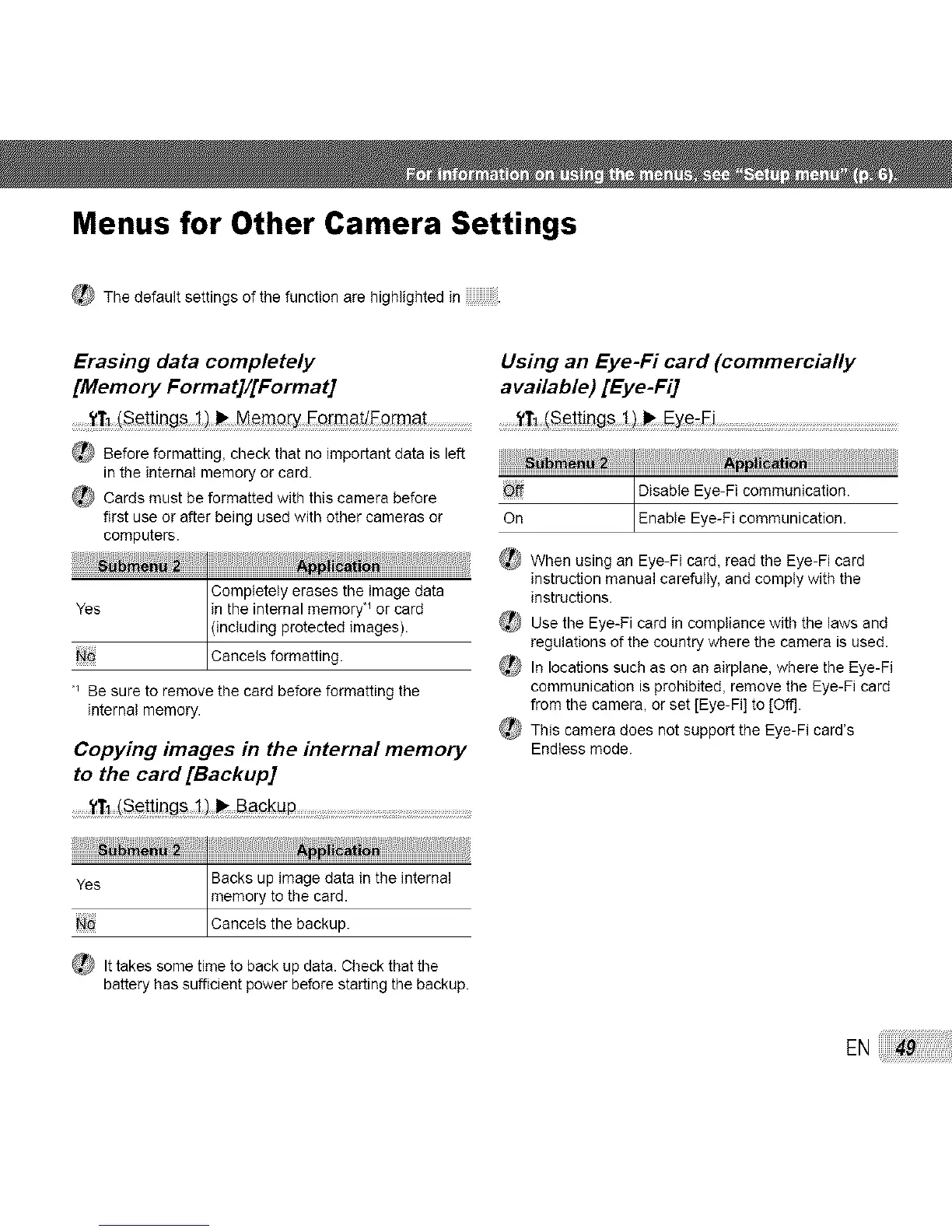
Menus for Other Camera Settings
_ The default settings of the function are highlighted in.
Erasing data completely Using an Eye-Fi card (commercially
[Memory Format]/[Format] available) [Eye-Fi]
......yT1(Set!lt]gs MemQ_yFo_ma_Fo[ma_ Ey_Fi ....................
_} Before formatting, check that no important data is left
in the internal memory or card.
_ Cards must be formatted with this camera before
first use or after being used with other cameras or
computers.
NN I
Completely erases the image data
Yes in the internal memory _ or card
(including protected images).
Cance s formatt ng.
_ Be sure to remove the card before formatting the
internal memory.
Copying images in the internal memory
to the card[Backup]
........'tT_(S_!!ings Backup .....................
i
Disable Eye-Fi communication.
On Enab e Eye-F commun cat on.
_ When using an Eye-Fi card, read the Eye-Fi card
instruction manual carefully, and comply with the
instructions.
_ Use the Eye-Fi card in compliance with the laws and
regulations of the country where the camera is used.
_ In locations such as on an airplane, where the Eye-Fi
communication is prohibited, remove the Eye-Fi card
from the camera, or set [Eye-Fi] to [Off].
_ This camera does not support the Eye-Fi card's
Endless mode.
iiiiliii_iiiiiii_il_ii_i!_iiiii_i!_ii!_iiH1i_i_iii_`_`i_`iiiiiiiiiiiiiiiiiiiiiiiiiiiii_`i_iii_iiii_`_`_`iiiiiiiiiiiiiiiiiiiiiiiii_`_i!
Backs up image data in the internal
Yes memory to the card.
Cance s the backup.
_ It takes some time to back up data. Check that the
battery has suffioent power before starting the backup.
EN



 To Next Page