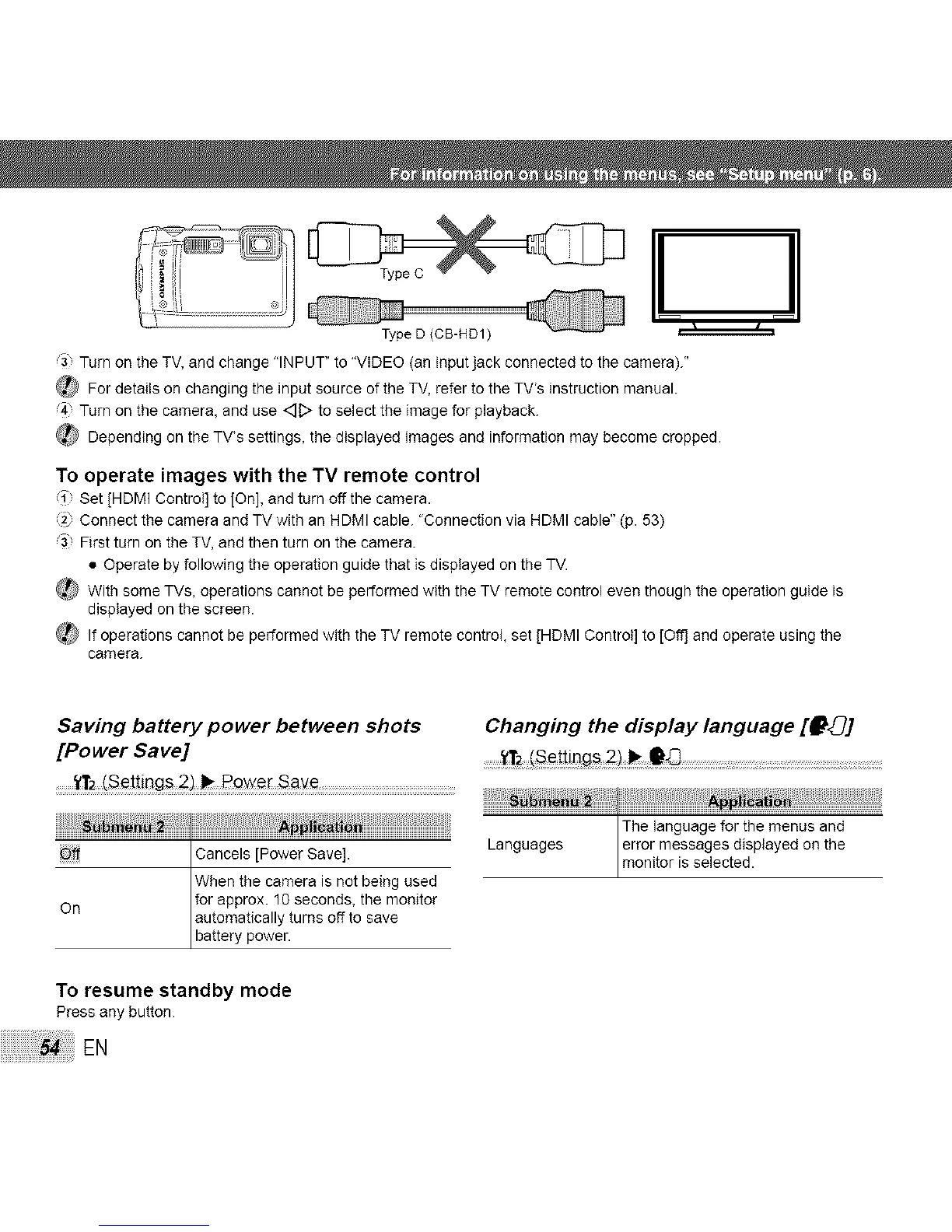
e D (CB-HD1) _=_===========_
Turn on the TV, and change "INPUT" to "VIDEO (an input jack connected to the camera)."
For details on changing the input source of the TV, refer to the TV's instruction manual.
4" Turn on the camera, and use _D to select the image for playback.
_ Depending on the TV's settings, the displayed images and information may become cropped.
To operate images with the TV remote control
i Set [HDMI Control] to [On], and turn off the camera.
Connect the camera and TV with an HDMI cable. "Connection via HDMI cable" (p. 53)
First turn on the TV, and then turn on the camera.
• Operate by following the operation guide that is displayed on the TV.
_ With some TVs, operations cannot be performed with the TV remote control even though the operation guide is
displayed on the screen.
_ If operations cannot be performed with the TV remote control, set [HDMI Control] to [Off] and operate using the
camera.
Saving battery power between shots Changing the display language [f_]
[Power Save] ......... ........................................................................................................
........t"1"2(S#t_ing_ _we[ S_e
The_angoageforth......... d
_........ Cancels [Power Save]. Languages monitorerr°rmessageSisselected.displayedon the
When the camera is not being used
for approx. 10 seconds, the monitor
On automatically turns off to save
battery power.
To resume standby mode
Press any button.
EN



 To Next Page