To play sound recordings
To play sound recorded with an image, select the image
and press the C) button. A [] icon appears on images
with which sound has been recorded.
During audio pbyback
To adjust the volume, use AV.
TO play back movies
Select a movie, and press the (_) button.
Movie
Pausing and Press the _) button to pause
restarting playback. During pause, fast
playback forward or reverse, press the _)
button to restart playback.
Press D to fast forward. Press [::>
Fast forward again to increase the fast forward
speed.
Press <3 to rewind. The speed
Rewind at which the recording rewinds
increases each time <3 is pressed.
Adjusting the
volume Use AV to adjust the volume.
Operations while playback is paused
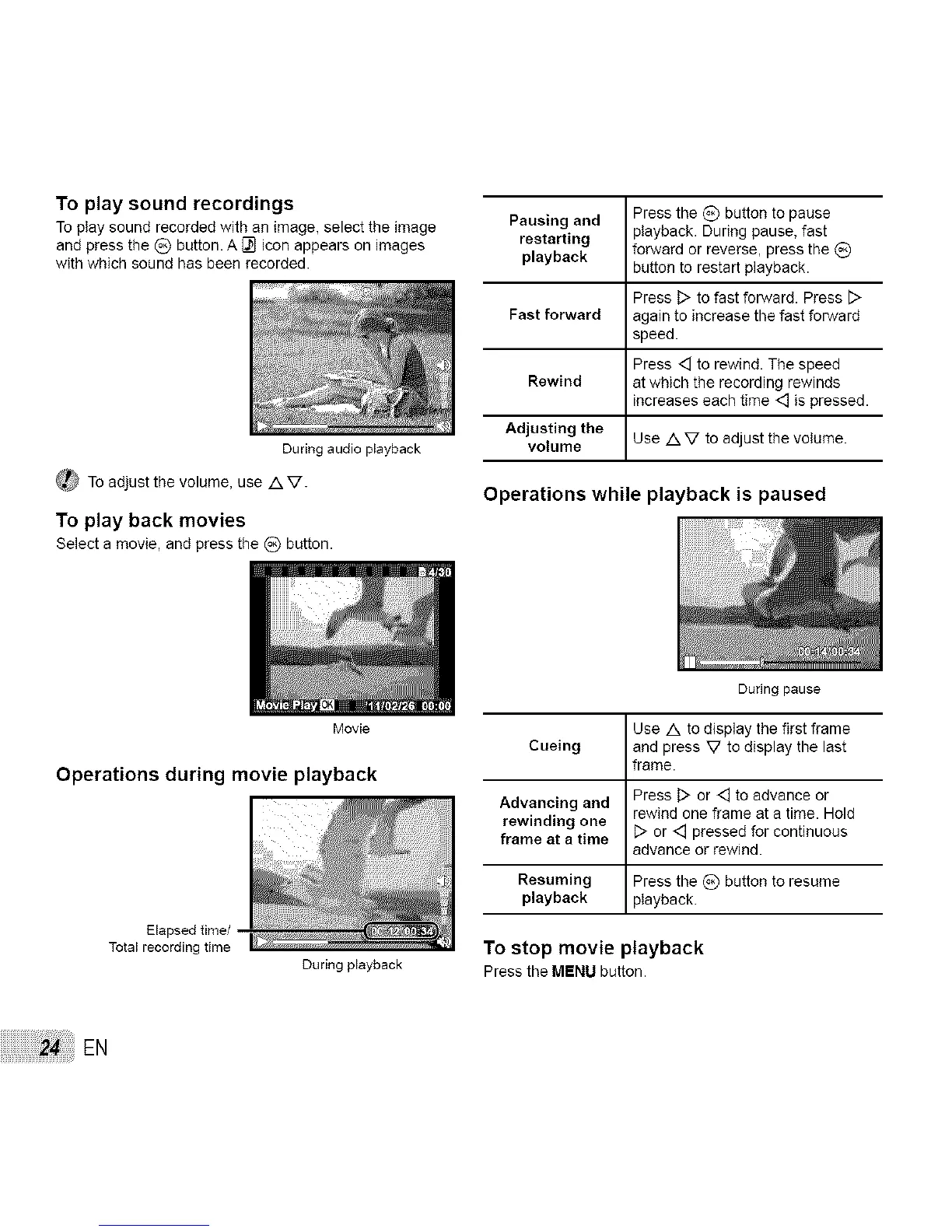
Operations during movie playback
Elapsed time/
Total recording time
During playback
During pause
Use A to display the first frame
Cueing and press V to display the last
frame.
Advancing and Press D or <3 to advance or
rewind one frame at a time. Hold
rewinding one
frame at a time D or <3 pressed for continuous
advance or rewind.
Resuming Press the _) button to resume
playback playback.
To stop movie playback
Pressthe MENUbutton.
24: EN



 To Next Page