• After the camera is used under seawater, immerse the camera in
a bucket containing fresh water for about 10 minutes (with the
battery/cardtconnector cover firmly closed). After that, dry the
camera in the shade with good ventilation.
• Water drops may be observed on the inner surface of the
battery/cardtconnector cover after you open the cover. If any
water drops are found, be sure to wipe them off before using
the camera.
Notes after use
• Foreign materiaJs may be attached to tile camera when
using the camera in conditions with foreign materiaJs such as
dirt, dust or sand. If you continue to use the camera in such
conditions, itcould cause damage to the camera. To avoid
such damage, wash the camera using the foJlowing method
_" Insert the battery into the camera, and firmly close
the battery/card/connector cover lock and LOCK
knob.
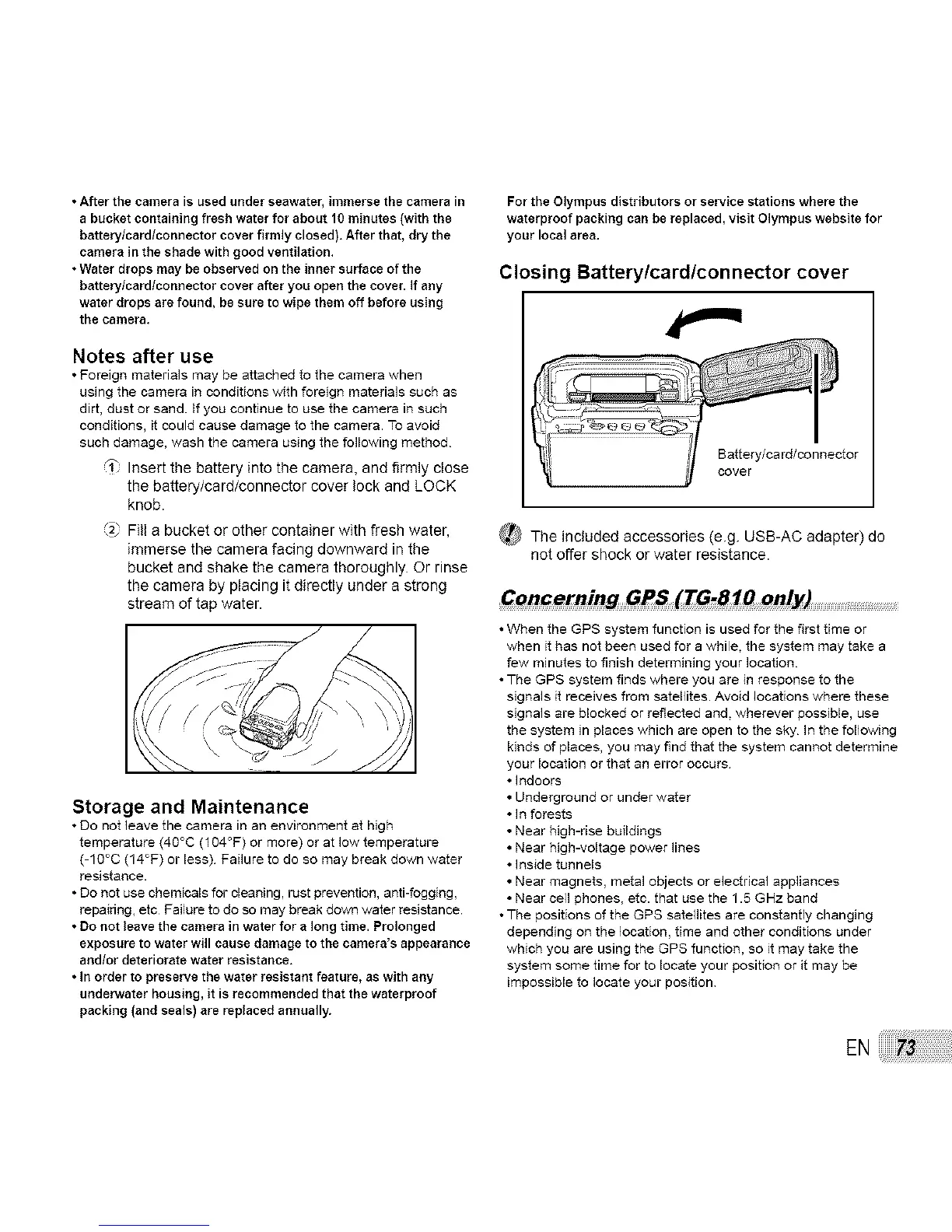
2" Fill a bucket or other container with fresh water,
immerse the camera facing downward in the
bucket and shake the camera thoroughly. Or rinse
the camera by placing it directly under a strong
stream of tap water.
Storage and Maintenance
• Do not leave the camera in an environment at high
temperature (4O°C (104°F) or more) or at low temperature
(-1O°C (14°F) or less) Failure to do so may break down water
resistance.
• Do not use chemicals for cleaning, rust prevention, anti-fogging,
repairing, etc Failure to do so may break down water resistance.
• Do not leave the camera in water for a long time. Prolonged
exposure to water will cause damage to the camera's appearance
andtor deteriorate water resistance.
• In order to preserve the water resistant feature, as with any
underwater housing, it is recommended that the waterproof
packing (and seals) are replaced annually.
For the Olympus distributors or service stations where the
waterproof packing can be replaced, visit Olympus website for
your local area.
Closing Battery/card/connector cover
Battery/card/connector
_ The included accessories (e.g. USB-AC adapter) do
not offer shock or water resistance.
C_#rning GPS (TG_1_ only)
•When the GPS system function is used for the first time or
when it has not been used for a while, the system may take a
few minutes to finish determining your location
•The GPS system finds where you are in response to the
signals it receives from satellites. Avoid locations where these
signa]s are blocked or reflected and. wherever possible, use
the system in places which are open to the sky In the following
kinds of places, you may find that the system cannot determine
your location or that an error occurs
• indoors
• Underground or under water
• In forests
• Near high-rise buildings
• Near high-vogage power lines
• Inside tunnels
• Near magnets, metaJ objects or electrical appliances
• Near cell phones, etc. that use the 1.5 GHz band
•The positions of the GPS satellites are constantly changing
depending on the location, time and other conditions under
which you are using the GPS function, so it may take the
system some time for to locate your position or it may be
impossible to locate your position
EN



 To Next Page