Maintenance of the Crocus CNV Crocus CNV
46 User manual
Step Action
6 In the TMA window, either …
• select from the menu bar: C
onnect Æ
S
elect device…
• or press the shortcut key: Ctrl+D
• or press on the Select device button:
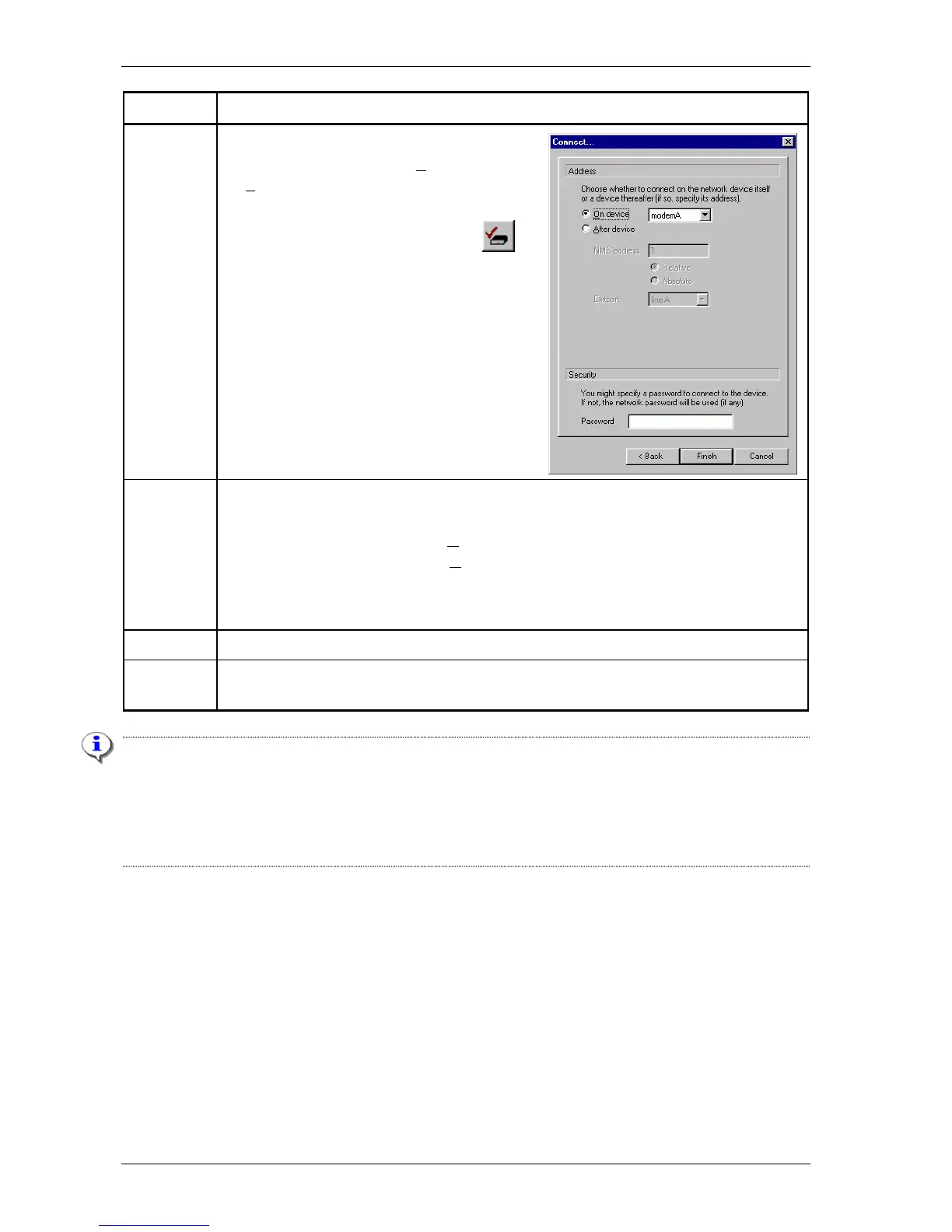
The Connect (select a device) window is being
displayed as in the following figure:
7 Two situations can be distinguished depending on establishing a connection to a Crocus
CNV TT or CV:
• For a Crocus CNV TT, choose O
n device.
• For a Crocus CNV CV, choose O
n device and select modem A or modem B.
If a password has previously been configured in the Crocus CNV then also fill in the
password field.
8 If the necessary parameters are filled in, press the Finish button.
9 After a couple of seconds, the attributes of the selected Crocus CNV appear in the TMA
window.
Important remark
Suppose that both modem (converter) A and B of a Crocus CNV CV have a password. In that case, if you
want to connect with TMA to converter B …
• first enter the password of converter A in the Connect device window (see step 3)
• then enter the password of converter B in the Select device window (see step 6).



 To Next Page