Crocus CNV Step-by-step configuration
User manual 59
5.3.1 The clocking attributes in TMA
Use the following two attributes to select a clocking mode.
crocusIfConv<2m/Nx64><Tt/Cv>/<dteInterface>/txClk default: <interface dependent>
Use this attribute to select the clocking mode of the DTE interface its transmit clock.
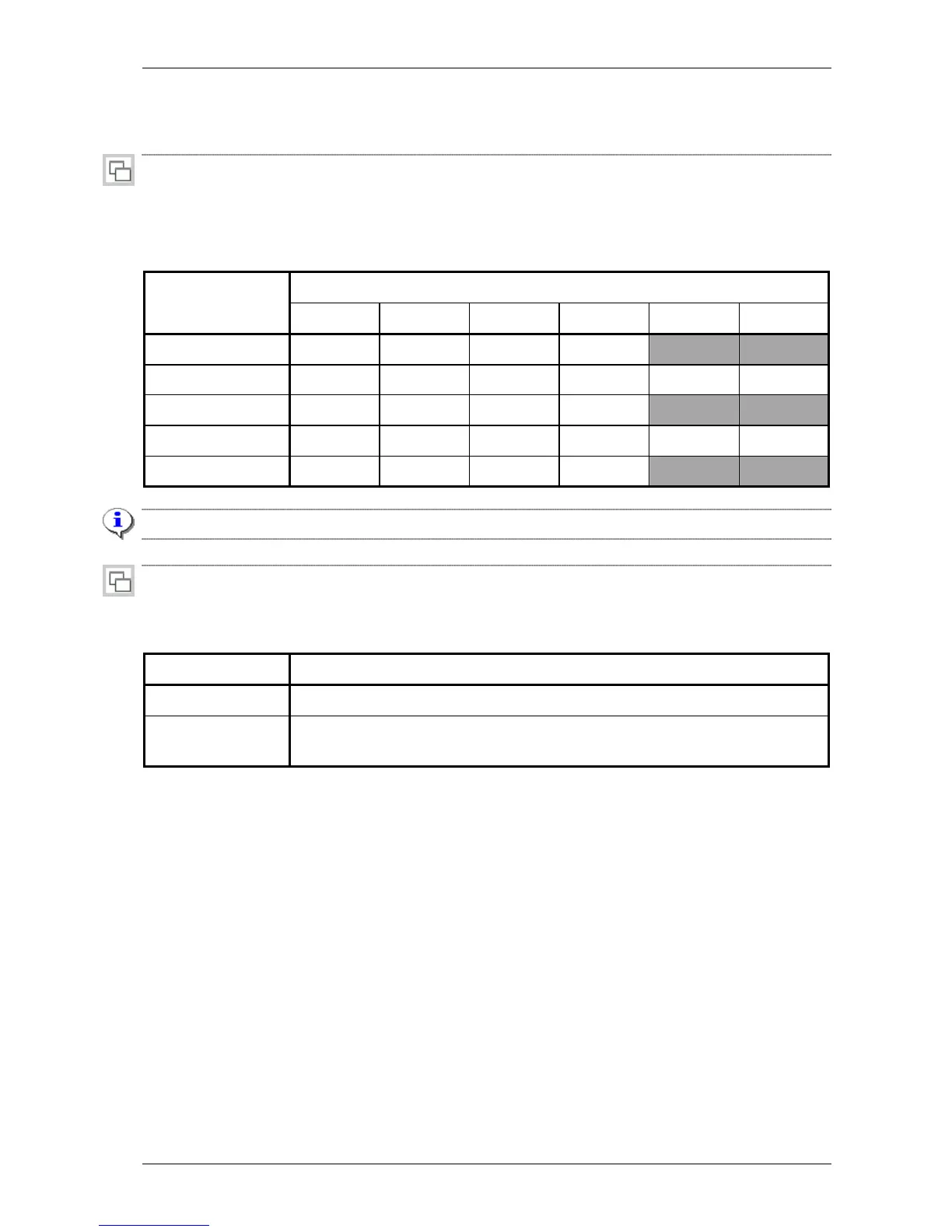
The following table gives an overview of the different clocking modes. It also indicates which clocking
modes are supported on which DTE interfaces.
DTE interface Tx clock mode
V35 V36 RS530 X21 Bridge Router
internalPreferred
X X X X
internalAlternative
X X X X X X
slaveRcvPreferred
X X X X
slaveRcvAlternative
X X X X
X X
external
X X X X
The default clocking mode is indicated in bold.
crocusIfConv<2m/Nx64><Tt/Cv>/<dteInterface>/rxClk default: fromLine
Use this attribute to select the clocking mode of the DTE interface its receive clock. The two possibilities
are:
Rx clock mode Description
fromLine
The receive clock of the DTE interface is taken from the G703 line.
slaveTransmit
The receive clock of the DTE interface is taken from the application connected to
the DTE interface.



 To Next Page