A Statistics
A-4
Eagle Operator Manual - OPEX Corp. Use Only - Not for Distribution
f. In the End Date field, enter the ending date for which you want to run a
statistics report.
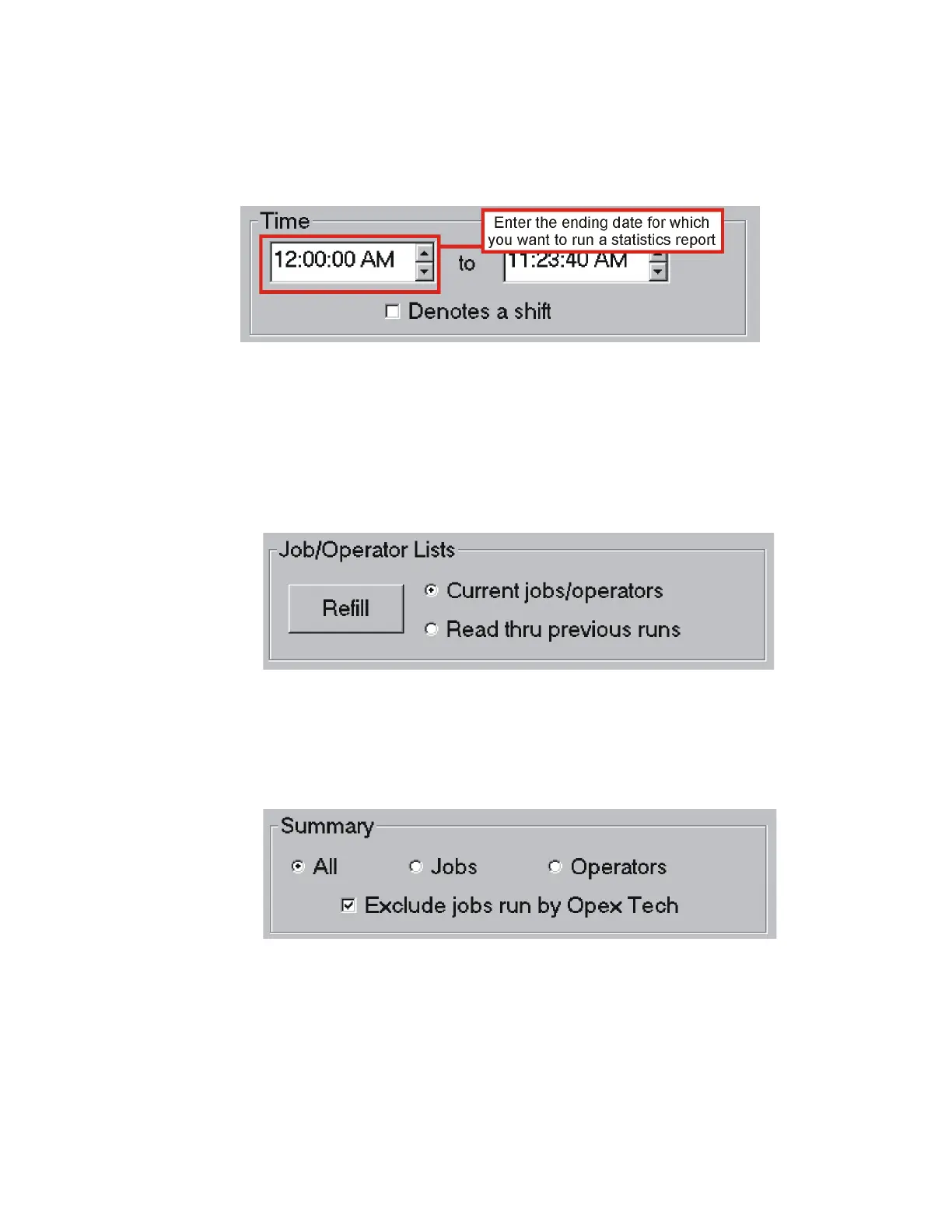
g. In the Start Time field of the Time section, click the up arrow or down arrow to
define the beginning time on which you want to run a statistics report.
h. In the End Time field, click the up or down arrow to define the end time on
which you want to run a statistics report.
i. In the Job/Operator Lists section, select one of the following:
- Current jobs/operators - To use the job names and operator names currently
stored in the Eagle Host PC’s memory.
- Read thru previous runs - To find runs deleted from the current list of jobs and
operators. For example, if a job file was deleted from the Job Name frame, it
is still stored in the stats file. You can access it by selecting this.
j. Click Refill.
k. In the Summary section, select one of the following:
- All - To generate a statistics report for every job run.
- Jobs - To generate a statistics report by Job name.
- Operators - To generate a statistics report by Operator name.
4 Click Summary (F7).



 To Next Page