A Statistics
A-3
Eagle Operator Manual - OPEX Corp. Use Only - Not for Distribution
Creating a statistics report
You can run a statistics report on either the last job run, or as a summary of a
defined set of runs.
1 In the Host software, click OPEX > Statistics.
2 In the Statistics frame, click Individual Report to get a report on the last job run,
OR
Click Summary Report to report on all jobs in a defined range.
3 Define the job range for the summary report. To do this:
a. In any window in the Host software, click OPEX > Statistics > Report Criteria.
b. The Statistics Report Criteria window appears.
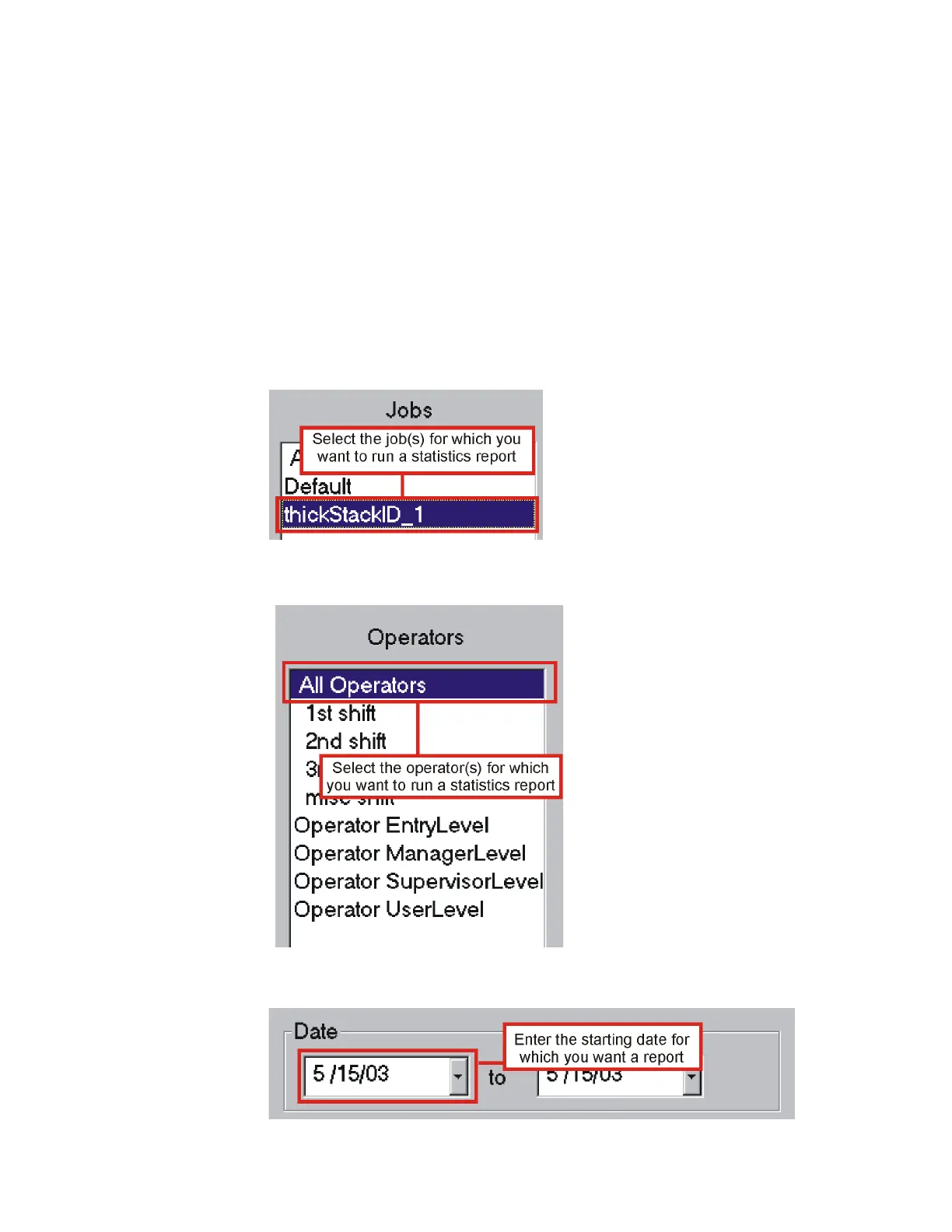
c. In the Jobs field, select the job(s) for which you want to run a statistics report.
d. In the Operators field, select the operator(s) for which you want to run a
statistics report.
e. In the Start Date field of the Date section, enter the starting date for which you
want a report.



 To Next Page