PULSAR
2
ESP
Installation and Operating Manual
OPTIKON 2000
Cod. 111007EN Rev.E
8-18
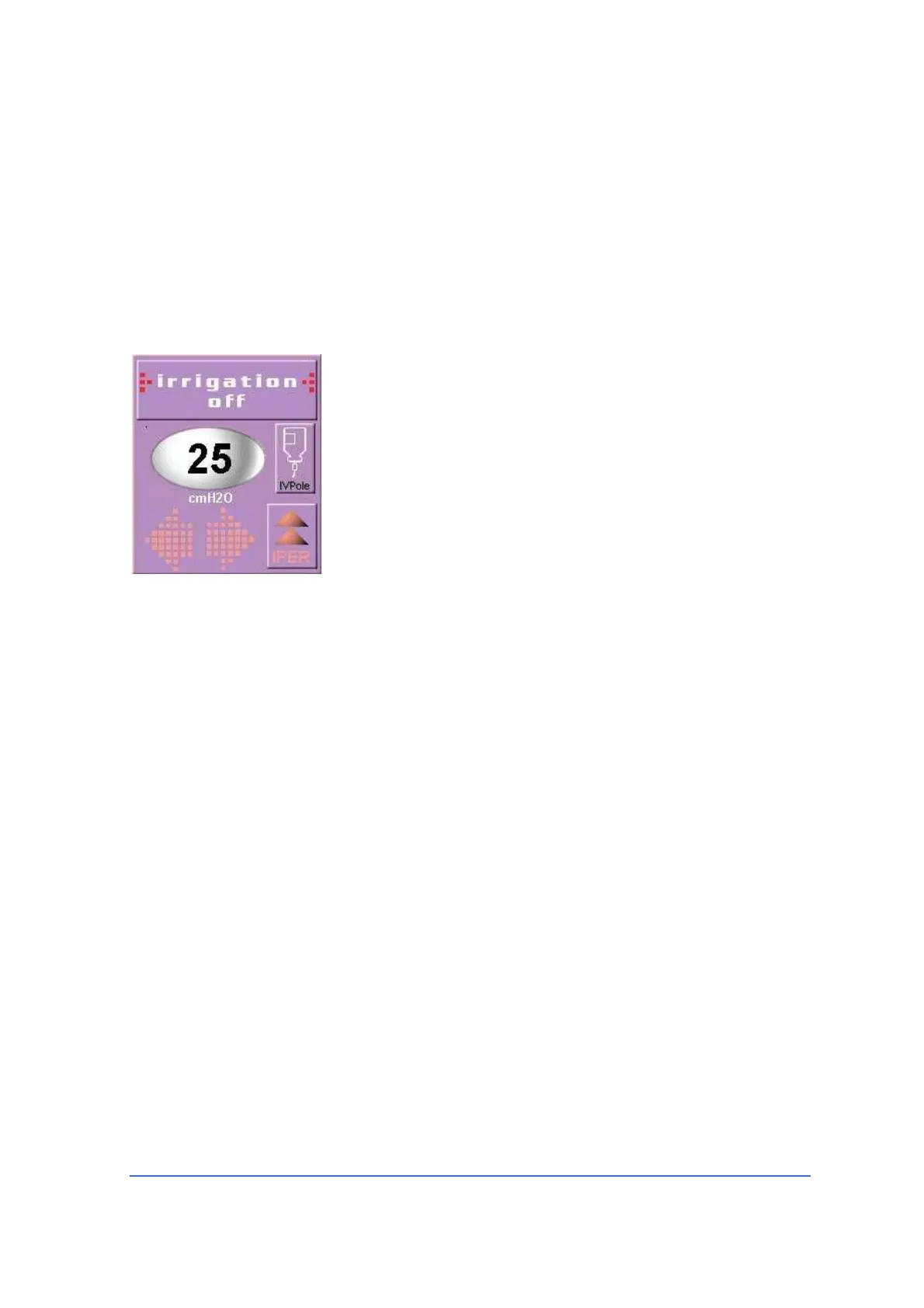
In Vitrectomy, Diathermy and Scissors mode (if available), a key in the control
allows reaching the maximum bottle height with a single touch.
This function is used to increase the intraocular pressure and stop bleeding in case
of intraoperative haemorrhage in posterior segment procedures.
To permanently store the new position in the machine memory, refer to "8.7 TO
RECALL OR STORE A PROGRAM".
Intraocular pressure can also be maintained by means of a system of forced
irrigation. This system is available only if the "VIT MODULE FOR PULSAR
2
" is used.
Refer to this unit's user manual for further details.
8.6 FOOTSWITCH
An immersion-proof footswitch (protection class IPX8) allows the surgeon to
control various modes of equipment operation. The footswitch connects to the rear
panel of the control console (Fig.3, No.9).
The PULSAR
2
unit can be programmed to use the footswitch in the single or double
linear mode. Functions which can be activated in each mode are summarized in
the paragraphs below.
To select a mode , touch the <PROGRAM MODE> soft key on the function main
screen. The program screen will be displayed. At this point touch the <FTSWTCH>
toggle key to select the footswitch mode: Single Linear 05 or Double Linear 05. The
active footswitch mode will be displayed in the footswitch window. Touch the
<DONE> key to return to the function main screen. A “D” or a “S” at the side of the
footswitch icon will indicate the current “Double” or “Single” linear selection.



 To Next Page