PULSAR
2
ESP
Installation and Operating Manual
OPTIKON 2000
Cod. 111007EN Rev.E
8-1
8 EQUIPMENT OPERATION
8.1 BIPOLAR DIATHERMY
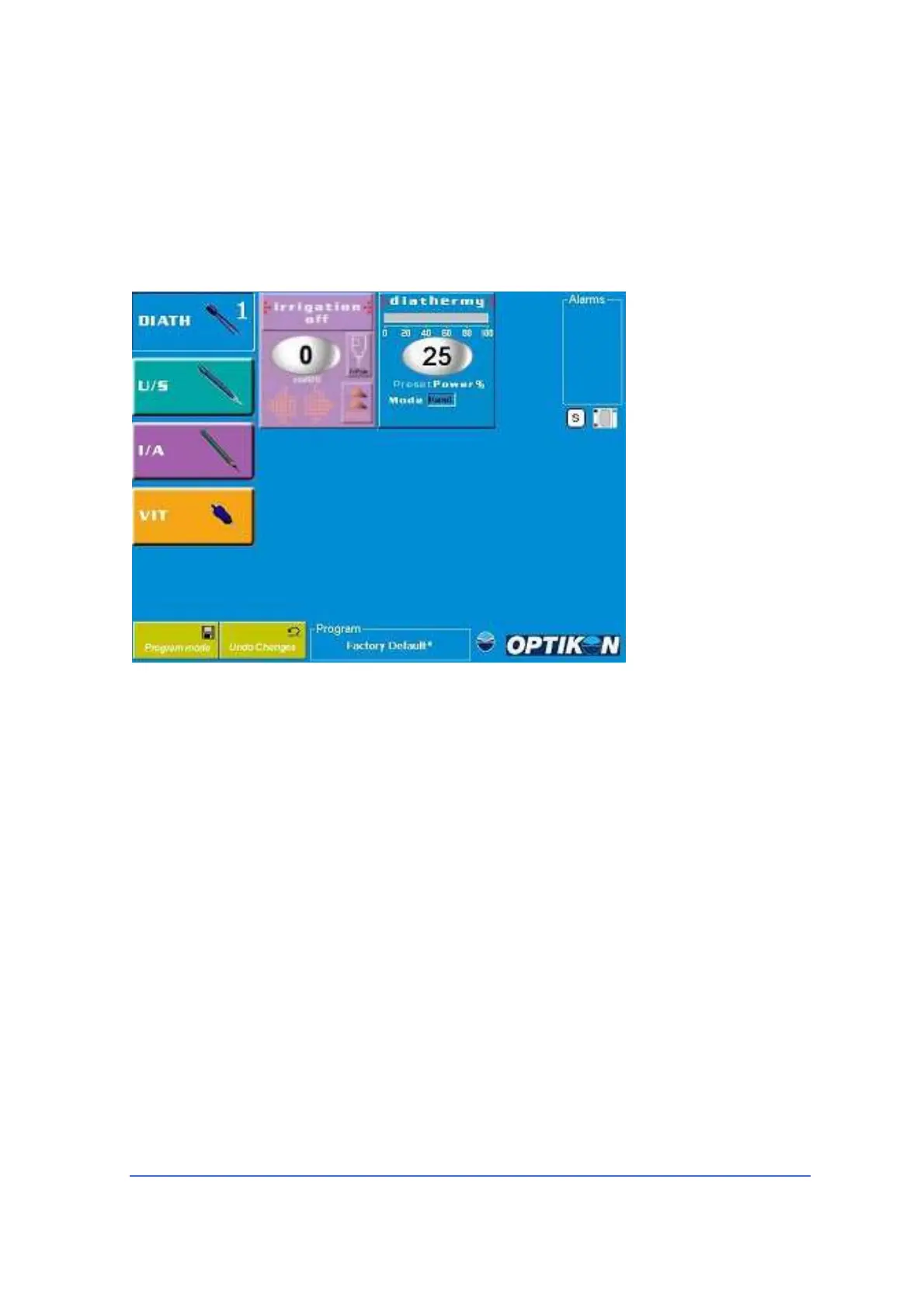
User Interface
• Parameter windows
available
- Irrigation
- Diathermy
• Irrigation
parameters
- Status (ON/OFF)
- I.V. Pole height
• Diathermy
parameters
- Power % (0–100%)
-
Mode
(linear/panel)
Operation
Touching the DIATH function key, DIATH Memory1 screen(DIATH1) will be
displayed. In order to display DIATH Memory2 screen (DIATH2), touch the same key
once again (toggle mode). Swapping between memories DIATH1 and DIATH2 can
also be achieved by means of the footswitch. For footswitch operation please refer
to the relevant section.
1) Insert the plug of the desired handpiece connecting cord into the "DIATHERMY"
socket on the control console (Fig.1, No.5).
2) Touch the <DIATH> key on the LCD screen to select the bipolar diathermy
mode. <DIATH> soft key is depressed and the speech synthesizer announces
"DIATHERMY ONE" when bipolar diathermy is selected. Diathermy parameters
window will show preset output power and power mode.
3) If you are satisfied with the actual settings, just go to step 5.
4) To adjust output power, touch the Diathermy power display to show the
Diathermy Setup pop-up window . Preset power value can be adjusted by means
of the <UP>/<DOWN> arrow keys. If you are uncertain about the power to use,



 To Next Page