PULSAR
2
ESP
Installation and Operating Manual
OPTIKON 2000
Cod. 111007EN Rev.E
8-23
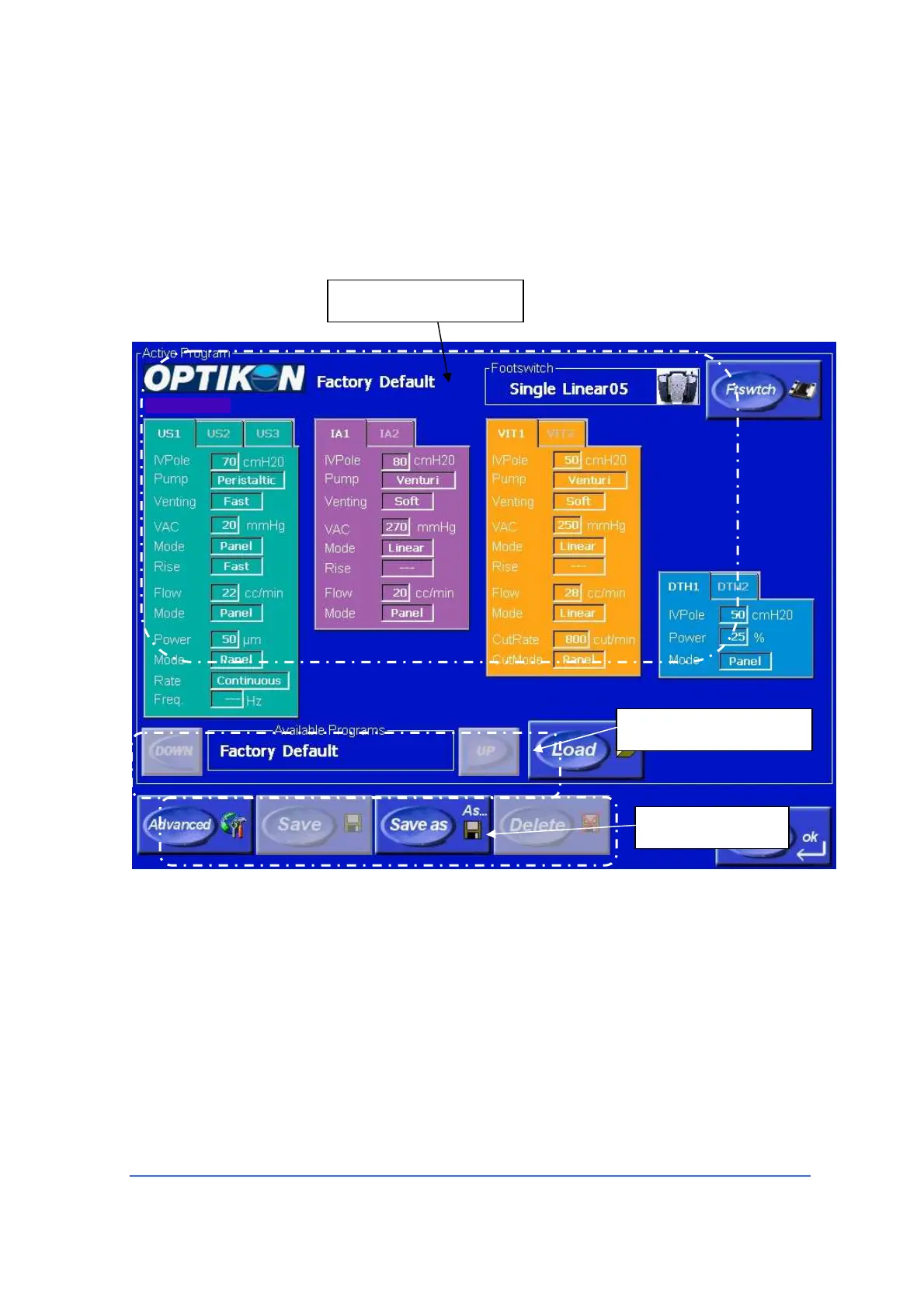
In order to create and store a new program or modify the active program, first
adjust the various equipment parameters in the relevant Parameters Windows,
then touch the Program mode key. The Program screen will appear. To reset all
parameter modifications effected on the active program, touch the Undo Changes
key on the main function screen.
Configuration table
All parameter values currently set on the equipment are displayed in a
configuration table. Touch the relevant tab to display the sub-modes parameters
(i.e. U/S2 or U/S3). The active program name is indicated on the upper left part of
the table itself.
Configuration table
Program keys
Program select keys



 To Next Page