R-evo Smart E/S/CR Installation and use manual
Cod. 1X10XXEN 2020-09-14 Rev.E
Refer to the "System alarm messages" chapter of this manual for a detailed
description of all error messages, their causes and possible corrective actions.
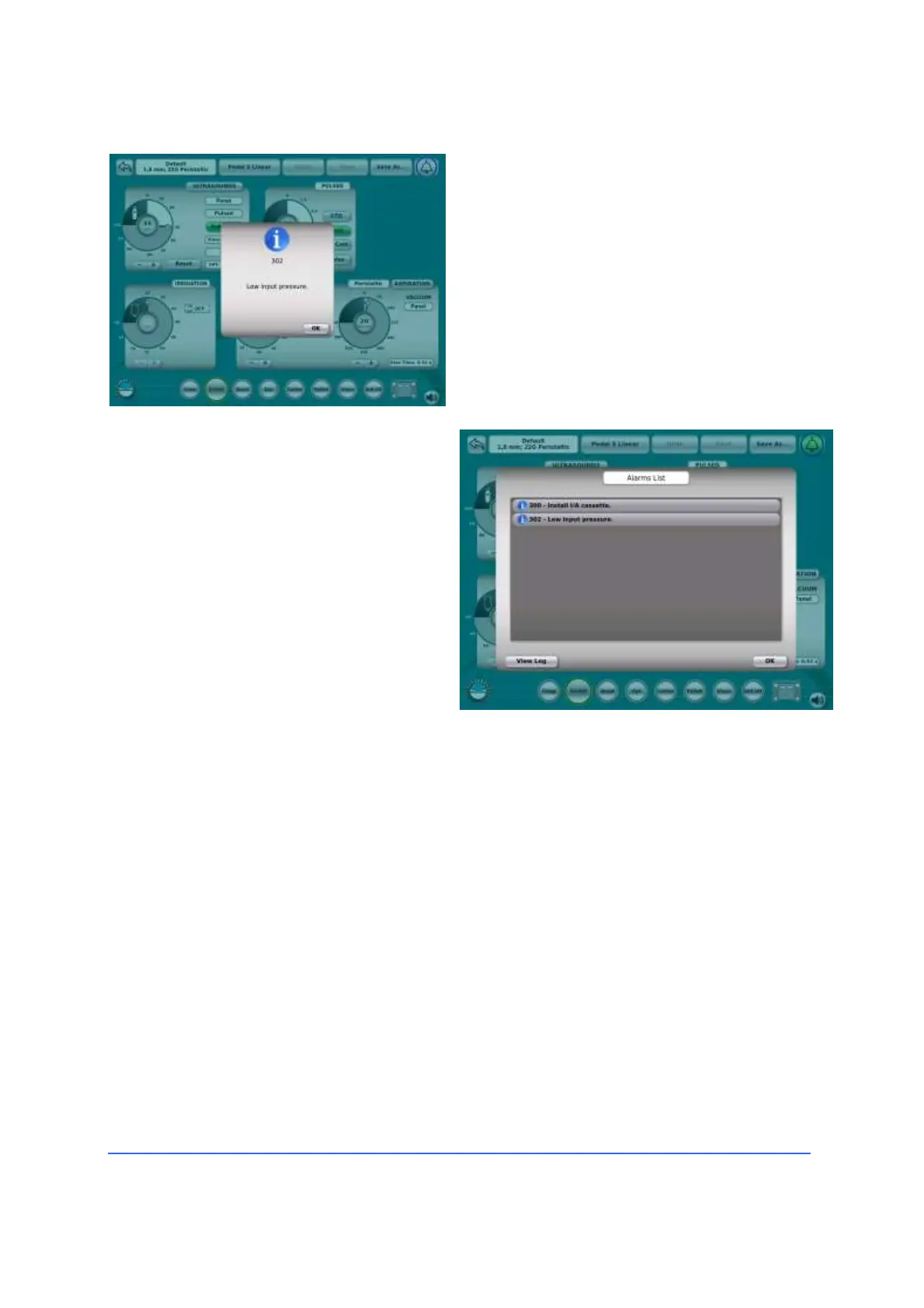
Equipment warnings and error messages are
displayed on the screen in pop-up windows.
When the user acknowledges the warning or
error message, the pop-up window
disappears, the error is stored in the table
of warnings/error messages.
As a reminder of the alarm condition still
active, the alarm symbol (the bell located
at the top right of the screen) will appear
surrounded by the colour of the highest
active alarm priority.
Tap on the alarm symbol to display a
list of all active alarms.
Press the OK button to close the alarm
list and return to normal operation.
All 1xx and 2xx errors are
automatically inserted into the system
memory and are accessible via the
Service mode by OPTIKON 2000 S.p.A.
technical service personnel.
For more information on using the graphical user interface, refer to the description
of the use of individual device functions.



 To Next Page