6. Save as button...
It allows to save the current configuration as a new user program.
7. Alarm button/indicator.
Pressing this button displays a list of currently active alarms on the screen. The
frame around the button varies in colour based on the most serious error that
may be active:
grey: no error, blue: information, yellow: partial malfunction, red: malfunction
and dangerous situation.
A status bar, located at the bottom of the screen, indicates the current status of the
device by expanding the indicator related to the active surgical function (in the
example shown above, Sculpt or "sculpture").
Touch the button indicator of any other surgical function to switch the device to the
desired operating mode.
A logo, surrounded by flashing white dots, indicates that the Medical Device software
is working normally.
INFORMATION Risk of minor injury to the patient!
• If the dots around the logo stop moving, the Medical
Device is stopped and you must stop using it.
The user must periodically look at the logo to check the
status of the device.
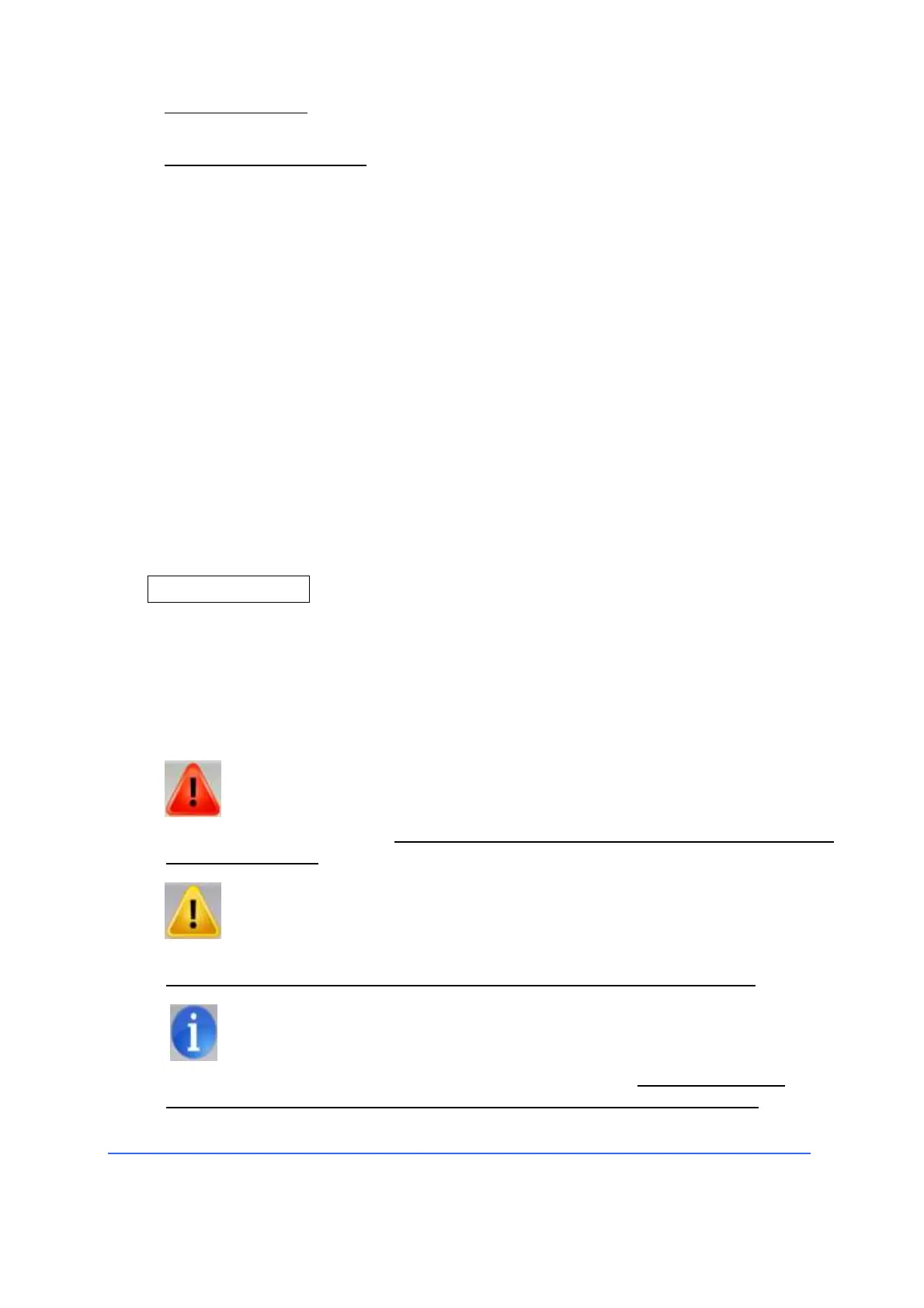
The error messages of the device are divided into three severity levels:
• Warnings have higher priority. Errors of this level are numbered 1xx and
indicated by a red symbol. An error of this priority requires to interrupt the use
of the equipment.
• Caution signs have a lower priority than previous ones. The errors that
belong to this level are numbered with 2xx and indicated by a yellow symbol.
An error with this priority only prevents the use of a specific function.
• Information has the lowest priority. The errors that belong to this level
are numbered with 3xx and indicated by a blue symbol. An error with this
priority requires attention from the user to carry out a specific action.



 To Next Page