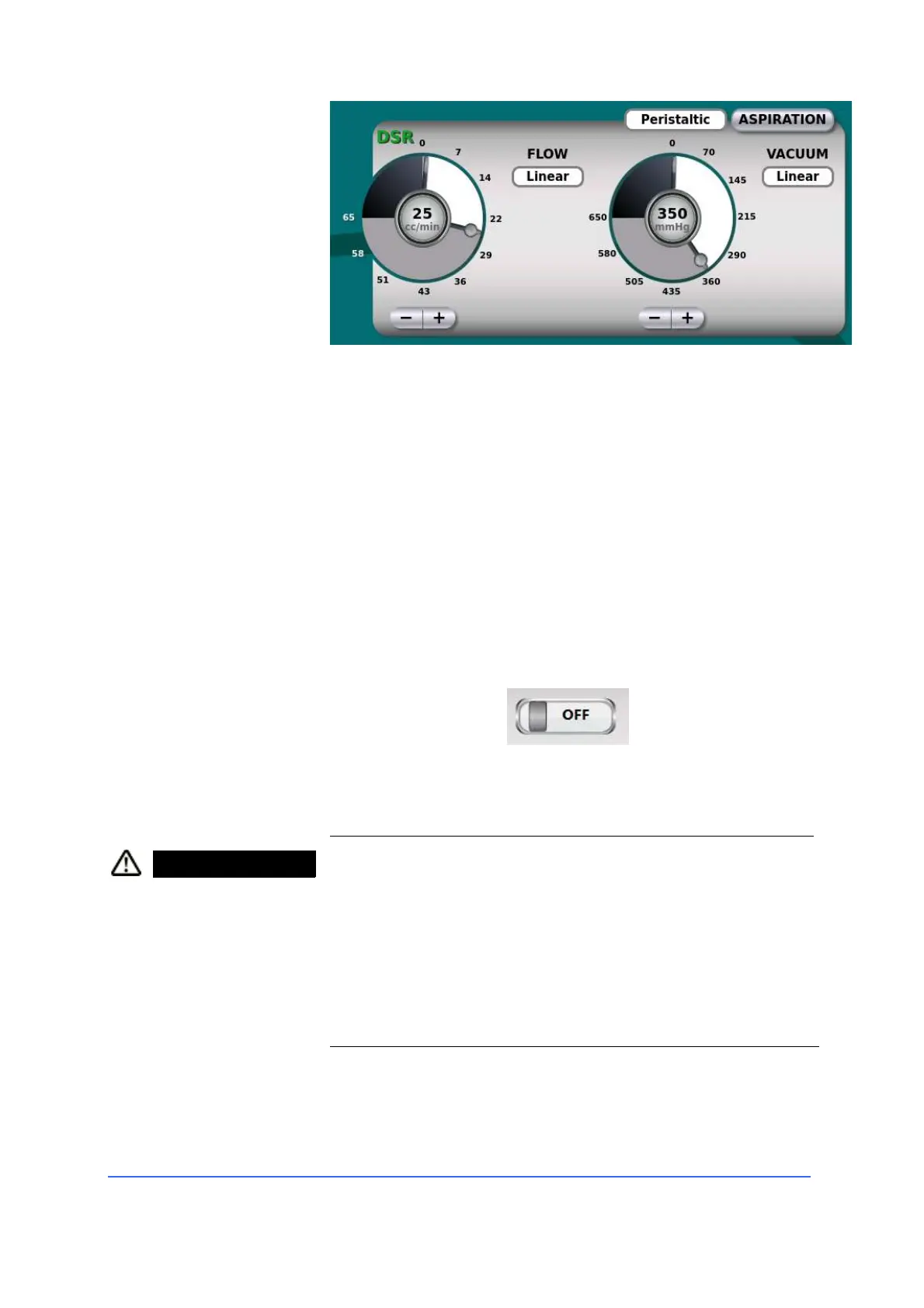
Irrigation settings
• Set the height of the IV pole according to the vacuum
settings and the connected tip, in order to maintain an
adequate balance of the liquids.
• Activate irrigation by pressing the foot switch beyond its
standby position.
Continuous irrigation (irrigation flows even after
releasing the footswitch) can be activated by pressing
the "On" button on the touch screen, or by pressing the
corresponding side button on the footswitch, depending
on the programming of this 'last.
• To stop continuous irrigation, press the touch screen's
"Off" button, or press the foot switch again.
WARNING Risk of injury to the patient's eye!
The intraocular pressure is reduced if the amount of
balanced salt solution is insufficient.
• Check the level of balanced salt solution in the
infusion bottle during surgery. If the level is too low,
the surgeon will replace the bottle or the infusion bag.



 To Next Page