• Start with low vacuum safety settings and gradually
increase them to determine the correct vacuum and
height settings for the IV pole, making sure the
anterior chamber is stable.
The set flow values (only for the peristaltic pump)
and the vacuum level can be adjusted using the + -
keys or the cursor.
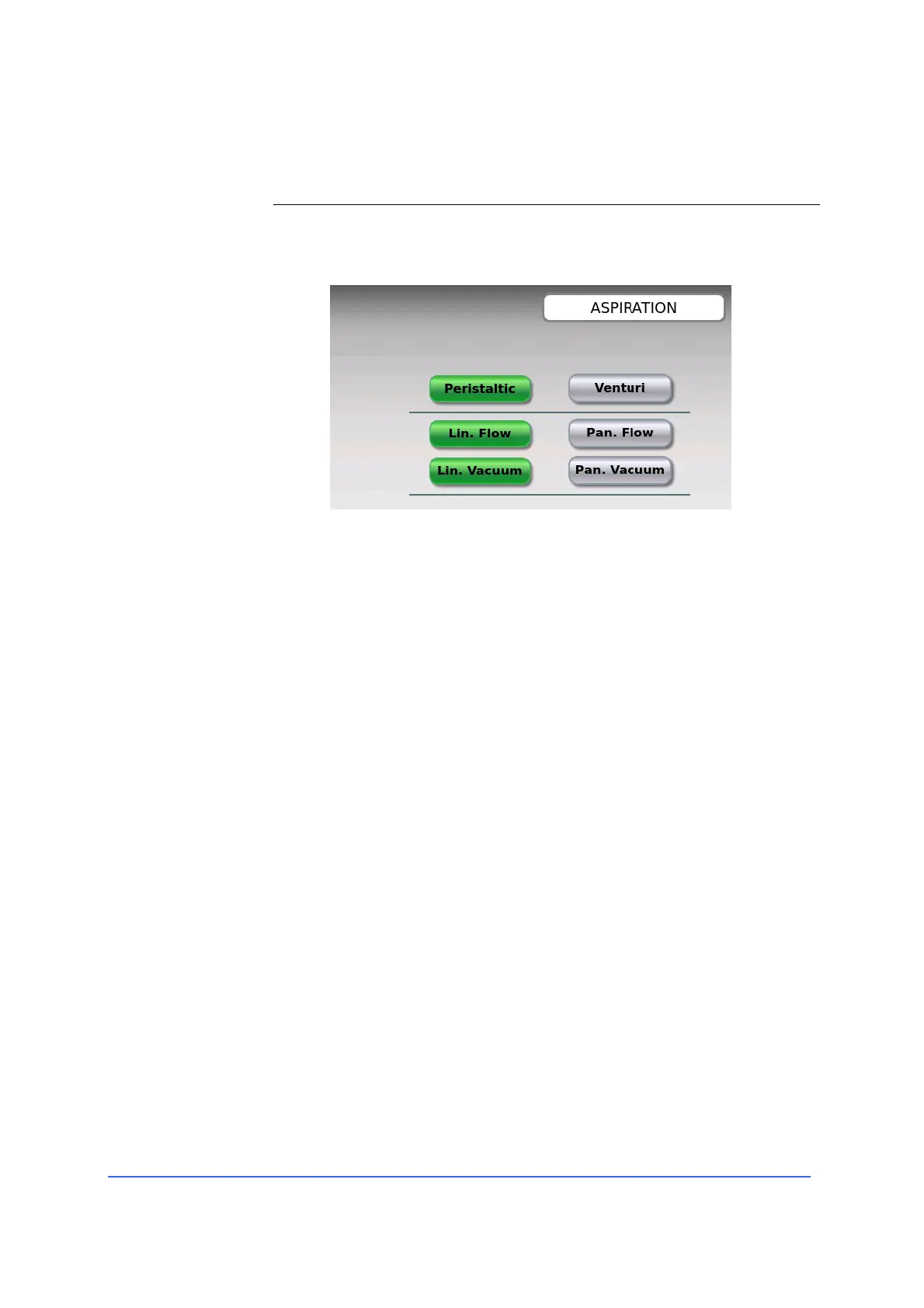
The vacuum and flow can be controlled either in "panel"
(that is, fixed) or "linear" control mode.
To switch to "linear" mode; press the Lin Flow button
and/or Blank Lin, and to switch to "panel" (fixed) mode,
press the Pan Flow button and/or Vacuum Pan.
In "panel" mode, a function, when activated by the pedal,
automatically reaches the value set in the user program.
In "linear" mode, the surgeon can, by pressing or turning
the pedal, linearly control the value of the function from
zero to the set limit.
When in “linear” mode, the Surgeon, by footswitch
depression or rotation, can linearly control the function
value from a start value to a final “stop” value previously
set in “DSR Settings” (Dynamic Setting Regulation).
Values set in “DSR Settings” are shown in the working
screen by two finger indexes delimitating the linear
regulation range.



 To Next Page