15
Powering On/O the Projector
Powering On the Projector
1. Remove the lens cover.
2. Connect the power cord to the projector.
3. Turn On the connected devices.
4. Ensure the Power LED is ashing and then press the
Power
button to turn On the projector.
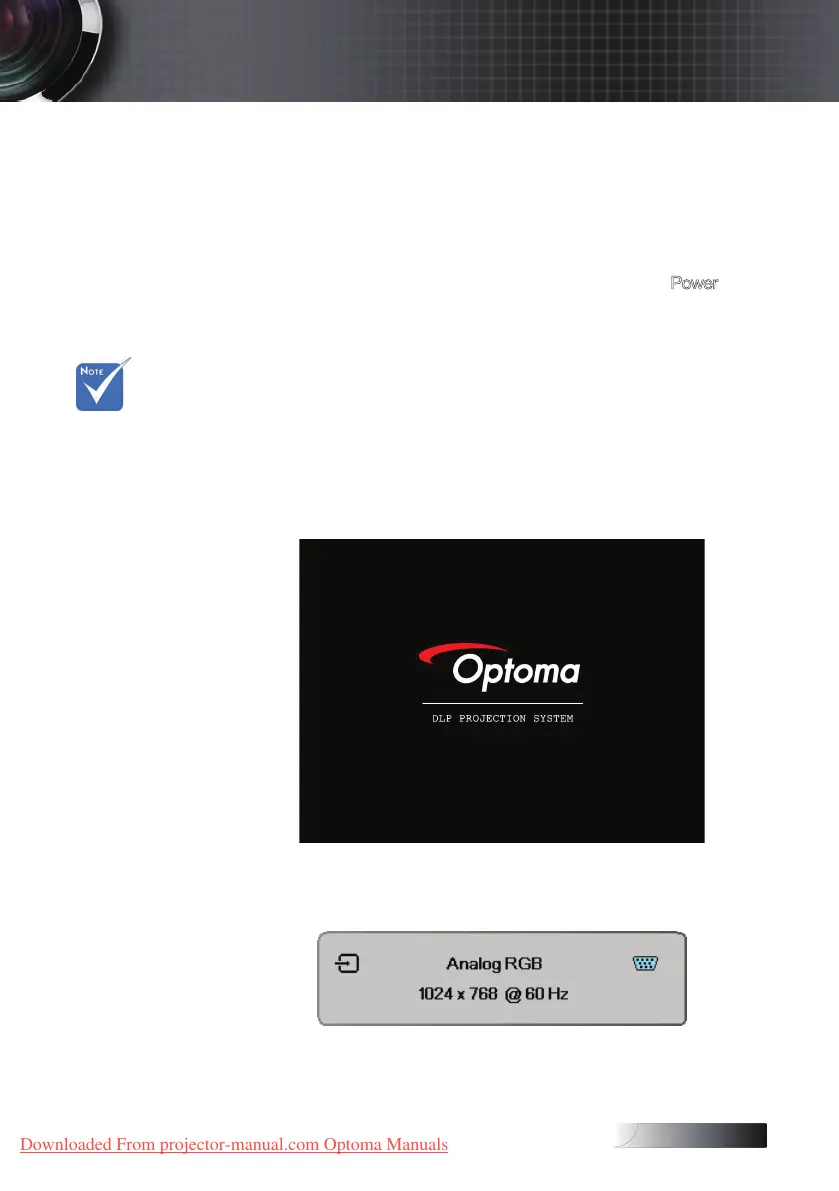
The projector’s startup logo screen displays and connected devices
are detected.
If the connected device is a laptop, press the appropriate keys on
the computer keyboard to switch the display output to the projector.
(Check the user manual of the laptop to determine the appropriate
Fn key combination to change display output.)
See Security Settings on page 36 if security lock is enabled.
5. If more than one input device is connected, press the “Source”
button sequentially to switch between devices.
For direct source selection, see page 21.
v Turn on the
projector rst
and then
select the
signal sources.
Installation
Downloaded From projector-manual.com Optoma Manuals





 To Next Page