36
Setup | Security
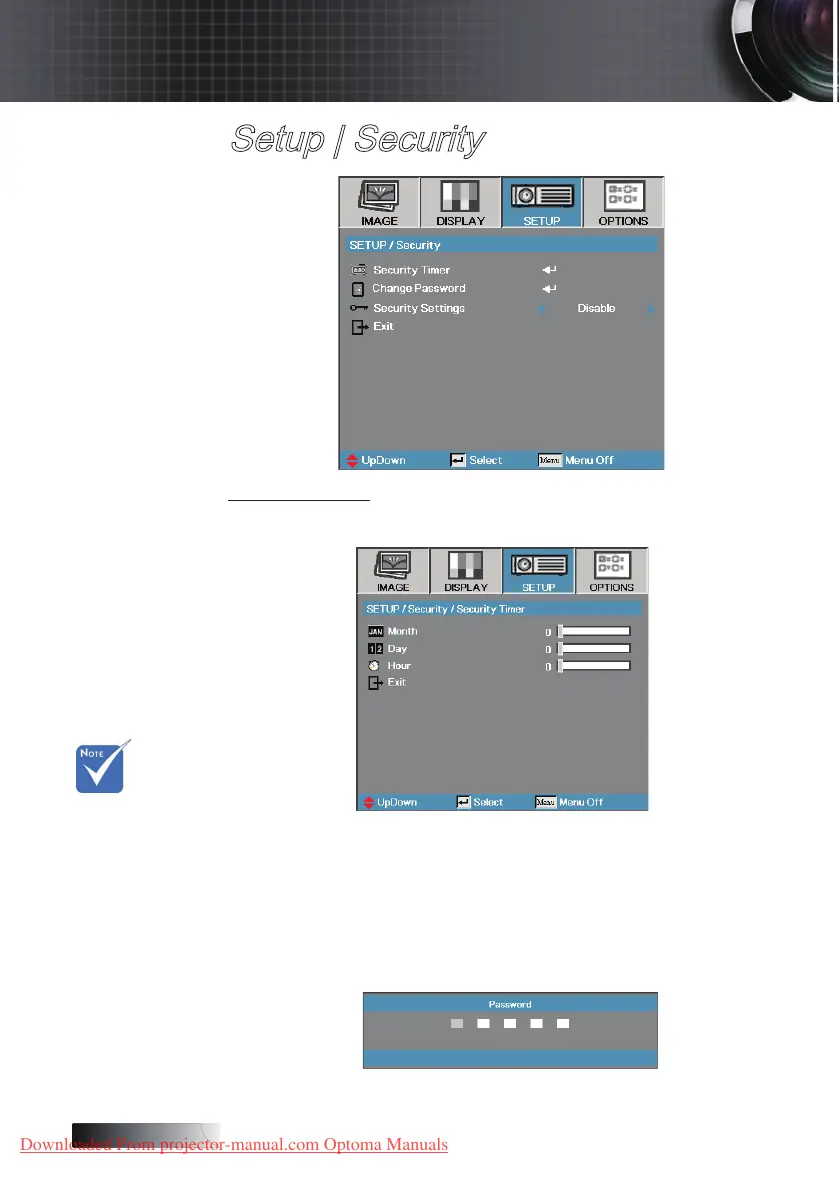
Security Timer
Enter the Security Timer sub menu.
Enter the Months, Days, and Hours that the projector can be used without
entering the password. Exiting to the Setup menu activates the Security
Timer.
Once activated, the projector requires a password on the specied dates
and times to allow power on and access to the security menu.
If the projector is in use and the Security Timer is active, the following
screen displays 60 seconds before the password is required.
v No password
is required to
access Setup
| Security
unless the
Security Timer
or Security
Setting are
enabled.
User Controls
Downloaded From projector-manual.com Optoma Manuals





 To Next Page