55
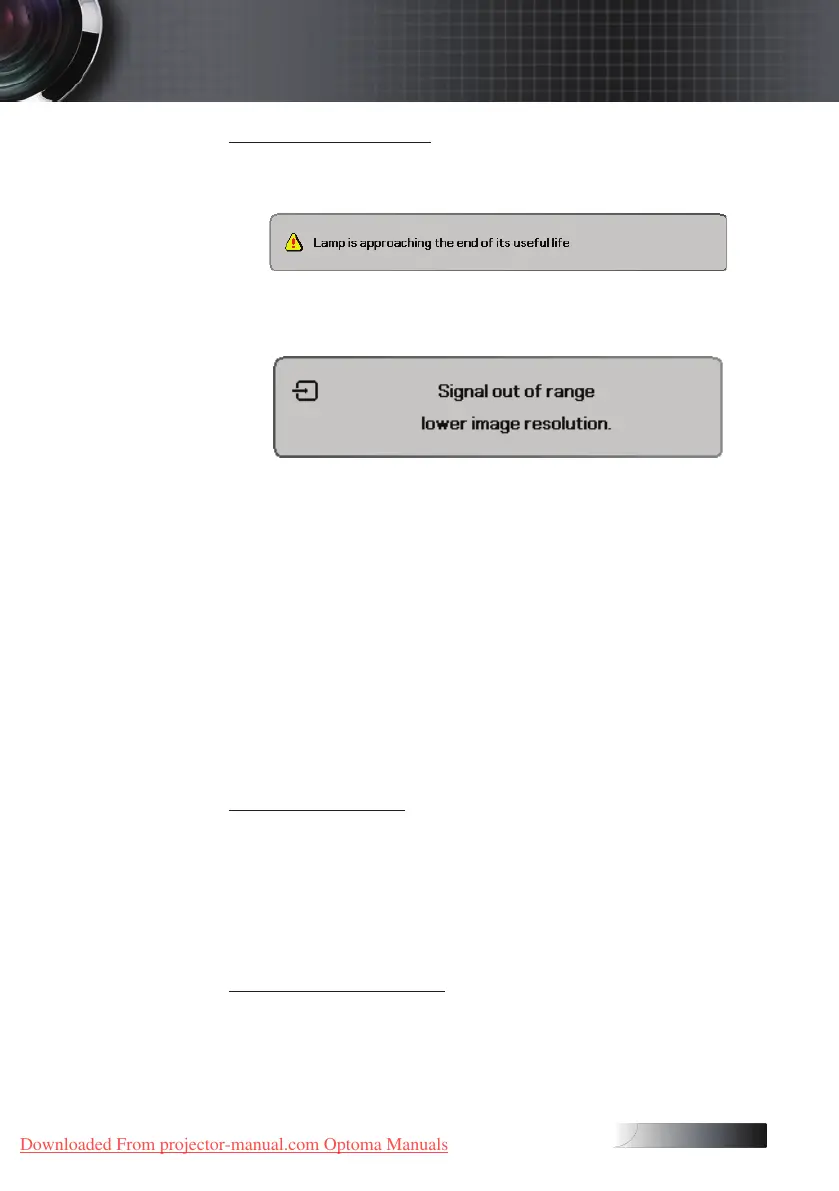
Message Reminders
4
Replacing the lamp:
4
Out of range: (see the following for more information)
Remote Control
If the remote control does not work
4
Check the operating angle for the remote control is
approximately ±15°.
4
Make sure there are no obstructions between the remote control
and the projector. Move to within 7m (23 ft) of the projector.
4
Make sure the batteries are inserted correctly.
4
Replace weak batteries in the remote control.
Audio
There is no sound
4
Adjust the volume on the remote control.
4
Adjust the volume of the audio source.
4
Check the audio cable connection.
4
Test the source audio output with other speakers.
4
Have the projector serviced.
The sound is distorted
4
Check the audio cable connection.
4
Test the source audio output with other speakers.
4
Have the projector serviced.
Appendices
Downloaded From projector-manual.com Optoma Manuals





 To Next Page