42
User Controls
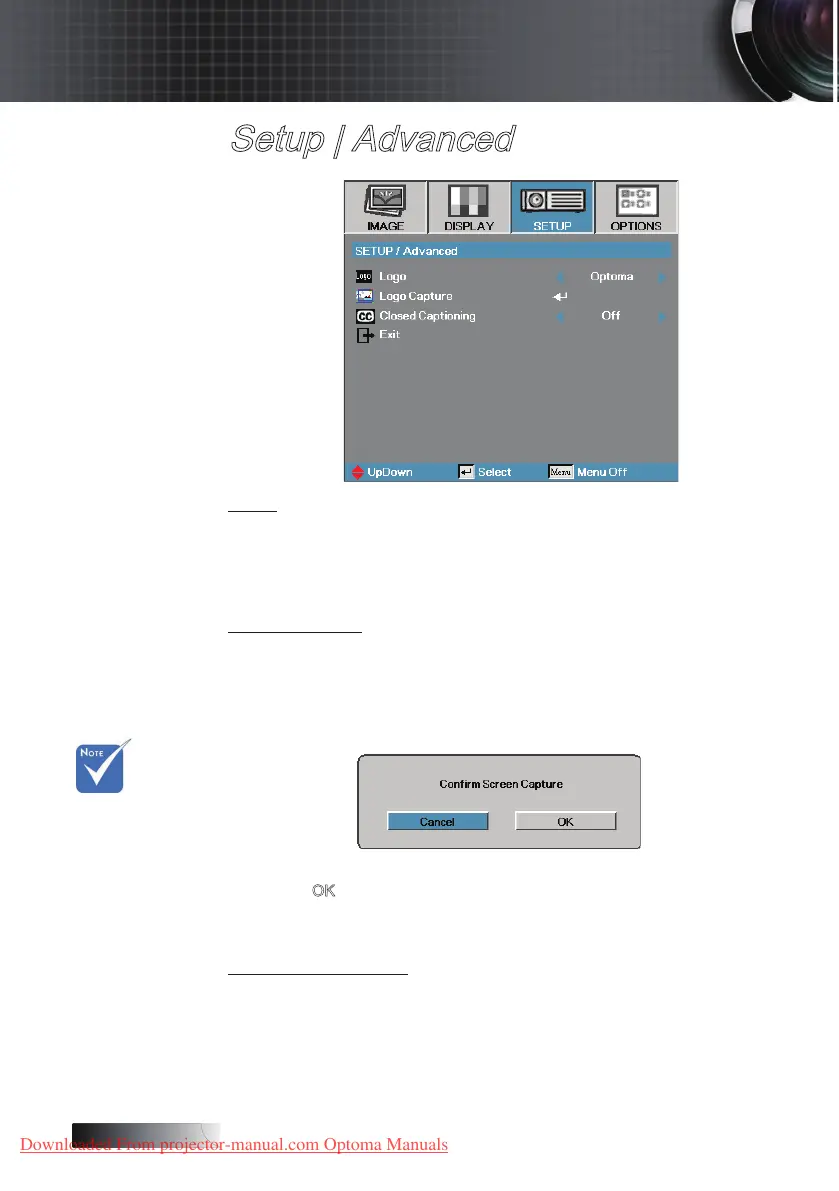
Setup | Advanced
Logo
Select the screen to display during startup.
4
Optoma—the supplied default startup screen.
4
User—customized screen capture using the Logo Capture function.
Logo Capture
Capture a displayed screen to use as the startup screen.
1. Display the desired screen on the projector.
2. Select Logo Capture from the Advanced menu.
A conrmation screen displays.
3. Select
OK. Screen capture in progress will display.
When nished, Screen capture Succeeded will display.
The captured screen is saved as User in the logo menu.
Closed Captioning
Select the screen to display closed captioning
4
O–the supplied default setting.
4
On-close captioning text is displayed if available.
v Only one
startup screen
can be saved
at once.
Subsequent
captures
overwrite
previous les.
Downloaded From projector-manual.com Optoma Manuals





 To Next Page