39
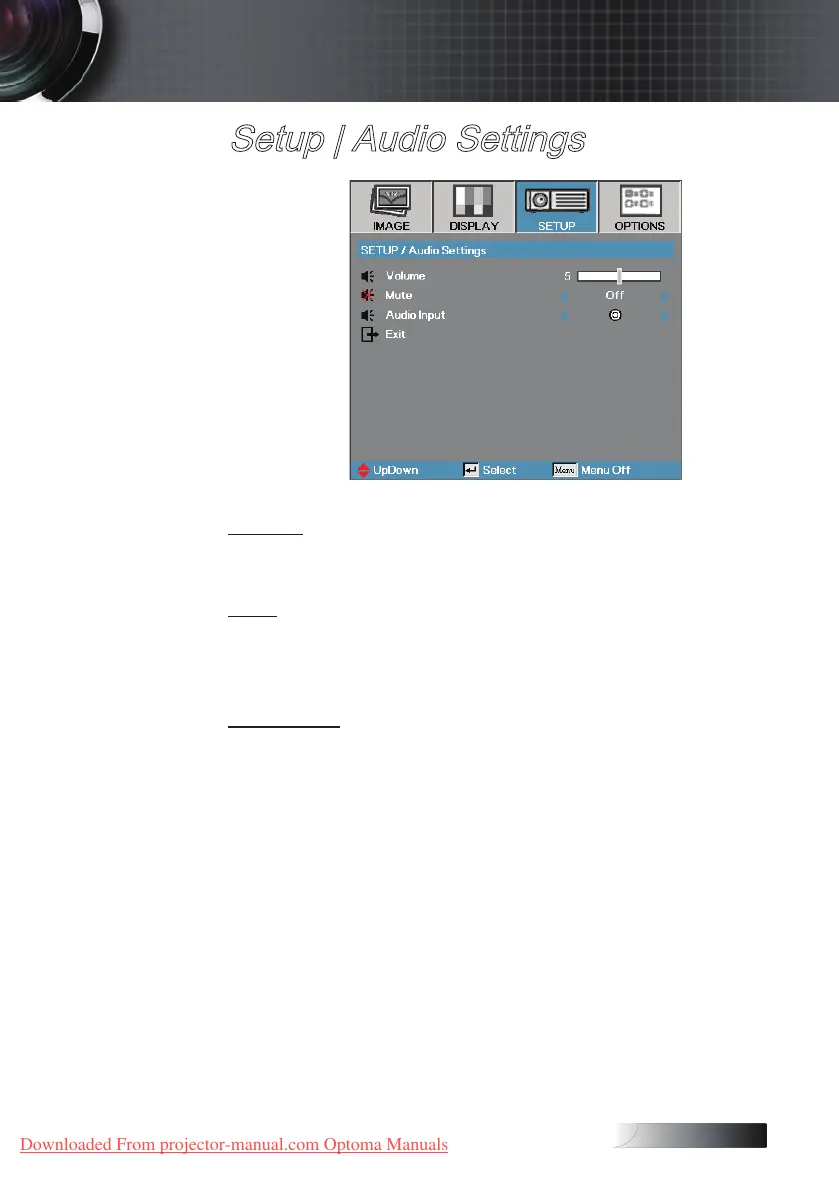
Setup | Audio Settings
Volume
Press ◄ to decrease the volume of voice.
Press ► to increase the volume of voice.
Mute
Toggle the audio on or o.
4
O—the speaker volume is turned on.
4
On–the speaker volume is turned o.
Audio Input
Press ◄ or ► to select the audio input source.
User Controls
Downloaded From projector-manual.com Optoma Manuals





 To Next Page