38
Setup | Security
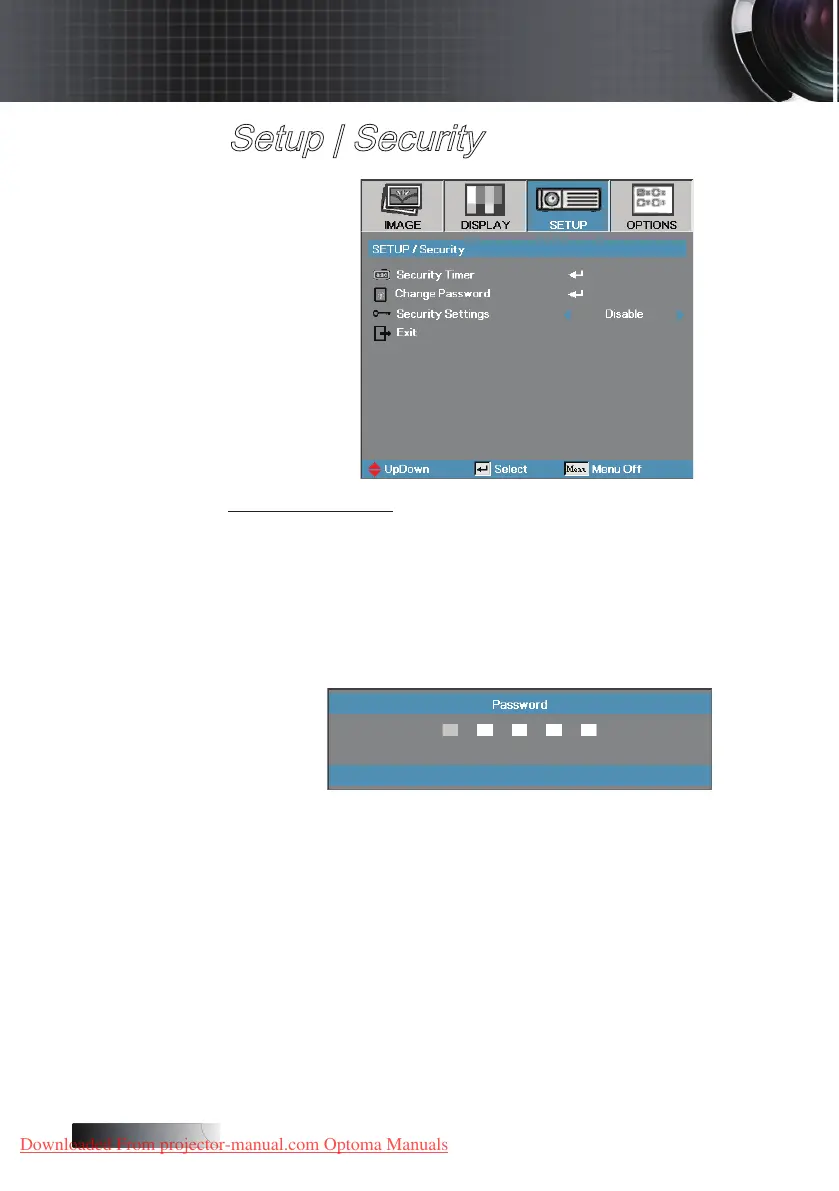
Security Settings
Enable or disable the security password.
4
Enabled—the current password is required to power on the projector
and access the Security menu.
4
Disabled—no password is required for any function.
When security is enabled, the following screen displays at startup and
before access to the Security menu is allowed:
User Controls
Downloaded From projector-manual.com Optoma Manuals





 To Next Page