37
Setup | Security
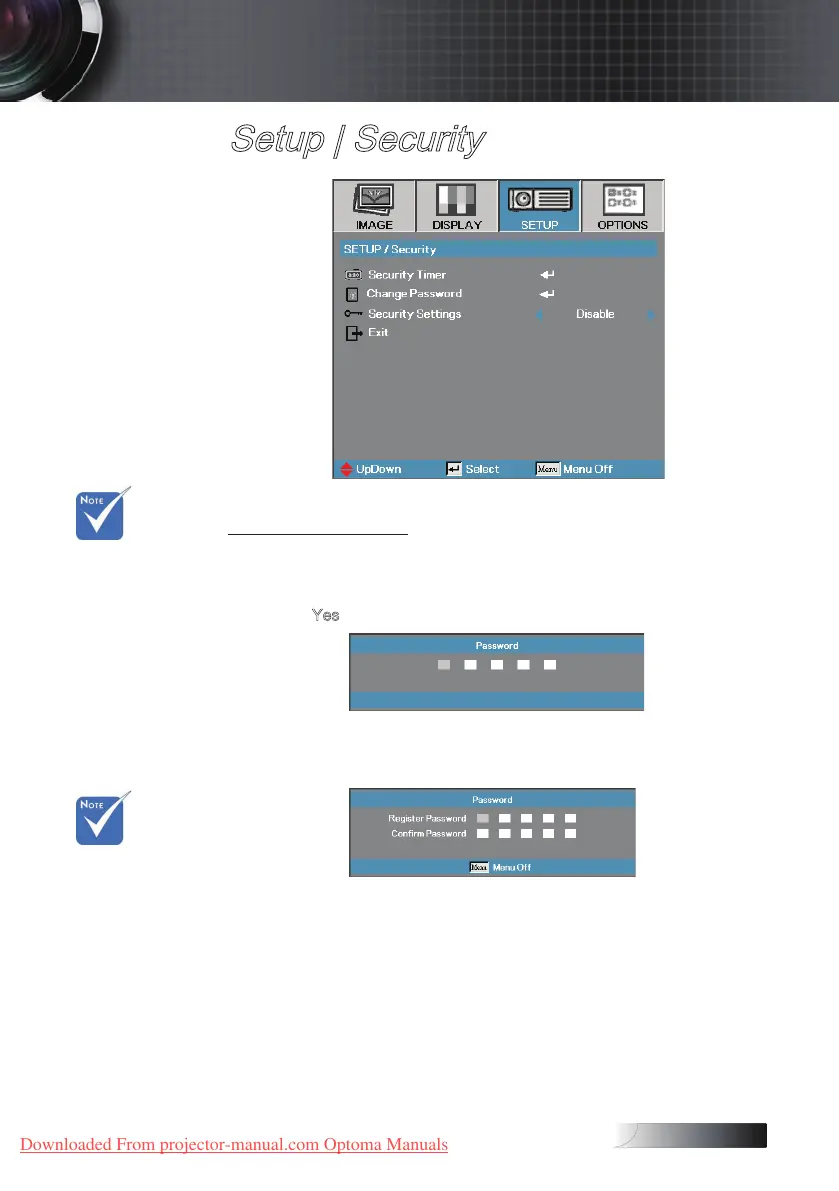
Change Password
Use this submenu to change the security password for the projector.
1. Select Change Password from the Security submenu. The Conrm
Change Password dialog box displays.
2. Select
Yes.
3. Enter the default password <1> <2> <3> <4> <5>.
A second password screen displays.
4. Enter the new password twice for verication.
v If the incorrect
password is
entered three
times, the
device auto
shutdowns after
10 seconds.
v If the new
passwords
do not match,
the password
screen
redisplays.
User Controls
Downloaded From projector-manual.com Optoma Manuals





 To Next Page