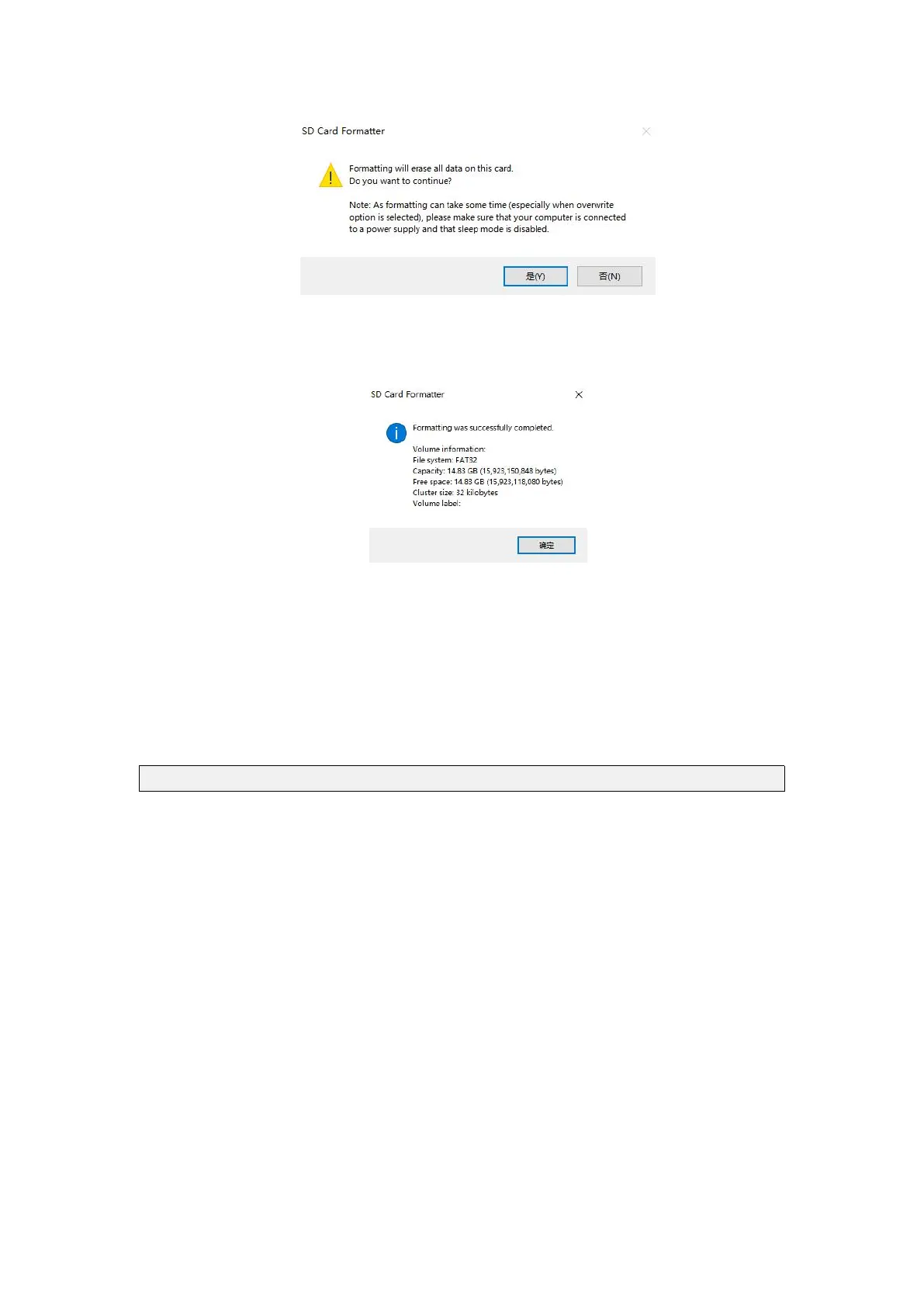
e. After formatting the MicroSD card, the message shown below will pop up,
click OK
4) Download the Linux operating OS image file compression package you want to
flash from download page of the Orange Pi official website, and then use the
decompression software to decompress it. In the decompressed file, the file ending
with ".img" is the operating OS image file, with a normal size Are above 1GB
5) Use Win32Diskimager to burn Linux image to MicroSD card
a. The download page of Win32Diskimager is
http://sourceforge.net/projects/win32diskimager/files/Archive/
b. Install directly after downloading, the Win32Diskimager interface is shown
below
a) First, select the path of the image file
b) Then confirm that the drive letter of the MicroSD card is consistent with
the one displayed in the "Device" column
c) Finally, click "write" to start flash



 To Next Page