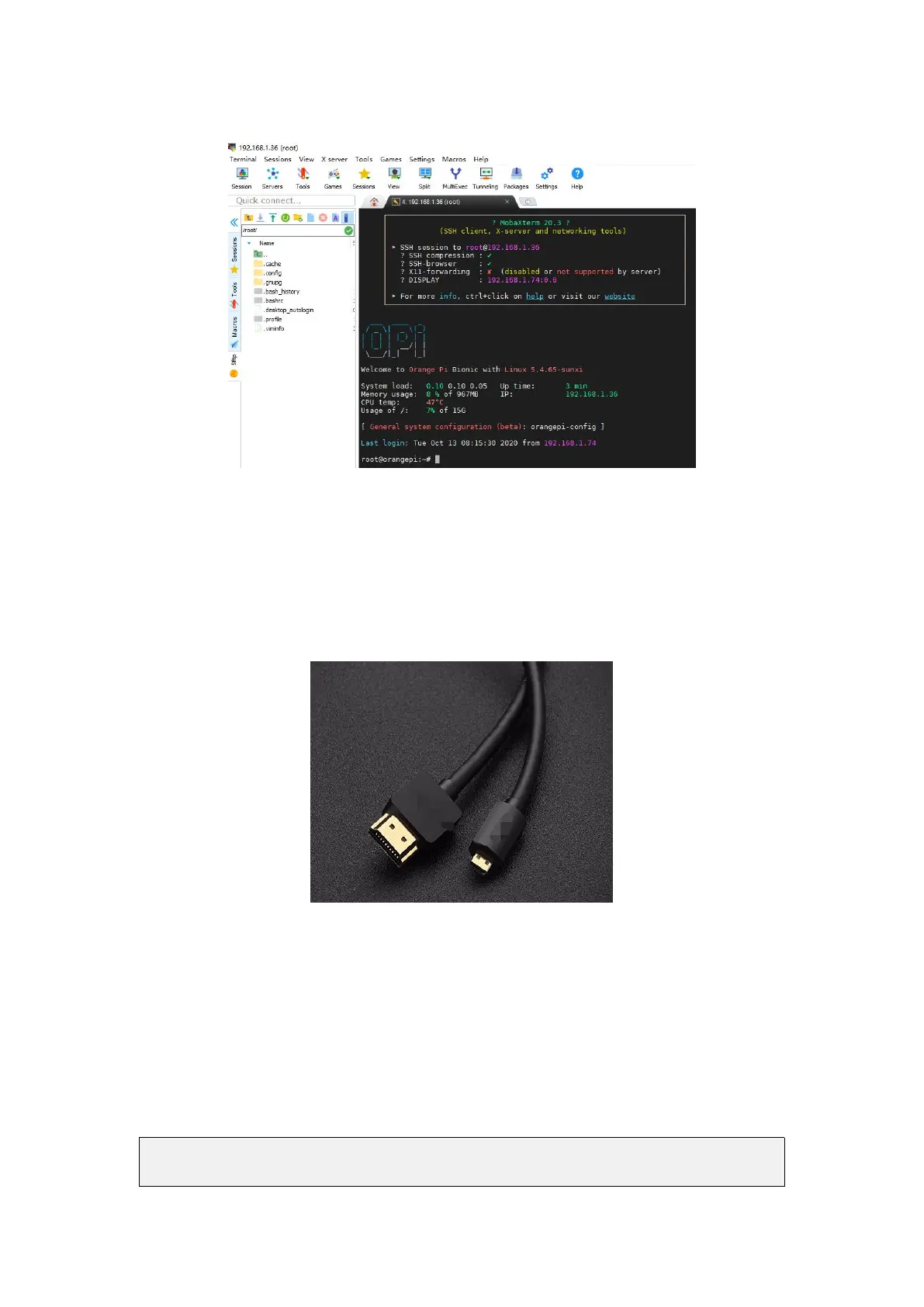
3.10. HDMI display test
1) Use Micro HDMI to HDMI cable to connect Orange Pi development board and
HDMI display
2) If the HDMI display has image output after starting the Linux OS, it means that the
HDMI interface is working normally
3.11. HDMI resolution setting
1) There is a disp_mode variable in the /boot/orangepiEnv.txt of the Linux OS, which
can be used to set the HDMI resolution. The default resolution of the Linux OS is
1080p60
root@orangepi:/boot# cat orangepiEnv.txt
verbosity=1



 To Next Page