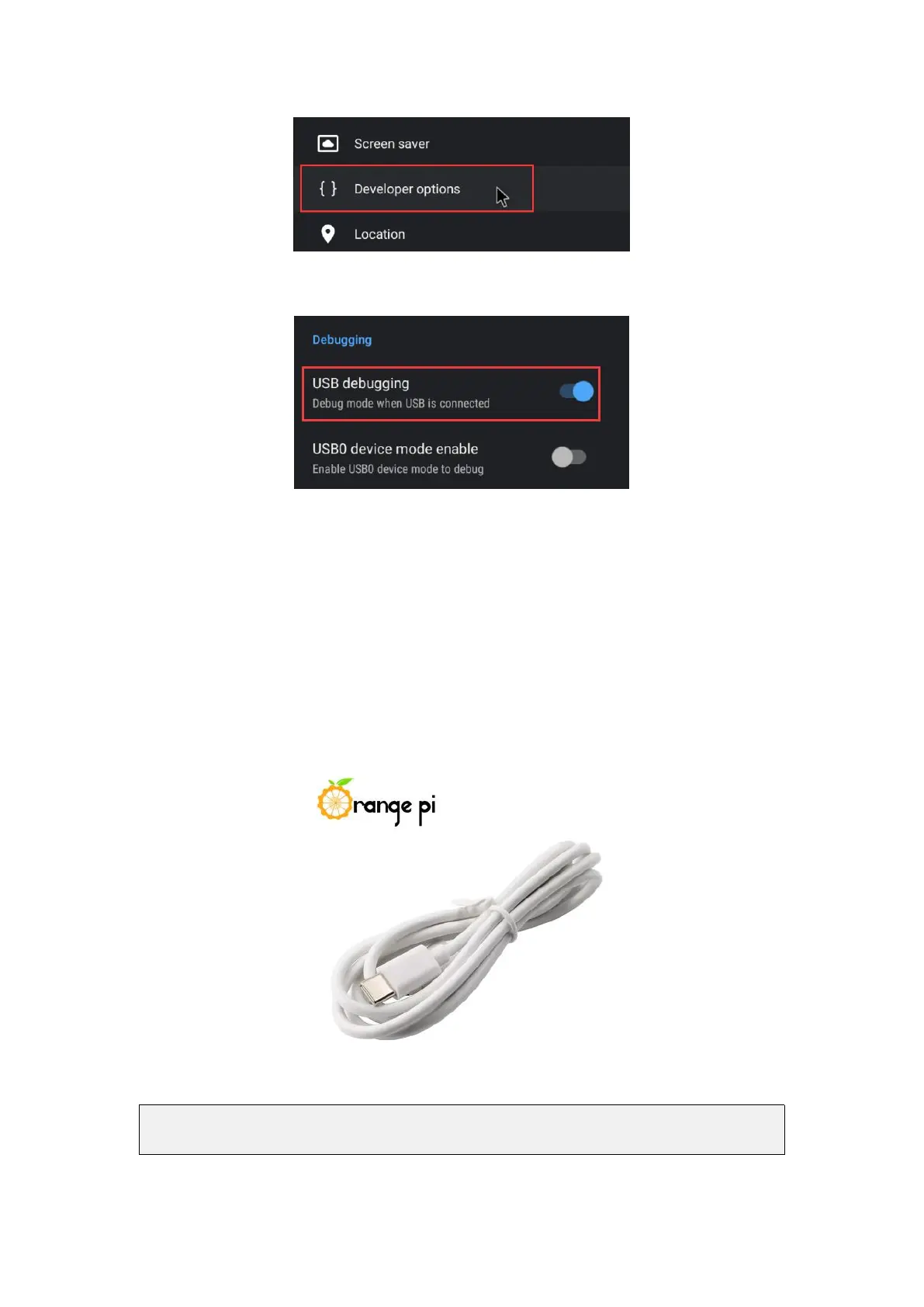
4) Finally find USB debugging, make sure it is turned on
5.4.2. Use data cable to connect adb debugging
1) First make sure to turn on the USB debugging option
2) Prepare a USB Type C interface data cable. One end of the USB interface is
inserted into the USB interface of the computer, and the other end of the Type C
interface is inserted into the power interface of the development board. In this case,
the USB interface of the computer supplies power to the development board, so please
ensure that the USB interface of the computer can provide the powerful to drive the
development board.
3) Install adb tool on Ubuntu PC
test@test:~$ sudo apt update
test@test:~$ sudo apt install adb



 To Next Page