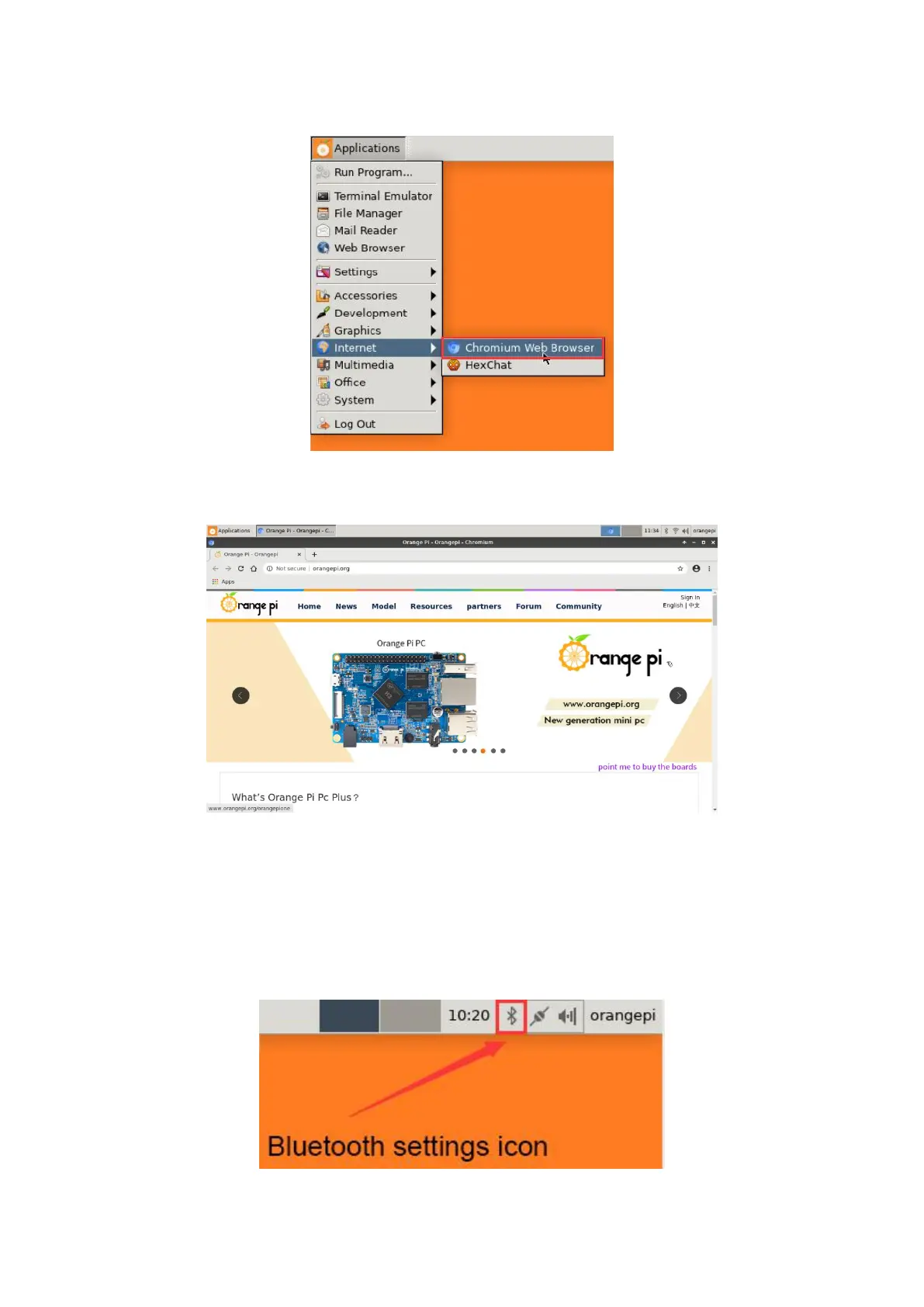
surf the Internet. The entrance of the browser is shown in the figure below
5) After opening the browser, if you can see the page of the OrangePi website, or you
can open other web pages, the WIFI connection is normal
3.14. How to use Bluetooth
?
3.14.1. Test method of desktop version image
1) Click the Bluetooth icon in the upper right corner of the desktop



 To Next Page