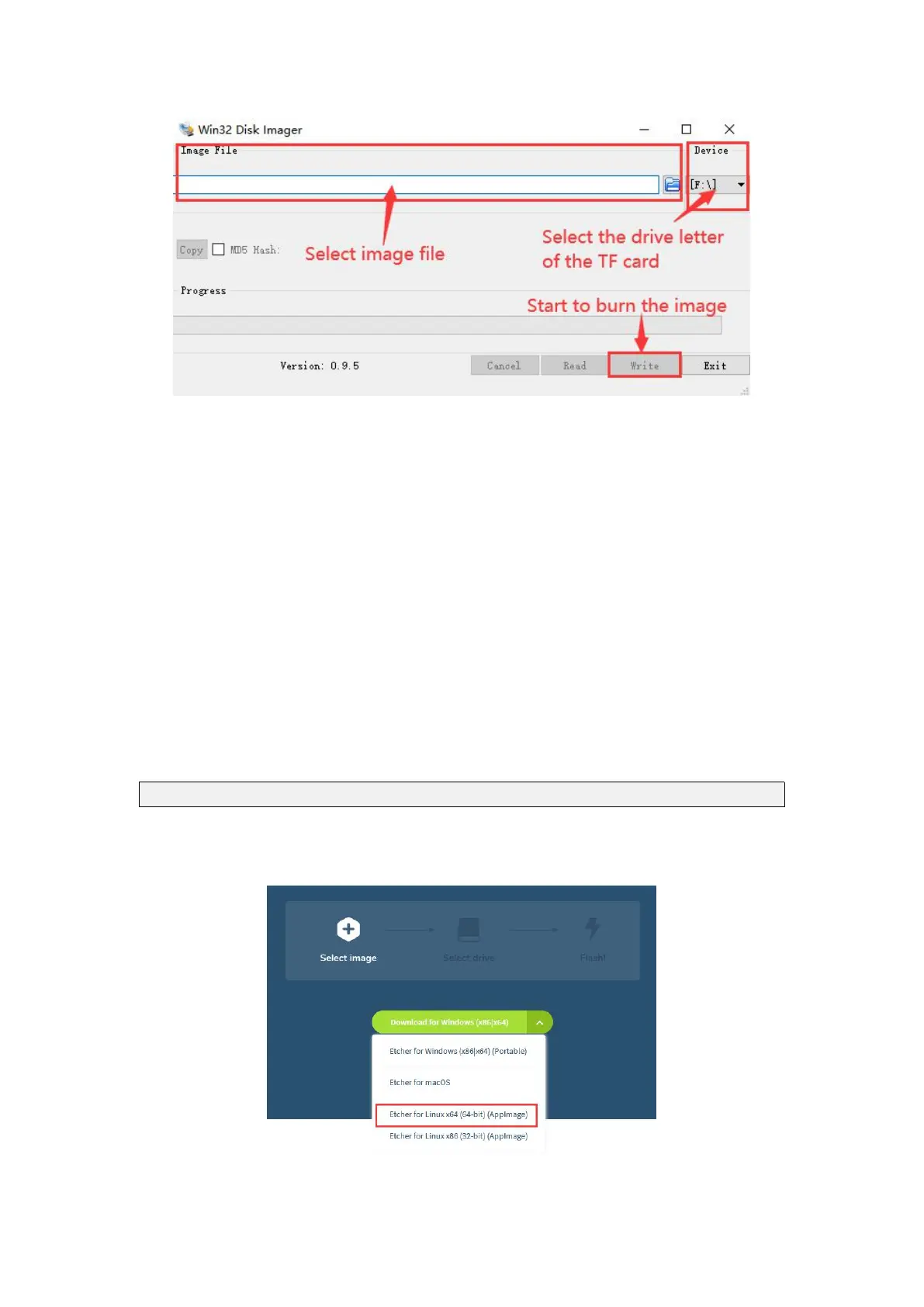
c. After the image is written, click the "Exit" button to exit, and then you can
pull out the MicroSD card and insert it into the development board to boot
2.4. Method to flash Linux image to MicroSD card based on
Ubuntu PC
1) First, prepare a Micro card with 8GB or larger capacity. The transmission speed of
the MicroSD card must be above class10. It is recommended to use a brand MicroSD
card such as SanDisk.
2) Then use a card reader to insert the MicroSD card into the computer
3) Download balenaEtcher software, the download URL is
https://www.balena.io/etcher/
4) After entering the balenaEtcher download page, please select the Linux version of
the software through the drop-down box to download



 To Next Page