3.23.6. UART test
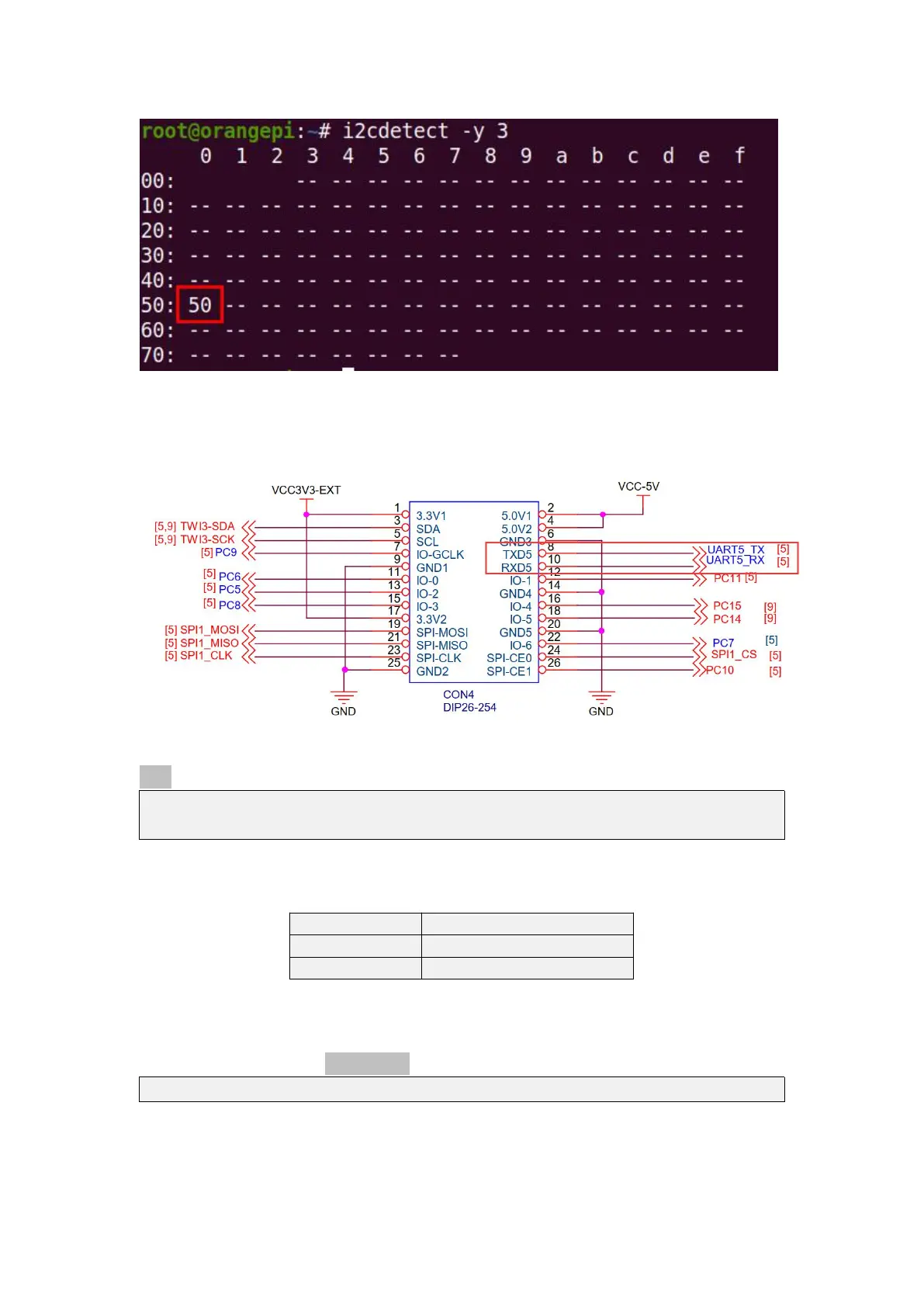
1) According to the schematic diagram of 26pins, the uart available for Orange Pi
Zero 2 is UART5
2) After starting the linux OS, first confirm that there is a UART5 device node under
/dev
root@orangepi:~# ls /dev/ttyS*
/dev/ttyS0 /dev/ttyS1 /dev/ttyS5
3) Then start to test the UART5 interface, first use the Dupont line to short-circuit the
rx and tx of the UART5 interface to be tested
4) Then modify the serial device node name opened by the serial test program
serialTest in wiringOP to /dev/ttyS5
root@orangepizero2:~/wiringOP/examples# vim serialTest.c



 To Next Page