bus: 25, vendor/product: 0001:0001, version: 0x0100
Repeat delay = 500 ms, repeat period = 125 ms
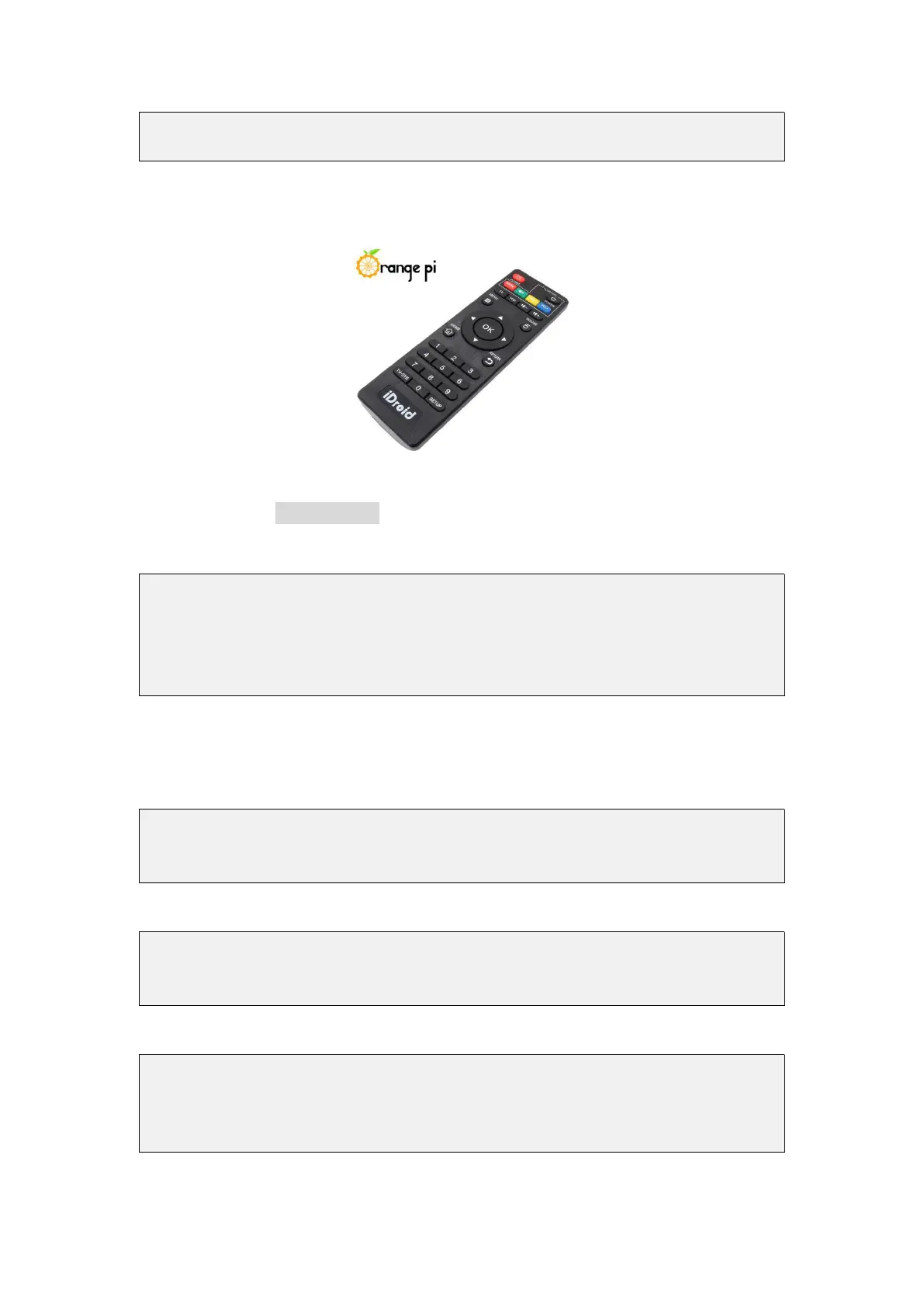
4) An IR remote controller needs to be prepared before testing the IR receiving
function
5) Then enter the ir-keytable -t command in the terminal, and then use the IR remote
control to press the button against the IR receiving head of the Orange Pi development
board to see the received key code in the terminal
root@orangepi:/# ir-keytable -t
Testing events. Please, press CTRL-C to abort.
1598339152.260376: event type EV_MSC(0x04): scancode = 0xfb0413
1598339152.260376: event type EV_SYN(0x00).
1598339152.914715: event type EV_MSC(0x04): scancode = 0xfb0410
3.20. Hardware watchdog test
1) Download the code of wiringOP
root@orangepi:~# apt update
root@orangepi:~# apt install git
root@orangepi:~# git clone https://github.com/orangepi-xunlong/wiringOP
2) Compile wiringOP
root@orangepi:~# cd wiringOP
root@orangepi:~/wiringOP# ./build clean
root@orangepi:~/wiringOP# ./build
3) Compile the watchdog test program
root@orangepi:~/wiringOP# cd examples/
root@orangepi:~/wiringOP/examples# make watchdog
[CC] watchdog.c
[link]



 To Next Page